Dense daylight town: colour palette and stacking grammar across a full build
Townscaper · City & Base Management
Art style Stylized 3D
About this game
Developer: Oskar Stålberg · Publisher: Raw Fury AB · Platform: PC (Steam) · Art style: Stylized 3D · Screen type: City & Base Management
More Townscaper screens in the Gallery
What to study
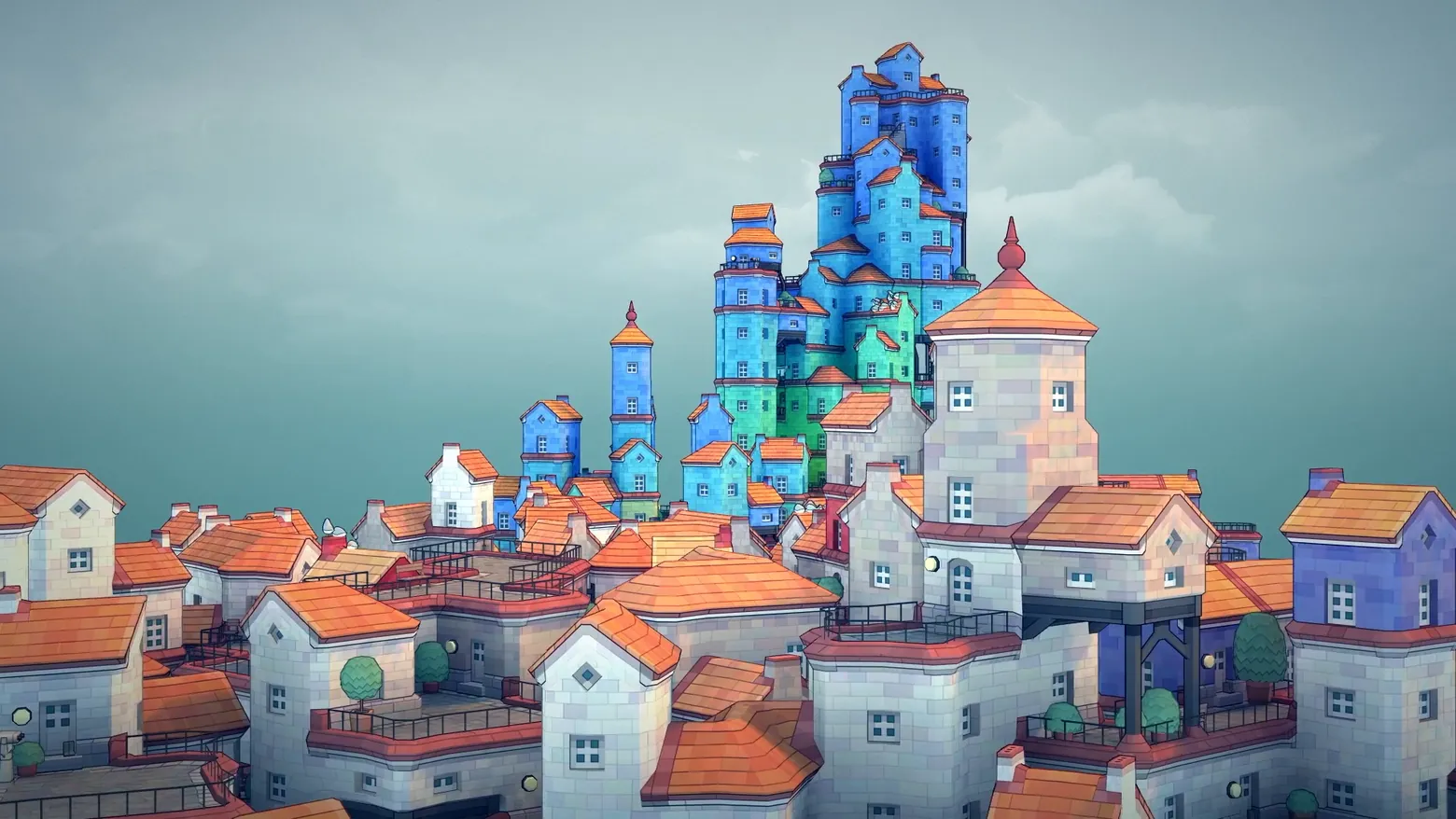
If the first frame is the verb, this is the sentence: dozens of clicks resolved into a town where colour and stacking do all the talking. The palette system is visible here even though the palette bar itself is not, body colours vary block by block while roofs stay orange, so a reader can infer that colour is a per-click choice and roofs are the algorithm's constant. The grammar lesson is that detail is emergent, not selected: arches, balconies and stairs appear where the configuration implies them, so the player's design decisions are only where to click and in which colour. That is why the frame works as a UI study despite having no visible UI, the town is the rendered output of the only two inputs the game offers. Frame at about 0:14 in the All-platforms Trailer (Steam; scene-change survivor v0_0003).
Patterns
How the screen is arranged.
Components
Parts on screen.
Screen inventory
- a dense town fills the lower two-thirds of frame, viewed from a low angle: white, blue and green house bodies under a near-uniform orange roof colour, so the palette reads as two systems at once, body colour chosen per block, roof colour held constant across the town
- the stacking grammar is legible at every height: single houses at the edges grow into towers toward the centre, with arches, balconies, railings, stairs, chimneys and rooftop trees appearing automatically where blocks meet, no piece was placed individually, yet every junction has a finished detail
- rooflines step and stagger rather than repeat: gables, hips, flat terraces and a spired tower top all occur within one build, showing that the algorithm varies the silhouette from block configuration alone
- the sky is empty pale gradient with no UI of any kind, the town is the entire screen, which is the point: in Townscaper the build is the interface's only feedback
Top 3 colors
#829298 22%#675b6a 21%#84a8b2 18%
Top three palette colors by share. The remaining colors make up the rest.
Source and credit
© Oskar Stålberg / Raw Fury AB, Townscaper screenshot: Steam trailer (All-platforms Trailer), Oskar Stålberg / Raw Fury AB, shown for design study and commentary. PlayCraft is an unofficial fan project, not affiliated with or endorsed by Raw Fury AB.
Source tier 2 (publisher-released) · screenshot: Steam store page · Steam page
Source details
Fetched 2026-10-28. verified 2026-10-28: scene-change survivor candidates/v0_0003.png @ 13.95s in the All-platforms Trailer, MD5 f8ad03533921d67f216e6fdb682c354f, from the verified-clean download (31,091,440 B, MD5 a0c96ee06dd9237f3aadf2db867e50e7; full decode to null with -xerror exit 0, zero error lines); inspected visually at full resolution (1920x1080 native); the colour variation, stacked towers, arches and rooflines legible; no trailer text or marketing overlay in frame
no published policy found (not checked in depth this run); fair-use study use, takedown honored within 48h
Rights holders: see Copyright & takedown.

Similar screens
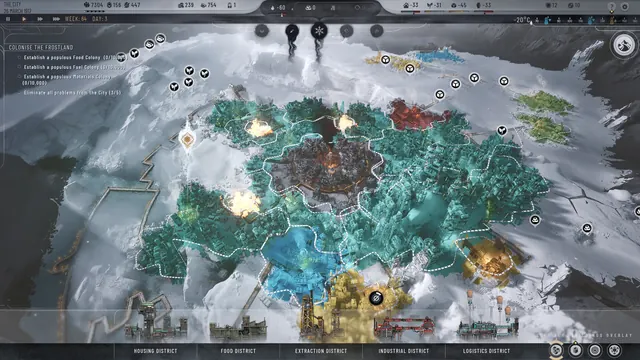 Frostpunk 2 - District planning view
Same type: City & Base Management; Shared patterns: district-colors
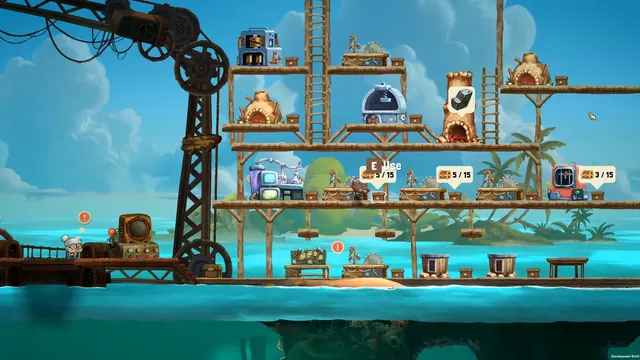 NAUTUS - Surface base: in-world station bubbles
Same type: City & Base Management; Shared patterns: minimal-hud
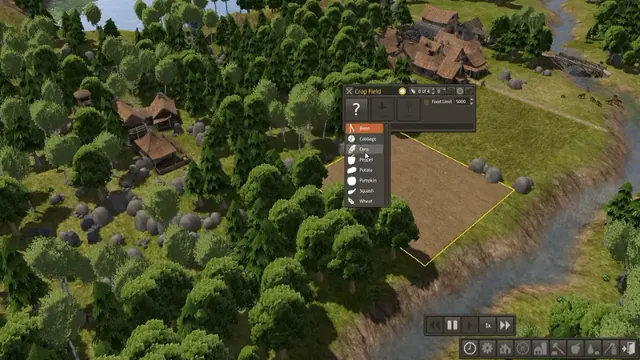 Banished - Crop Field: crop dropdown open over a freshly tilled riverside field
Same type: City & Base Management; Shared patterns: minimal-hud
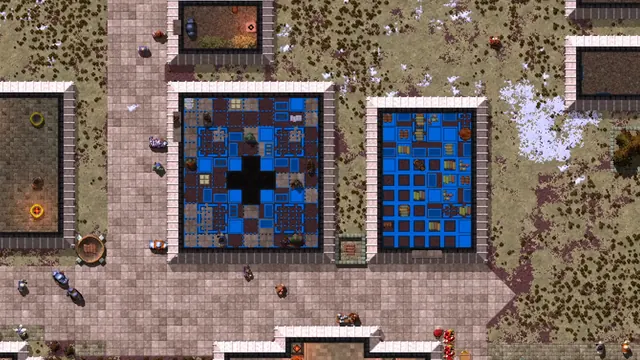 Songs of Syx - Room overlay: blue tile tint turns two rooms into diagrams
Same type: City & Base Management; Shared patterns: district-colors
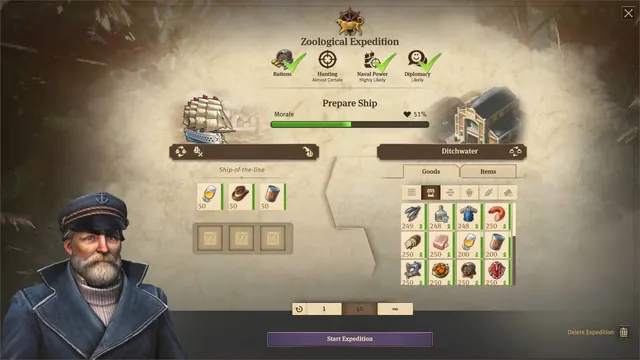 Anno 1800 - Expedition outfitting: prepare ship
Same type: City & Base Management
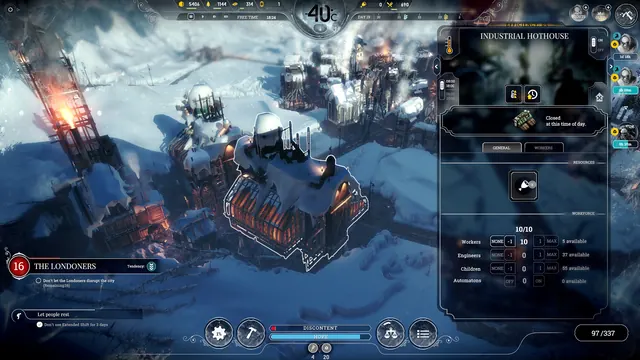 Frostpunk - Building panel: Industrial Hothouse
Same type: City & Base Management