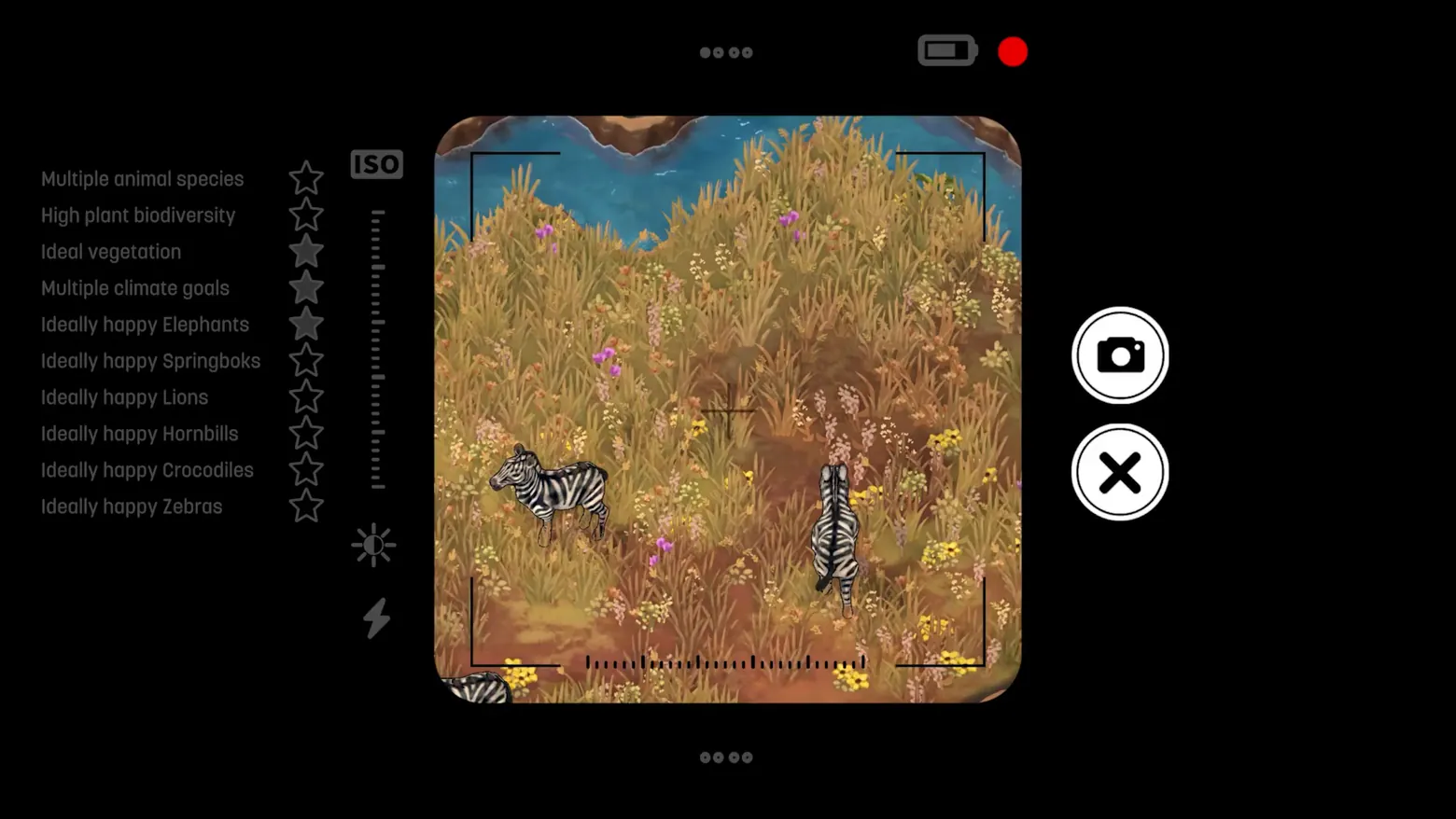
Photo mode: viewfinder checklist of ten ecology goals, zebras framed
Terra Nil · HUD & Gameplay UI
Art style Painterly illustration
About this game
Developer: Free Lives, Clockwork Acorn · Publisher: Devolver Digital · Platform: PC (Steam) · Art style: Painterly illustration · Screen type: HUD & Gameplay UI
More Terra Nil screens in the Gallery
What to study
Terra Nil's photo mode grades the ecosystem, not the picture. The checklist beside the viewfinder is the game's whole value system restated as a shooting brief, biodiversity, vegetation, climate goals, and then one line per species asking, in the game's own words, whether they are 'ideally happy', with stars filling in live as the frame satisfies them, so composition becomes a way of reading how healthy the land inside the brackets is. Wrapping that scoring in unmistakable camera chrome (ISO slider, battery, red dot) keeps it playful: this is a snapshot you take for the handbook's journal pages, judged like a nature photograph and a restoration report at once. Frame at about 0:44 in the Heatwave trailer (Steam; scene-change survivor v2_0008, seconds later the same checklist reappears beside the developed polaroid as the 'Stars achieved' panel).
Patterns
How the screen is arranged.
checklist-panel viewfinder-overlay star-rating
Components
Parts on screen.
Window Photograph Slider Crosshair
Screen inventory
- the viewfinder is a rounded-square window with corner brackets and a centre crosshair, here framing two zebras in dry grass with the river above, the photograph is composed inside the game's own camera chrome, on black
- down the left, the shot is scored before you take it: ten goals in flat grey camera-UI type, each with a star, Multiple animal species, High plant biodiversity, Ideal vegetation, Multiple climate goals, then Ideally happy Elephants, Springboks, Lions, Hornbills, Crocodiles and Zebras; three stars (vegetation, climate goals, elephants) already sit filled while the rest are outlines
- the camera's working controls are drawn as camera controls: an ISO label over a dotted exposure slider, sun (brightness) and flash icons beneath it, and at top a battery icon, a red record dot and four-dot page indicators
- two oversized round buttons close the composition at right: the shutter (camera glyph) and X, the only two decisions this screen offers are take it or leave
Top 3 colors
#000000 61%#88714e 19%#a98b5b 9%
Top three palette colors by share. The remaining colors make up the rest.
Source and credit
© Free Lives, Clockwork Acorn / Devolver Digital, Terra Nil screenshot: Steam trailers (Vita Nova / A Beginner's Guide to Ecosystem Restoration / Heatwave), Devolver Digital, shown for design study and commentary. PlayCraft is an unofficial fan project, not affiliated with or endorsed by Devolver Digital.
Source tier 2 (publisher-released) · screenshot: Steam store page · Steam page
Source details
Fetched 2026-10-27. verified 2026-10-27: scene-change survivor candidates/v2_0008.png @ 43.8s in the Heatwave trailer, MD5 412b7b63fc9d9dd59fec77fa118b5b2d, from the verified-clean curl-shim download (58422676 B, MD5 f406437efdd393ed6970384ee5b38430; full decode to null with -xerror exit 0, zero error lines, decode-steam-1593030-Heatwave.err), inspected visually at full resolution (1920x1080 native); all ten checklist lines, the filled and outlined stars, the ISO slider and both round buttons legible; no trailer text, caption or watermark in frame
no published policy found (checked 2026-10-27); fair-use study use, takedown honored within 48h
Rights holders: see Copyright & takedown.
Similar screens
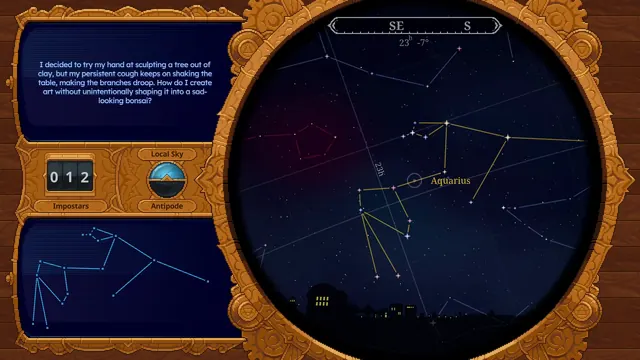 Witchbrook - Telescope stargazing: Aquarius traced in gold, SE/S compass and the Impostars counter
Same type: HUD & Gameplay UI; Shared patterns: viewfinder-overlay
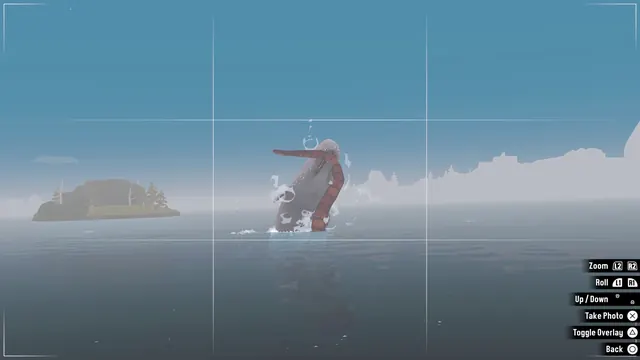 DREDGE - Photo mode viewfinder: breaching creature, camera controls
Same type: HUD & Gameplay UI; Shared patterns: viewfinder-overlay
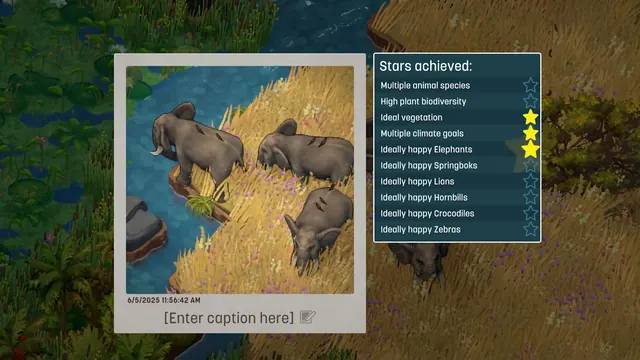 Terra Nil - Photo mode: developed photo with Stars achieved panel
Same type: HUD & Gameplay UI; Shared patterns: checklist-panel, star-rating
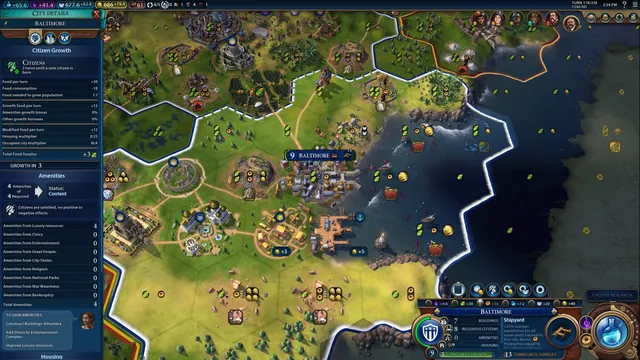 Civilization VI - World map HUD with city panel open
Same type: HUD & Gameplay UI
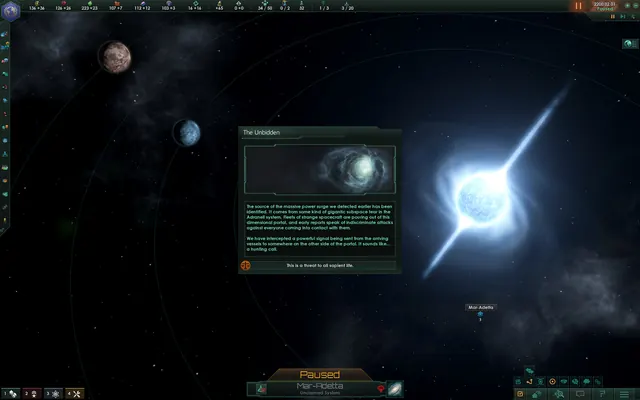 Stellaris - Event window over a star system
Same type: HUD & Gameplay UI
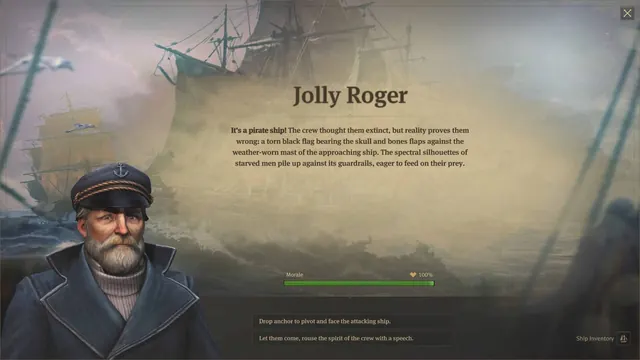 Anno 1800 - Expedition event: Jolly Roger
Same type: HUD & Gameplay UI