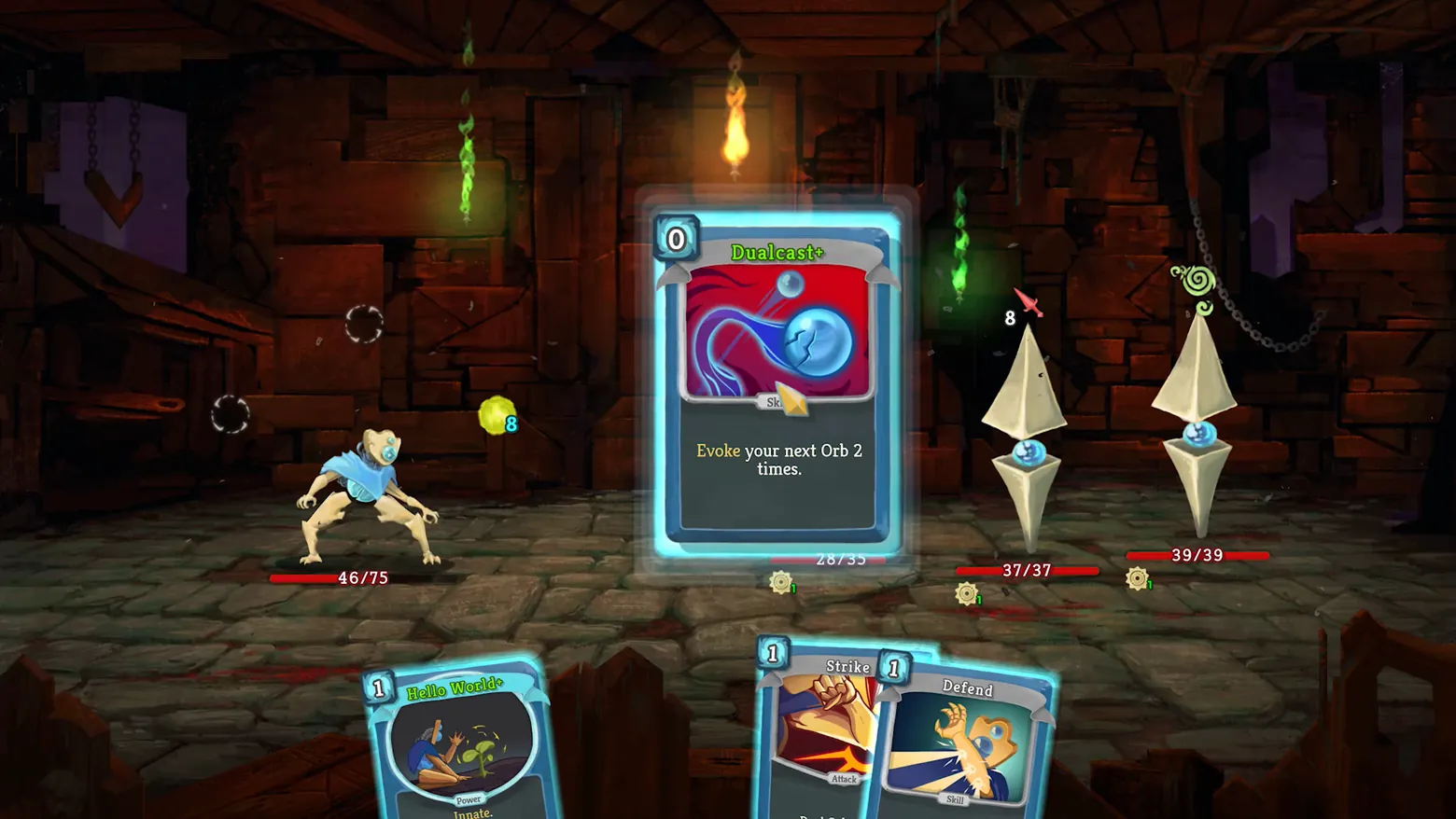
Combat: card inspection over the hand (Dualcast+)
Slay the Spire · HUD & Gameplay UI
Art style Comic & cartoon
About this game
Developer: Mega Crit · Publisher: Mega Crit · Platform: PC (Steam) · Art style: Comic & cartoon · Screen type: HUD & Gameplay UI
More Slay the Spire screens in the Gallery
What to study
Hovering a card lifts it out of the hand and scales it to centre screen, so the full rules text, energy cost and upgraded green name can be read without pausing, while the fight stays visible behind it: enemy health bars and intent icons still telegraph what happens next. The rest of the hand fans along the bottom edge with cost gems on every card, keeping the whole turn's options scannable at a glance. Frame at about 0:09 in the Launch Trailer (Steam).
Patterns
How the screen is arranged.
card-hand detail-card intent-icons
Components
Parts on screen.
Screen inventory
- enlarged card detail
- energy cost gem
- hand of cards
- enemy health bars
- enemy intent icons
- status icons
Top 3 colors
#0e0605 27%#270b06 25%#4a4336 16%
Top three palette colors by share. The remaining colors make up the rest.
Source and credit
© Mega Crit, Slay the Spire screenshot: Launch Trailer (Steam), shown for design study and commentary. PlayCraft is an unofficial fan project, not affiliated with or endorsed by Mega Crit.
Source tier 2 (publisher-released) · screenshot: Steam store page · Steam page
Source details
Fetched 2026-10-20. verified 2026-10-20: frame extracted from the official Launch Trailer (Steam) and inspected visually; real game UI (combat card hand and enlarged card detail) confirmed visible
no published policy found (checked 2026-10-20); fair-use study use, takedown honored within 48h
Rights holders: see Copyright & takedown.
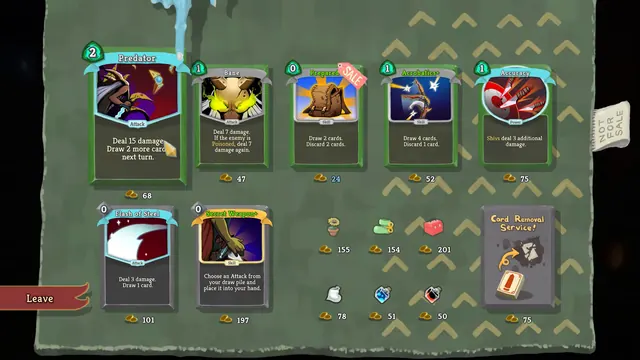
Similar screens
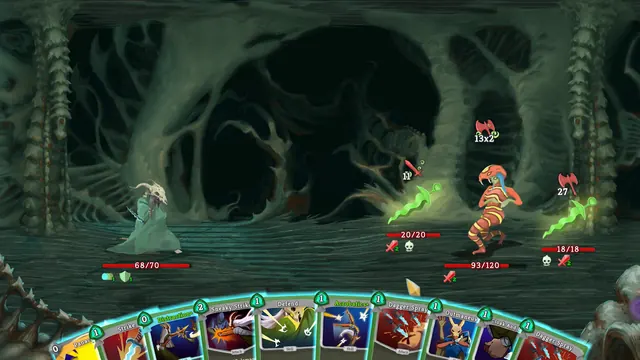
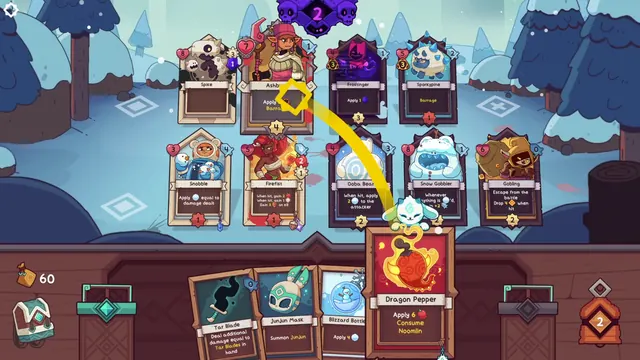 Wildfrost - Battle board: Dragon Pepper played with a targeting arc
Same type: HUD & Gameplay UI; Shared patterns: card-hand, detail-card
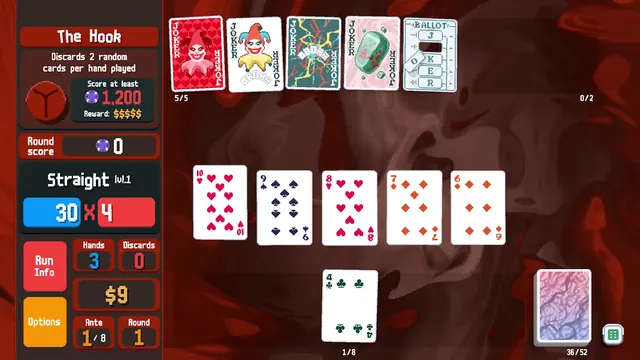 Balatro - Boss blind HUD: The Hook, a Straight, and the Chips × Mult rail
Same type: HUD & Gameplay UI; Shared patterns: card-hand
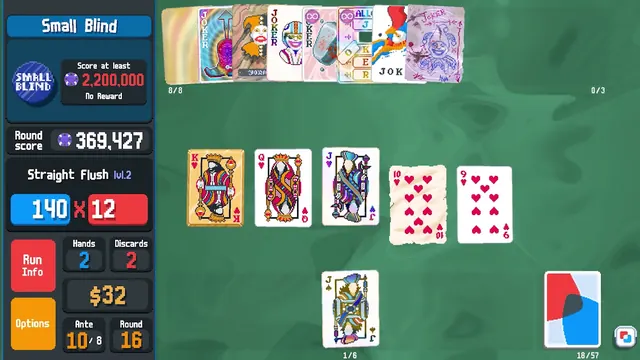 Balatro - Endless-mode HUD: a 2.2 million Small Blind and eight edition Jokers
Same type: HUD & Gameplay UI; Shared patterns: card-hand
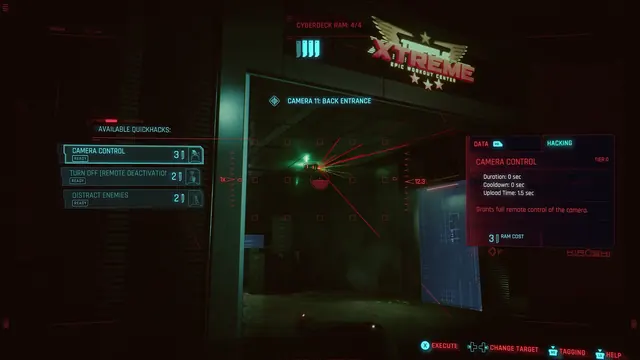 Cyberpunk 2077 - Scanner quickhacks: Camera Control against Camera 11, Back Entrance
Same type: HUD & Gameplay UI; Shared patterns: detail-card
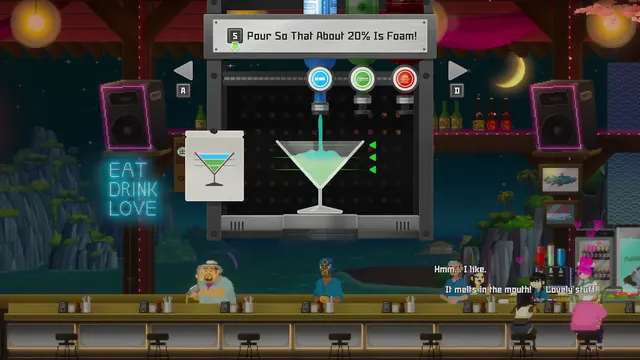 DAVE THE DIVER - Cocktail pouring: 'Pour So That About 20% Is Foam!'
Same type: HUD & Gameplay UI; Shared patterns: detail-card
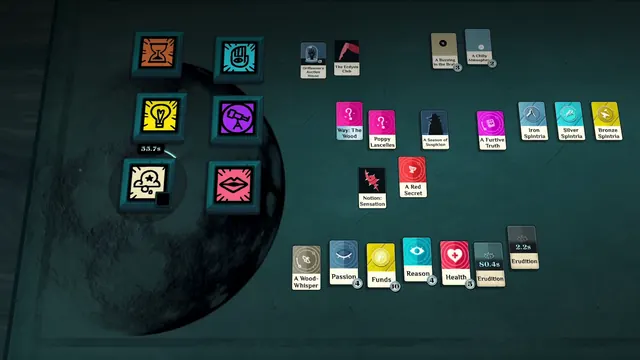 Cultist Simulator - The card table: six verb tiles, Spintria, and cards on timers
Same type: HUD & Gameplay UI; Shared patterns: detail-card