Item Box: Switch Skill loadout — Counter Peak Performance
Monster Hunter Rise · Character / Unit Detail
Art style Stylized 3D
About this game
Developer: CAPCOM Co., Ltd. · Publisher: CAPCOM Co., Ltd. · Platform: PC (Steam) · Art style: Stylized 3D · Screen type: Character / Unit Detail
More Monster Hunter Rise screens in the Gallery
What to study
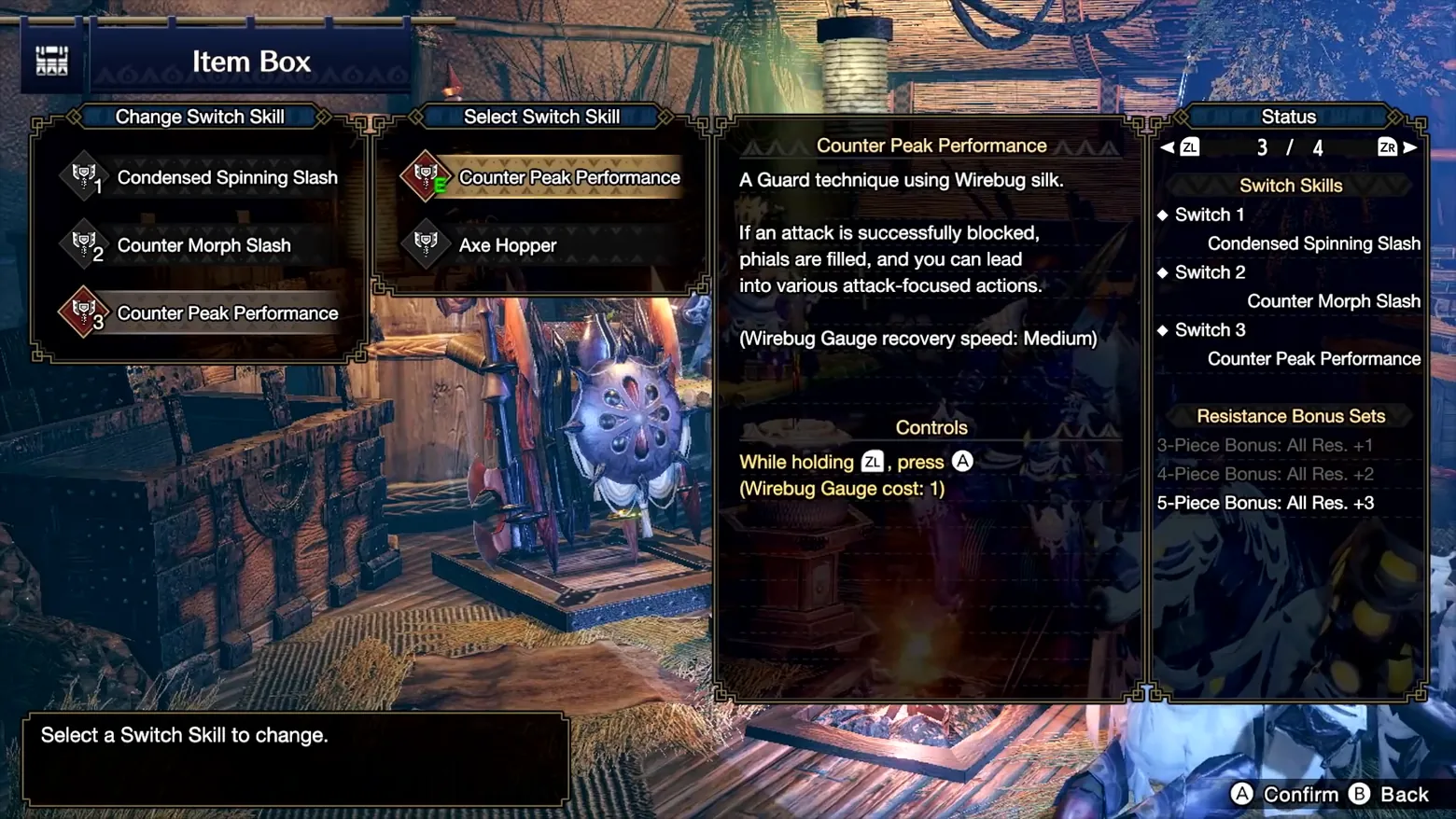
Rise's signature Switch Skill system, shown as a four-panel loadout screen inside the Item Box: pick a slot, pick a skill, read the full description with Wirebug Gauge cost and controls, and check the Status panel's equipped set and Resistance Bonus Sets. Counter Peak Performance is the worked example — a Guard technique using Wirebug silk, ZL + A, cost 1. Dense but scannable: each panel carries one job. Frame at 30s of the official Goss Harag Gameplay video (dense-probe frame; the screen is stable 28-32s while the presenter cycles the selection from Counter Peak Performance to Axe Hopper).
Patterns
How the screen is arranged.
panel-grid detail-panel stat-panel side-panel
Components
Parts on screen.
Screen inventory
- the Item Box header spans the top over four framed panels
- the left panel, Change Switch Skill, lists Condensed Spinning Slash, Counter Morph Slash and Counter Peak Performance
- the Select Switch Skill panel highlights Counter Peak Performance above Axe Hopper
- the detail panel describes Counter Peak Performance as a Guard technique using Wirebug silk, with Wirebug Gauge recovery speed Medium, Controls 'While holding ZL, press A' and Wirebug Gauge cost 1
- the Status panel shows 3 / 4 with Switch Skills 1-3 listed and Resistance Bonus Sets for 3-, 4- and 5-piece bonuses
Top 3 colors
#030711 22%#353845 20%#5f5865 18%
Top three palette colors by share. The remaining colors make up the rest.
Source and credit
© CAPCOM Co., Ltd., Monster Hunter Rise screenshot: YouTube (Monster Hunter channel — 'Monster Hunter Rise – Goss Harag Gameplay', uploaded 2021-03-09) — CAPCOM Co., Ltd., shown for design study and commentary. PlayCraft is an unofficial fan project, not affiliated with or endorsed by CAPCOM Co., Ltd..
Source tier 2 (publisher-released) · screenshot: Steam store page · Steam page
Source details
Fetched 2026-11-11. Dense-probe frame manual/v1_30s.png @30s, Goss Harag Gameplay (YouTube); frame MD5 c5c1ba8b33f62a5aa8dce5fe5608f0eb; source video MD5 51d01ea2d9f61fbdccfeaf7e52ebb24f, 430036383 B, 849.01s, 1920x1080; full decode to null exit 0 with 0-byte error log; stability confirmed by probes at 28/29/31/32s showing the same screen; verified at full resolution 1920x1080, all panel text legible.
Capcom Video Policy (https://press.capcom.com/Video-Policy, re-checked first-hand 2026-11-11; Last Updated January 6, 2021, FAQ last updated March 15, 2021; mirrored at https://www.capcom-europe.com/video-policy/). Applies to IP owned by Capcom. Permits walkthroughs, tutorials, Let's Plays, speedruns, reviews, reactions, instructionals, and other 'commentary' style videos using Capcom game footage on YouTube, Twitch.tv, your website, or other video/streaming sites, with commentary tied to live gameplay providing instructional or educational value. Rules: do not share game footage online without adding your own video or content unless the console/device permits sharing; do not split game content into components (visual, vocal, in-game elements) and distribute them as separate content; fan content may not be promoted as official Capcom content; non-commercial use only except permissible monetization (partner programs/advertising on video-sharing services; voluntary contributions if also free to the public). Prohibited: pre-release/leaked content, third-party programs/devices that circumvent protection, inappropriate content, video capture of Capcom Publications. Effect clause: 'this policy is a guideline... It is not intended to be, nor should be considered as, express permission nor an official license or authorization.' FAQ allowed examples: content recorded/edited/posted using the console/device or a feature of the game software; if capturing through separate software, content should be transformative or offer commentary/instructional/educational value. FAQ not allowed: separating individual in-game elements and posting them as-is; posting in-game cut-scenes separately on their own without gameplay. No MHR-specific posting guidelines found on the game's official website (the FAQ says game-specific guidelines, where they exist, live on the game's official website). FIT CAVEAT: the grant is real and covers this exact title, and the Gallery's per-screen study notes are educational commentary, which leans toward the FAQ's transformative/educational allowance — but the policy is written for VIDEO creators posting videos, not for extracting still frames from official trailers into a still-image catalog, and the 'do not share footage without adding your own content', 'do not split content into components', and 'not express permission nor a license' clauses mean a still-image Gallery entry sits at the edge of its wording. Standing fallback: stills from the publisher's own official gameplay video, unofficial, not endorsed, takedown honoured within 48h. Same precedent as Monster Hunter: World, Resident Evil 4, Devil May Cry 5 and Resident Evil Village, already in the Gallery.
Rights holders: see Copyright & takedown.
Similar screens
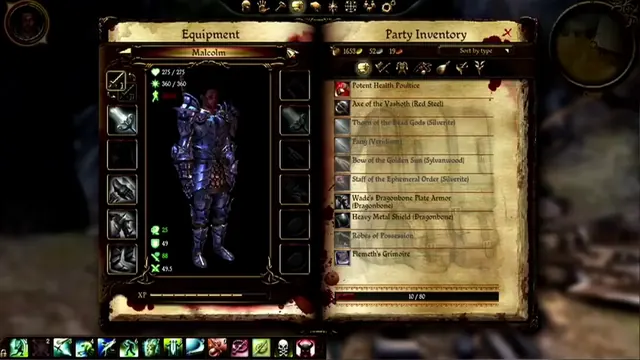 Dragon Age: Origins - Equipment book: Malcolm's dragonbone plate set
Same type: Character / Unit Detail; Shared patterns: panel-grid, side-panel, detail-panel
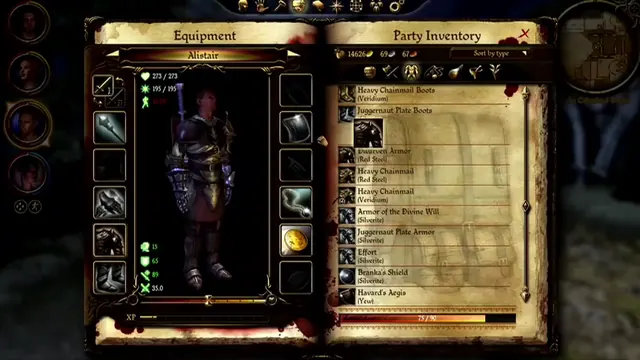 Dragon Age: Origins - Equipment book: Alistair's chainmail and juggernaut gear
Same type: Character / Unit Detail; Shared patterns: panel-grid, side-panel, detail-panel
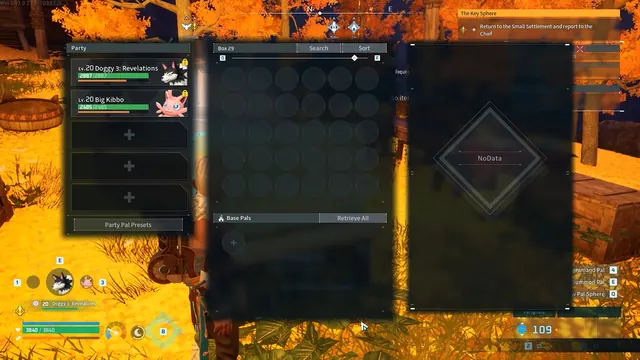 Palworld - Pal Box: party list, empty Box 29
Same type: Character / Unit Detail; Shared patterns: side-panel, panel-grid, detail-panel
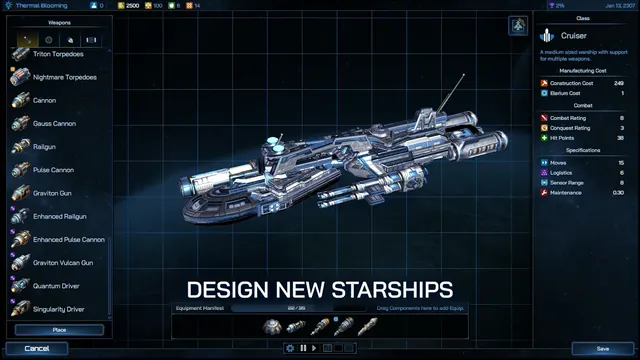 Galactic Civilizations IV - Ship designer: Cruiser with weapons list, class stats, and equipment manifest
Same type: Character / Unit Detail; Shared patterns: detail-panel, stat-panel, side-panel
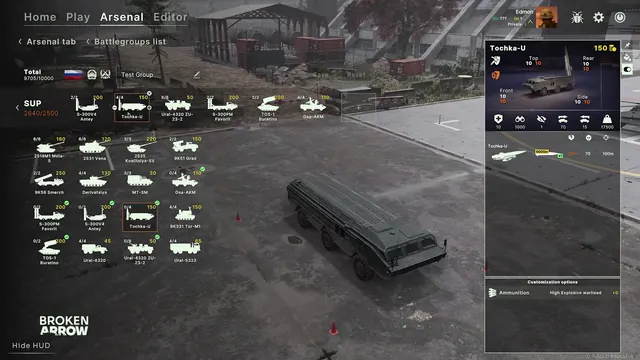 Broken Arrow - Arsenal: Test Group battlegroup, Tochka-U detail panel
Same type: Character / Unit Detail; Shared patterns: detail-panel, side-panel, stat-panel
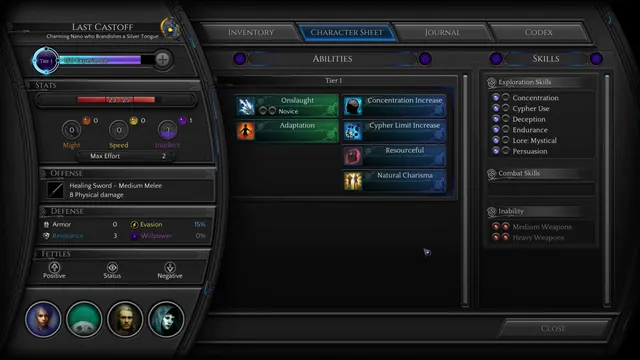 Torment: Tides of Numenera - Character Sheet: Tier 1 Abilities
Same type: Character / Unit Detail; Shared patterns: stat-panel, detail-panel, panel-grid