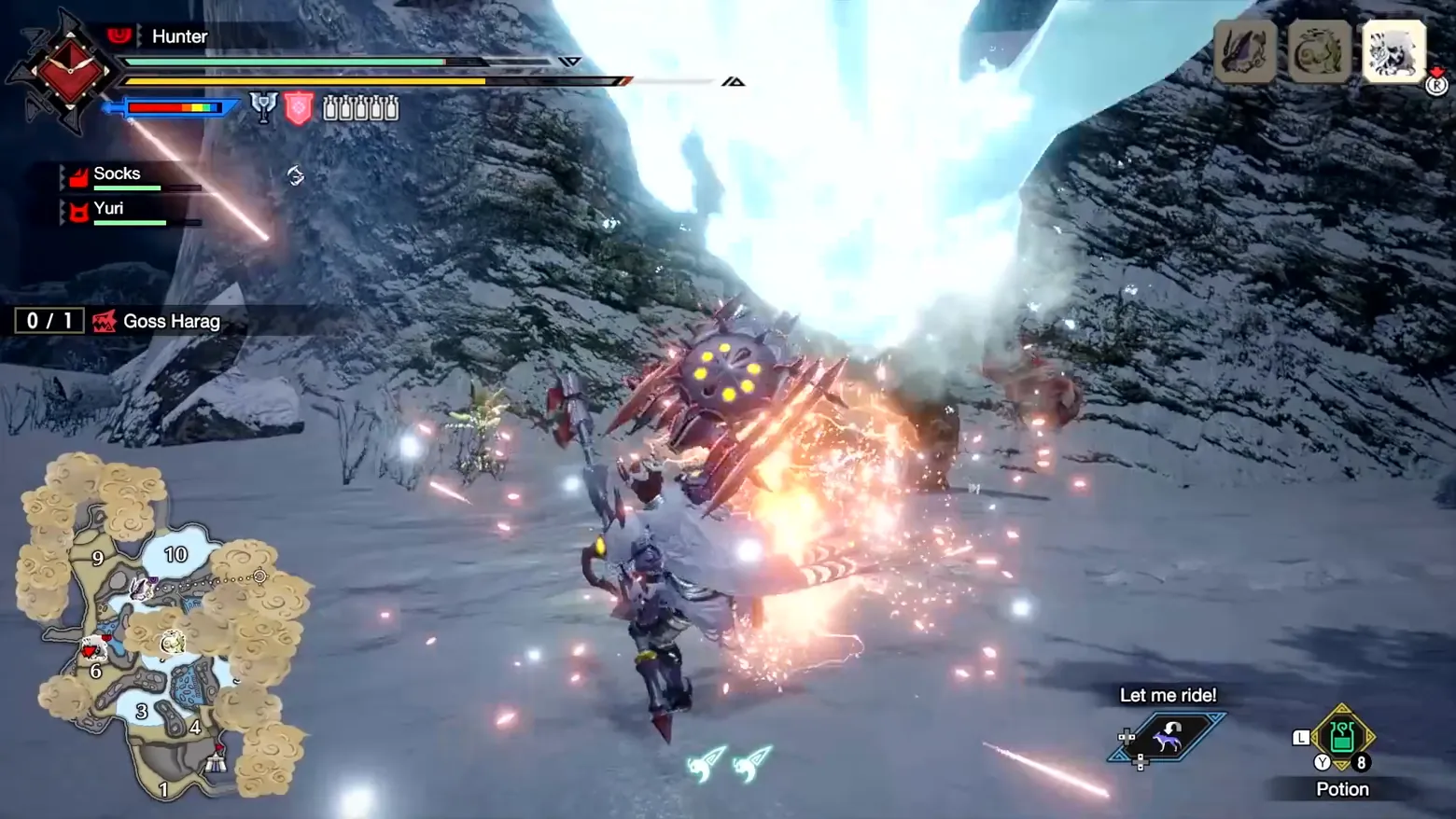
Combat HUD: Charge Blade vs Goss Harag, Potion ready
Monster Hunter Rise · HUD & Gameplay UI
Art style Stylized 3D
About this game
Developer: CAPCOM Co., Ltd. · Publisher: CAPCOM Co., Ltd. · Platform: PC (Steam) · Art style: Stylized 3D · Screen type: HUD & Gameplay UI
More Monster Hunter Rise screens in the Gallery
What to study
The combat HUD at full stretch: health, stamina and sharpness stacked top-left with the wirebug vials beneath, buddy bars for the Palamute Socks and the Palico Yuri, the 0 / 1 Goss Harag quest tracker, the clouded Frost Islands minimap, and the Potion item bar with the 'Let me ride!' prompt. Everything a hunt needs is in the corners and the center stays clear for the fight. Frame at 611.34s of the official Goss Harag Gameplay video; the paired scene frame 0.07s earlier is the same moment mid-flash and is rejected as a near-duplicate.
Patterns
How the screen is arranged.
corner-cluster status-bars minimal-hud map-hud quest-tracker
Components
Parts on screen.
Vitals bar Pips Minimap Quest tracker Button prompts
Screen inventory
- the top-left cluster holds health (green), stamina (yellow) and sharpness bars, the wirebug vial row, and buddy bars for Socks and Yuri
- the quest tracker at left reads 0 / 1 Goss Harag
- the bottom-left minimap shows the Frost Islands with numbered areas 1-10 under cloud fog-of-war
- the bottom-right item bar shows Potion x8 with L/Y glyphs beside the 'Let me ride!' Wyvern Riding prompt
- the hunter lands a Charge Blade hit on Goss Harag in a burst of orange sparks; the top-right endemic-life icons show three monsters
Top 3 colors
#777e90 24%#222f40 20%#4f5062 17%
Top three palette colors by share. The remaining colors make up the rest.
Source and credit
© CAPCOM Co., Ltd., Monster Hunter Rise screenshot: YouTube (Monster Hunter channel — 'Monster Hunter Rise – Goss Harag Gameplay', uploaded 2021-03-09) — CAPCOM Co., Ltd., shown for design study and commentary. PlayCraft is an unofficial fan project, not affiliated with or endorsed by CAPCOM Co., Ltd..
Source tier 2 (publisher-released) · screenshot: Steam store page · Steam page
Source details
Fetched 2026-11-11. Scene-change survivor v0_0007 @611.344067s, Goss Harag Gameplay (YouTube); frame MD5 dac14a013de9ae6340d6256ee47cba62; source video MD5 51d01ea2d9f61fbdccfeaf7e52ebb24f, 430036383 B, 849.01s, 1920x1080; full decode to null exit 0 with 0-byte error log; verified at full resolution 1920x1080, all HUD text legible.
Capcom Video Policy (https://press.capcom.com/Video-Policy, re-checked first-hand 2026-11-11; Last Updated January 6, 2021, FAQ last updated March 15, 2021; mirrored at https://www.capcom-europe.com/video-policy/). Applies to IP owned by Capcom. Permits walkthroughs, tutorials, Let's Plays, speedruns, reviews, reactions, instructionals, and other 'commentary' style videos using Capcom game footage on YouTube, Twitch.tv, your website, or other video/streaming sites, with commentary tied to live gameplay providing instructional or educational value. Rules: do not share game footage online without adding your own video or content unless the console/device permits sharing; do not split game content into components (visual, vocal, in-game elements) and distribute them as separate content; fan content may not be promoted as official Capcom content; non-commercial use only except permissible monetization (partner programs/advertising on video-sharing services; voluntary contributions if also free to the public). Prohibited: pre-release/leaked content, third-party programs/devices that circumvent protection, inappropriate content, video capture of Capcom Publications. Effect clause: 'this policy is a guideline... It is not intended to be, nor should be considered as, express permission nor an official license or authorization.' FAQ allowed examples: content recorded/edited/posted using the console/device or a feature of the game software; if capturing through separate software, content should be transformative or offer commentary/instructional/educational value. FAQ not allowed: separating individual in-game elements and posting them as-is; posting in-game cut-scenes separately on their own without gameplay. No MHR-specific posting guidelines found on the game's official website (the FAQ says game-specific guidelines, where they exist, live on the game's official website). FIT CAVEAT: the grant is real and covers this exact title, and the Gallery's per-screen study notes are educational commentary, which leans toward the FAQ's transformative/educational allowance — but the policy is written for VIDEO creators posting videos, not for extracting still frames from official trailers into a still-image catalog, and the 'do not share footage without adding your own content', 'do not split content into components', and 'not express permission nor a license' clauses mean a still-image Gallery entry sits at the edge of its wording. Standing fallback: stills from the publisher's own official gameplay video, unofficial, not endorsed, takedown honoured within 48h. Same precedent as Monster Hunter: World, Resident Evil 4, Devil May Cry 5 and Resident Evil Village, already in the Gallery.
Rights holders: see Copyright & takedown.
Similar screens
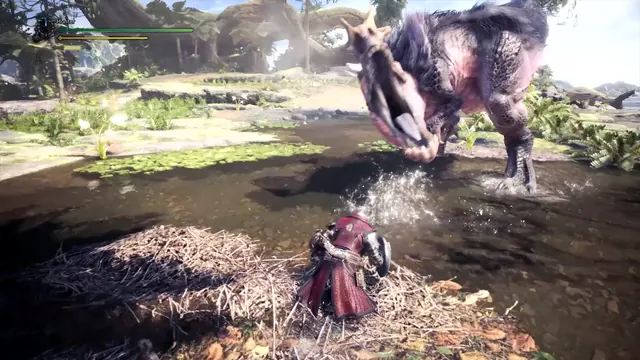 Monster Hunter: World - Combat HUD: one corner cluster, health, stamina, sharpness
Same type: HUD & Gameplay UI; Shared patterns: corner-cluster, status-bars, minimal-hud
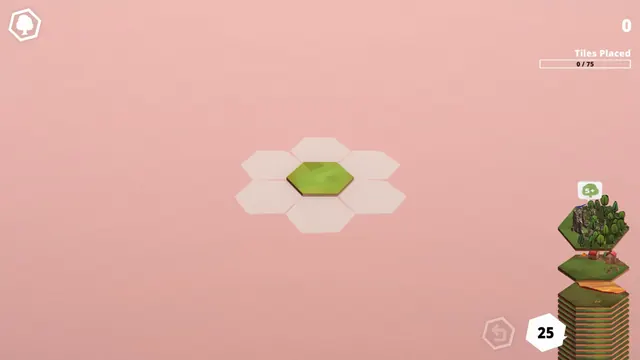 Dorfromantik - Opening state: first tile, score 0, Tiles Placed 0/75, quest flag on the stack
Same type: HUD & Gameplay UI; Shared patterns: minimal-hud, quest-tracker
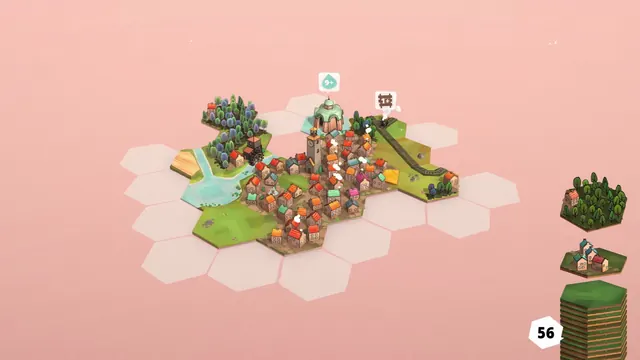 Dorfromantik - Mid-game village: quest flags 9+ water and 1+ rail over a grown island
Same type: HUD & Gameplay UI; Shared patterns: minimal-hud, quest-tracker
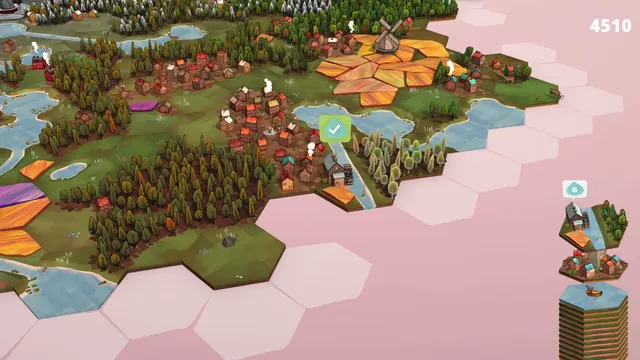 Dorfromantik - Late landscape: score 4510, a completed quest tick, next tile 6
Same type: HUD & Gameplay UI; Shared patterns: minimal-hud, quest-tracker
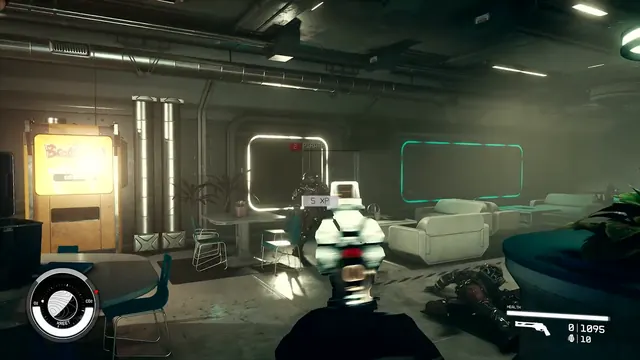 Starfield - Combat HUD: Kreet firefight, XP toast, and corner gauges
Same type: HUD & Gameplay UI; Shared patterns: minimal-hud, corner-cluster
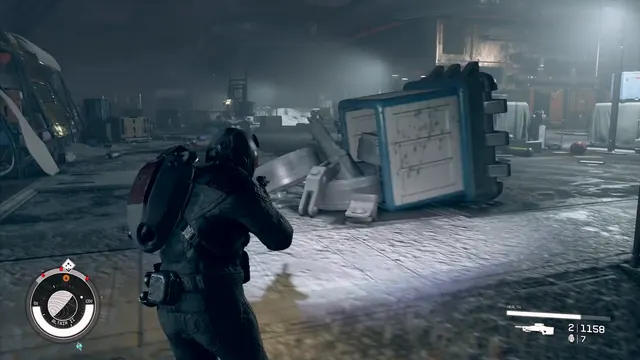 Starfield - Exploration HUD: Altair II watch gauge and health bar
Same type: HUD & Gameplay UI; Shared patterns: minimal-hud, corner-cluster