Targeted attack: choose a body part, rated in prose
Dwarf Fortress · Battle / Tactics
Art style Pixel art
About this game
Developer: Bay 12 Games · Publisher: Kitfox Games · Platform: PC (Steam) · Art style: Pixel art · Screen type: Battle / Tactics
More Dwarf Fortress screens in the Gallery
What to study
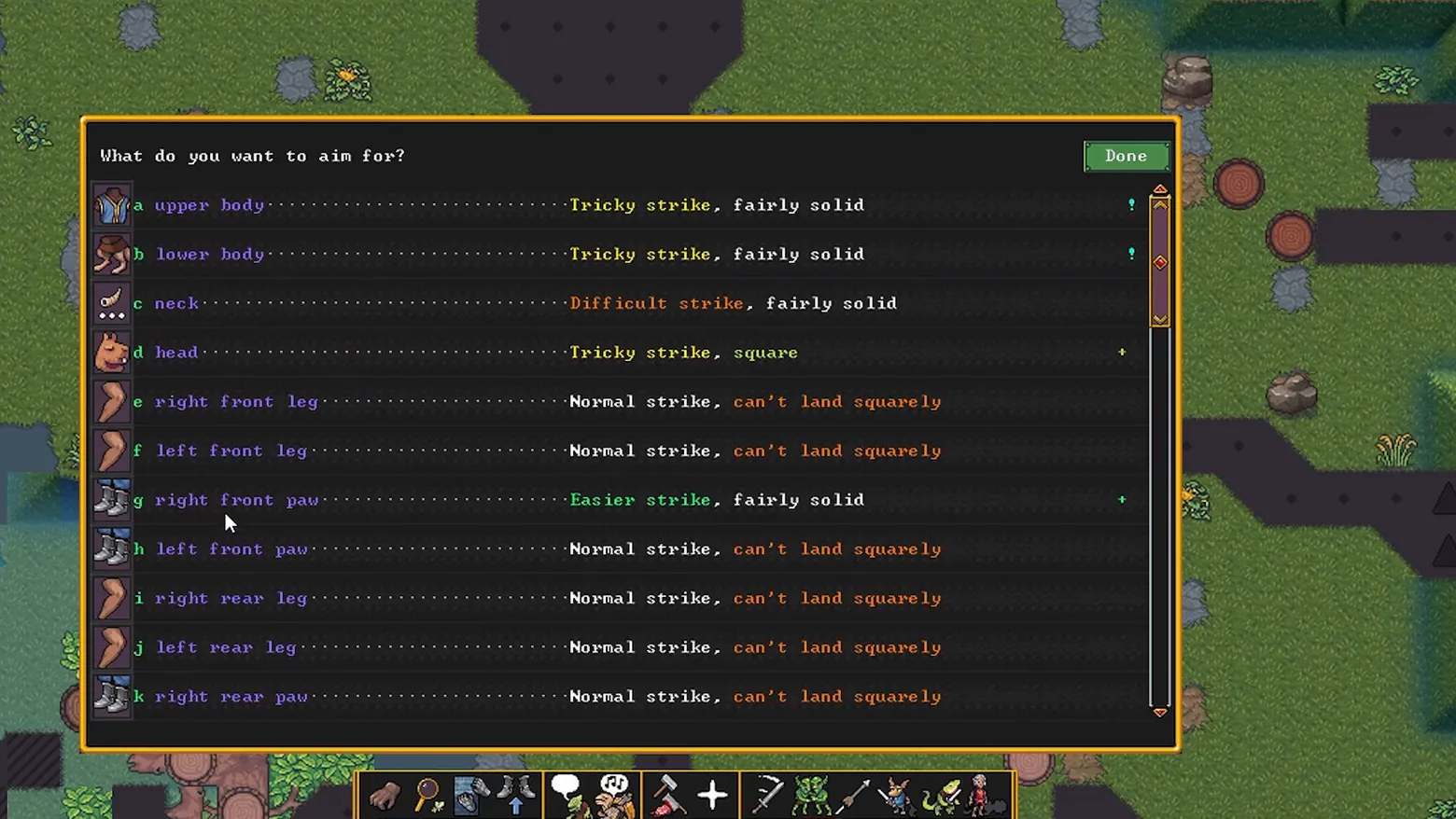
Adventure Mode combat opens with an anatomy lesson: before any blow lands, the game lists the opponent's eleven targetable parts, down to the right front paw versus the left front paw, and prices each in prose instead of percentages. 'Tricky strike, fairly solid' (yellow) for the upper body, 'Difficult strike' (orange) for the neck, 'Easier strike' (green) for a paw, and the wonderfully specific failure mode 'Normal strike, can't land squarely' for the legs. Colour carries the odds, dotted leaders tie each part to its verdict across the row, and every option is letter-keyed so the whole menu is keyboard-drivable. It is a hit-chance table written the way a storyteller would tell it, and it only exists because the simulation tracks bodies at this granularity. Frame at about 0:21 in the Adventure Mode Launch Trailer (Steam), manually extracted at 20.5s: the scene-change pass emitted no frame for this menu (the panel opens over a static field view).
Patterns
How the screen is arranged.
action-list hit-chance-panel numbered-options
Components
Parts on screen.
Screen inventory
- header question 'What do you want to aim for?' with a green Done button
- eleven letter-keyed body-part rows (a upper body, b lower body, c neck, d head, e right front leg, f left front leg, g right front paw, h left front paw, i right rear leg, j left rear leg, k right rear paw)
- body-part icon at the head of each row (torso, neck, head, legs, booted paws)
- per-row difficulty verdict in colour-coded prose: 'Tricky strike, fairly solid' (yellow), 'Difficult strike, fairly solid' (orange), 'Normal strike, can't land squarely' (orange), 'Easier strike, fairly solid' (green)
- dotted leader lines joining each part to its verdict
- scrollbar down the panel's right edge
- Adventure Mode action bar along the bottom of the screen behind the panel
Top 3 colors
#1b1b1c 25%#4f6636 24%#252223 18%
Top three palette colors by share. The remaining colors make up the rest.
Source and credit
© Bay 12 Games / Kitfox Games, Dwarf Fortress screenshot: Siege Update Launch Trailer and Adventure Mode Launch Trailer (Steam), shown for design study and commentary. PlayCraft is an unofficial fan project, not affiliated with or endorsed by Kitfox Games.
Source tier 2 (publisher-released) · screenshot: Steam store page · Steam page
Source details
Fetched 2026-10-20. verified 2026-10-20: frame manually extracted at 20.5s from the pipeline-downloaded Adventure Mode Launch Trailer (Steam) and inspected visually at full resolution; real game UI (body-part target list with difficulty verdicts) confirmed visible and legible; no trailer text overlays the frame
no published policy found (checked 2026-10-20); fair-use study use, takedown honored within 48h
Rights holders: see Copyright & takedown.
Similar screens
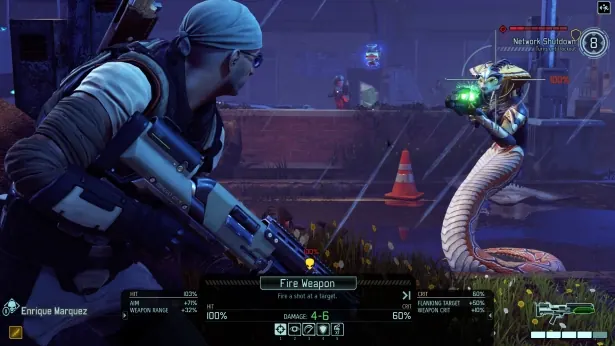 XCOM 2 - Tactical HUD: fire weapon
Same type: Battle / Tactics; Shared patterns: hit-chance-panel
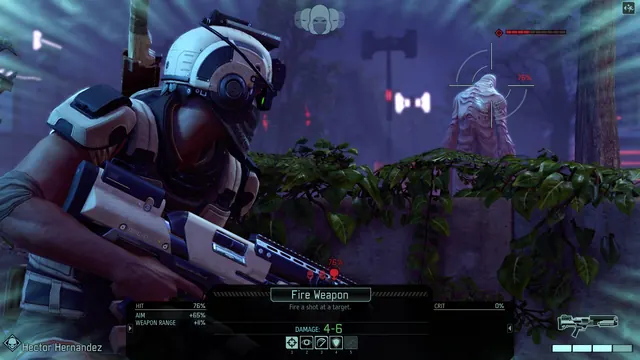 XCOM 2 - Tactical HUD: overwatch position
Same type: Battle / Tactics; Shared patterns: hit-chance-panel
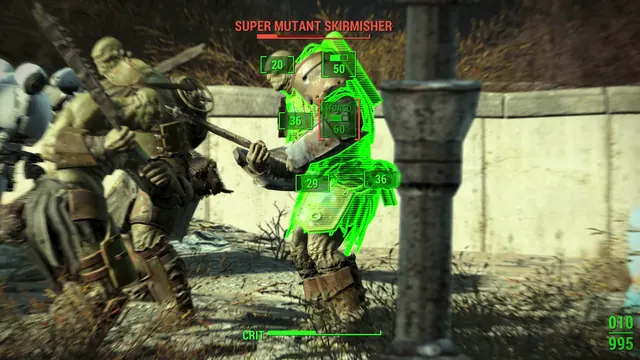 Fallout 4 - V.A.T.S. targeting: 'SUPER MUTANT SKIRMISHER' body-part hit chances, TORSO 60 selected
Same type: Battle / Tactics; Shared patterns: hit-chance-panel
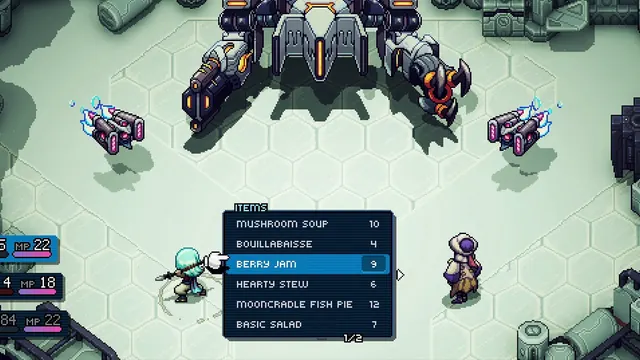 Sea of Stars - Battle ITEMS menu: cooked dishes with quantities, page 1/2
Same type: Battle / Tactics; Shared patterns: action-list
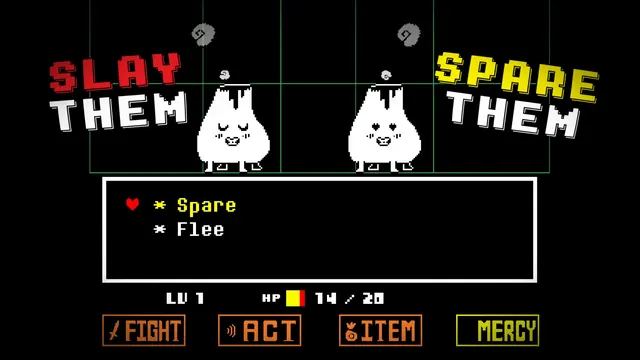 Undertale - MERCY submenu: Spare / Flee list
Same type: Battle / Tactics; Shared patterns: action-list
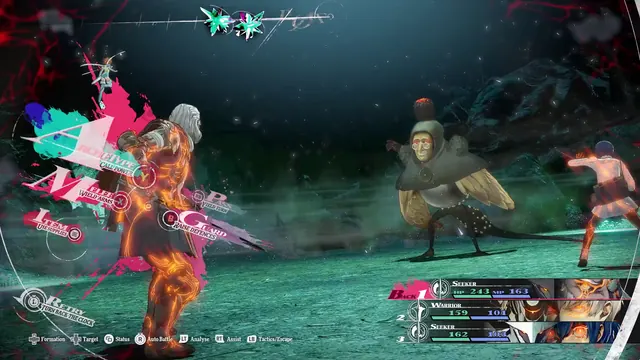 Metaphor: ReFantazio - Battle command menu: Archetype, Wield Arms, Guard
Same type: Battle / Tactics; Shared patterns: action-list