Tactical camera: four queued orders in the courtyard
Dragon Age: Inquisition · Battle / Tactics
Art style Realistic 3D
About this game
Developer: BioWare · Publisher: Electronic Arts · Platform: PC (Steam) · Art style: Realistic 3D · Screen type: Battle / Tactics
More Dragon Age: Inquisition screens in the Gallery
What to study
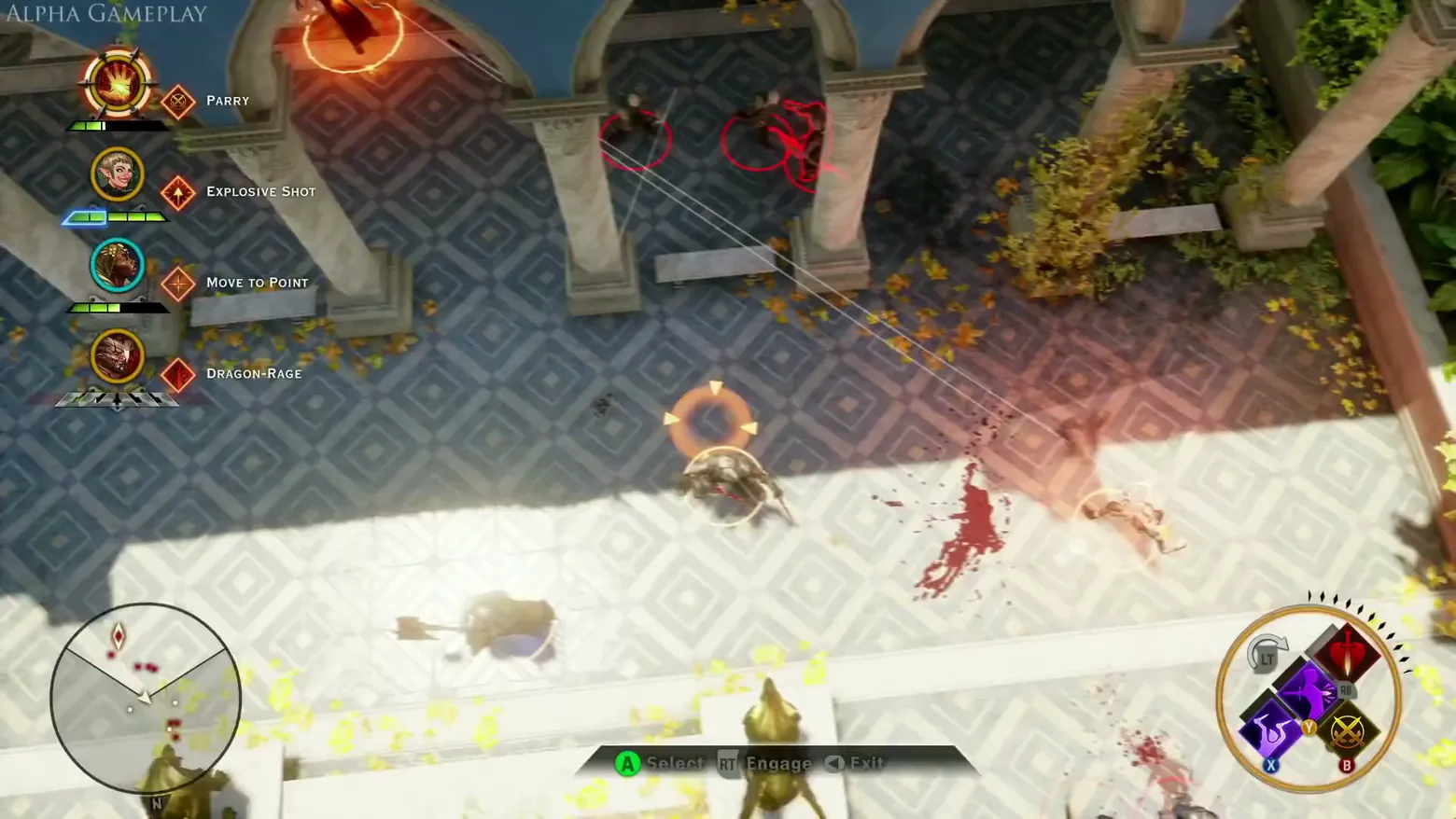
The tactical camera is the game's party planner: time stops, the camera pulls up to a top-down view of the courtyard, and the left rail turns into a queue — each companion's portrait carries its next order in words (Parry, Explosive Shot, Move to Point, Dragon-Rage) beside its health and stamina bars. Thin white lines on the tiles show where each party member is ordered to go, red rings mark the enemies, and the bottom bar is the whole control set (Select, Engage, Exit). Nothing on this screen is decoration: the portraits are the party, the lines are the plan, and the ability wheel at the bottom right is the same diamond from the real-time HUD, so the two modes share one vocabulary. Frame at about 1:24 in the Gameplay video (Steam). Caveat: the source video is labelled 'ALPHA GAMEPLAY' in small caps at the top left of every frame.
Patterns
How the screen is arranged.
hud-overlay character-portraits health-bars
Components
Parts on screen.
Portrait Vitals bar Minimap Action bar Button prompts
Screen inventory
- top-down tactical camera over a tiled courtyard, party and enemies ringed in gold and red
- party portrait rail at the left, each portrait paired with a queued order: Parry, Explosive Shot, Move to Point, Dragon-Rage
- green health and stamina bars under each portrait
- circular minimap at the bottom left, diamond ability wheel at the bottom right
- 'A Select / RT Engage / Exit' bar at the bottom centre
- thin white lines linking party members to their move targets
- fallen enemy and blood on the sunlit tiles
Top 3 colors
#665f55 24%#313530 22%#e3e2cf 20%
Top three palette colors by share. The remaining colors make up the rest.
Source and credit
© BioWare / Electronic Arts, Dragon Age: Inquisition screenshot: Gameplay (Steam), shown for design study and commentary. PlayCraft is an unofficial fan project, not affiliated with or endorsed by Electronic Arts.
Source tier 2 (publisher-released) · screenshot: Steam store page · Steam page
Source details
Fetched 2026-11-14. verified 2026-11-14: frame extracted from the official Gameplay video (Steam) and inspected visually at full resolution; genuine tactical-camera screen confirmed settled (all four queued orders, portrait rail, minimap, ability wheel and Select/Engage/Exit bar legible); 'ALPHA GAMEPLAY' caption sits in the top-left corner of the source video
EA Content Policy (help.ea.com/en/articles/security-and-rules/ea-content-policy/, verified 2026-11-14): fans may use EA game content, including gameplay, for personal projects and fan sites, including passive-ad monetization; must not imply endorsement or affiliation (site must carry a 'not endorsed by or affiliated with EA' statement) and must not sell the content or use it commercially beyond passive ads. Gallery use is free study/commentary, unofficial, not endorsed, takedown honored within 48h
Rights holders: see Copyright & takedown.
Similar screens
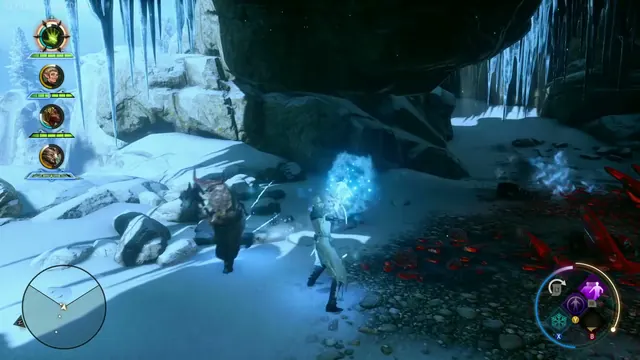
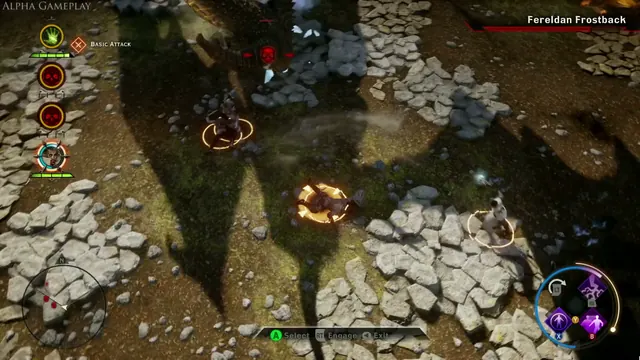 Dragon Age: Inquisition - Tactical camera: Fereldan Frostback boss fight, two companions down
Same type: Battle / Tactics; Shared patterns: hud-overlay, character-portraits, health-bars
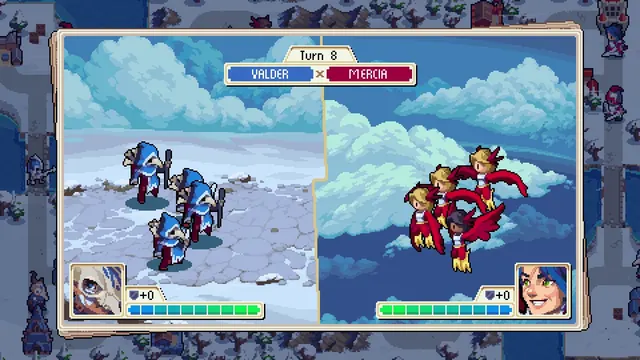 Wargroove - Battle preview: Valder vs Mercia, Turn 8, groove meters
Same type: Battle / Tactics; Shared patterns: character-portraits, health-bars
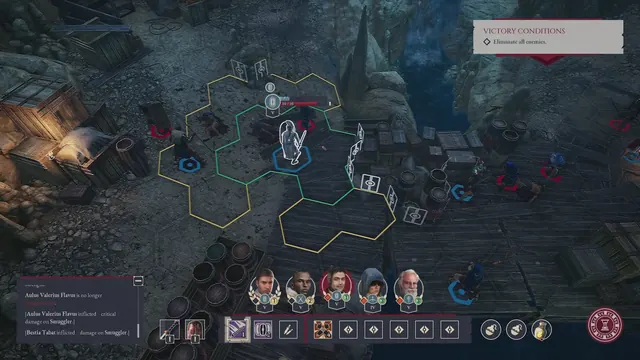 Expeditions: Rome - Combat HUD: movement and weapon-range hexes, target flags
Same type: Battle / Tactics; Shared patterns: health-bars, hud-overlay
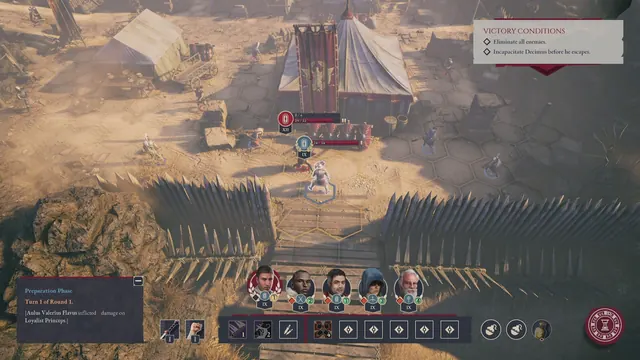 Expeditions: Rome - Preparation Phase: Turn 1, camp battle, two victory conditions
Same type: Battle / Tactics; Shared patterns: hud-overlay, health-bars
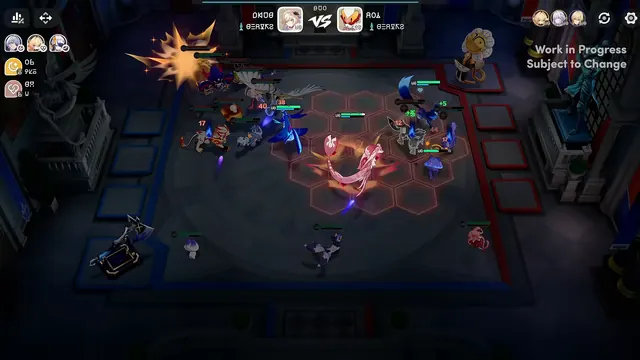 Honkai: Nexus Anima - Nexus Arena battle: hex-grid night arena, VS bar and team portraits
Same type: Battle / Tactics; Shared patterns: hud-overlay, health-bars
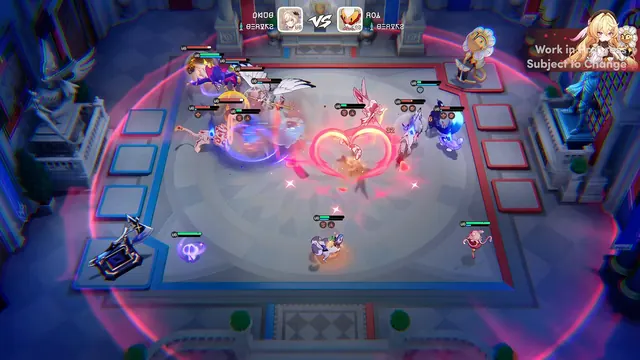 Honkai: Nexus Anima - Nexus Arena battle: circular arena, heart ability effect and VS bar
Same type: Battle / Tactics; Shared patterns: hud-overlay, health-bars