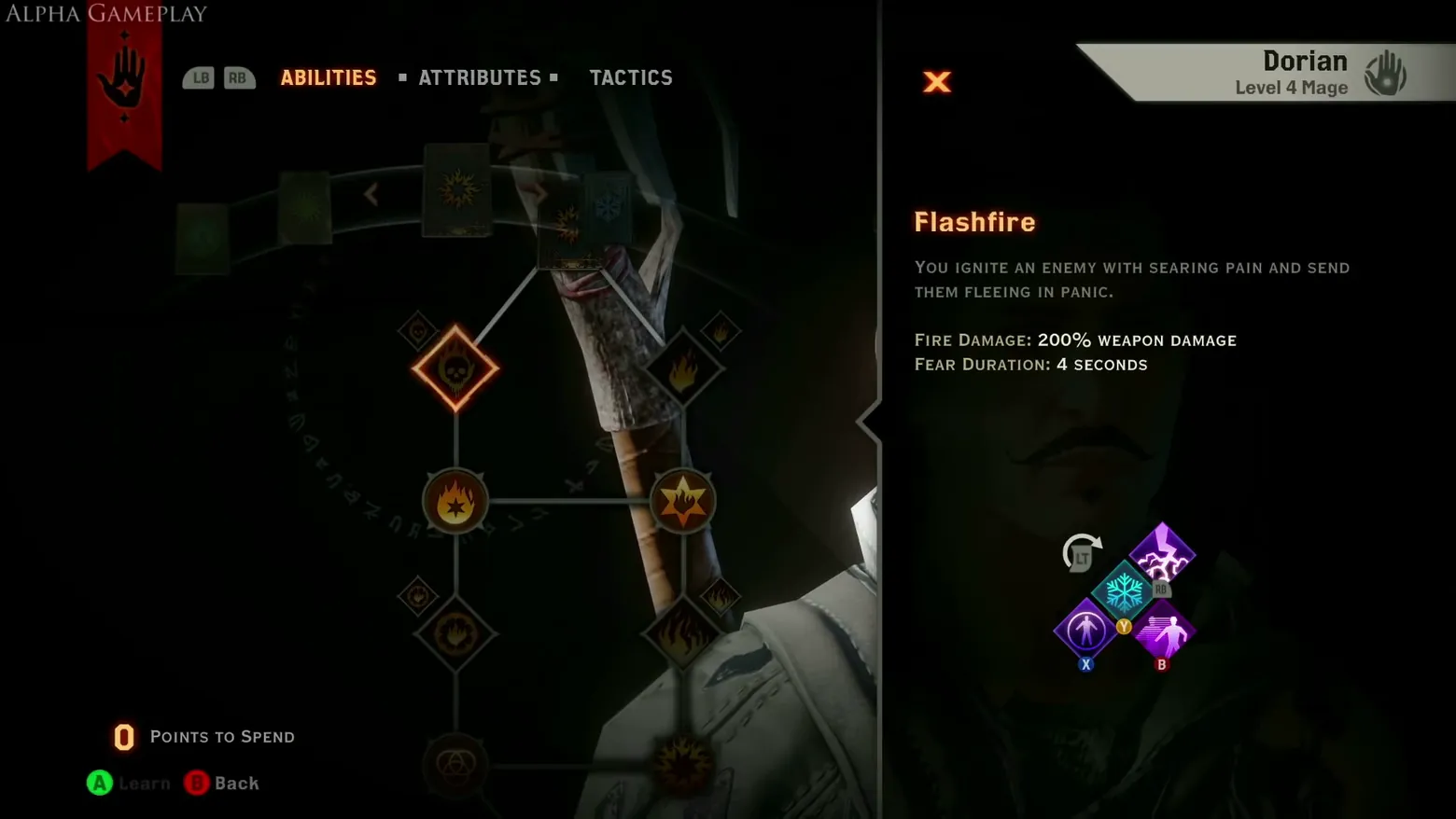
Abilities tree: Flashfire node selected, damage and fear stats
Dragon Age: Inquisition · Focus / Tech Trees
Art style Realistic 3D
About this game
Developer: BioWare · Publisher: Electronic Arts · Platform: PC (Steam) · Art style: Realistic 3D · Screen type: Focus / Tech Trees
More Dragon Age: Inquisition screens in the Gallery
What to study
One node, one ability, priced in plain numbers: selecting Flashfire in the Inferno tree lights the skull diamond node orange and swaps the detail panel from the school overview to the ability itself — 'You ignite an enemy with searing pain and send them fleeing in panic', then the stats that decide whether it is worth a point (Fire Damage: 200% weapon damage, Fear Duration: 4 seconds). The tree behind stays visible, so the cost of the pick is its position: a second-tier node off the root, with the Pyromancer passive one row down. The prompts change with the state — 'A Learn / B Back' replaces the overview's lone Back — and the same Dorian nameplate, school-card arc and ability wheel frame both states. Frame at about 1:00 in the Gameplay video (Steam), manually extracted at 60.0s: the scene-change pass emitted no frame for the abilities screen at all. Shares the abilities-tree template with dragon-age-inquisition-0; the content is distinct (a single ability's stats vs the school overview). Caveat: the source video is labelled 'ALPHA GAMEPLAY' in small caps at the top left of every frame.
Patterns
How the screen is arranged.
skill-tree tabbed-panel detail-panel portrait-panel
Components
Parts on screen.
Tabs Tree / web Nameplate Portrait Card Action bar Button prompts
Screen inventory
- highlighted skull diamond node in the Inferno tree, ringed in orange
- right detail panel: 'Flashfire' title, 'You ignite an enemy with searing pain and send them fleeing in panic.'
- stat lines: 'Fire Damage: 200% weapon damage' and 'Fear Duration: 4 seconds'
- red X close mark at the top left of the detail panel
- 'Dorian / Level 4 Mage' nameplate banner at the top right
- 'A Learn / B Back' prompts at the bottom left
- diamond ability wheel at the bottom right of the detail panel
- school-card arc across the top, Inferno card centred
Top 3 colors
#000100 30%#000000 25%#030602 18%
Top three palette colors by share. The remaining colors make up the rest.
Source and credit
© BioWare / Electronic Arts, Dragon Age: Inquisition screenshot: Gameplay (Steam), shown for design study and commentary. PlayCraft is an unofficial fan project, not affiliated with or endorsed by Electronic Arts.
Source tier 2 (publisher-released) · screenshot: Steam store page · Steam page
Source details
Fetched 2026-11-14. verified 2026-11-14: frame manually extracted at 60.0s from the pipeline-downloaded Gameplay video (Steam) and inspected visually at full resolution; genuine node-detail state confirmed settled (Flashfire title, flavor line, both stat lines, Learn/Back prompts and the highlighted node all legible); 'ALPHA GAMEPLAY' caption sits in the top-left corner of the source video
EA Content Policy (help.ea.com/en/articles/security-and-rules/ea-content-policy/, verified 2026-11-14): fans may use EA game content, including gameplay, for personal projects and fan sites, including passive-ad monetization; must not imply endorsement or affiliation (site must carry a 'not endorsed by or affiliated with EA' statement) and must not sell the content or use it commercially beyond passive ads. Gallery use is free study/commentary, unofficial, not endorsed, takedown honored within 48h
Rights holders: see Copyright & takedown.
Similar screens
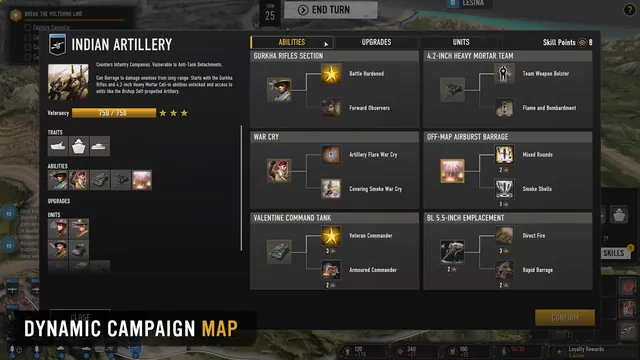 Company of Heroes 3 - Company skills: Indian Artillery trees, costs and Skill Points
Same type: Focus / Tech Trees; Shared patterns: skill-tree, tabbed-panel, detail-panel
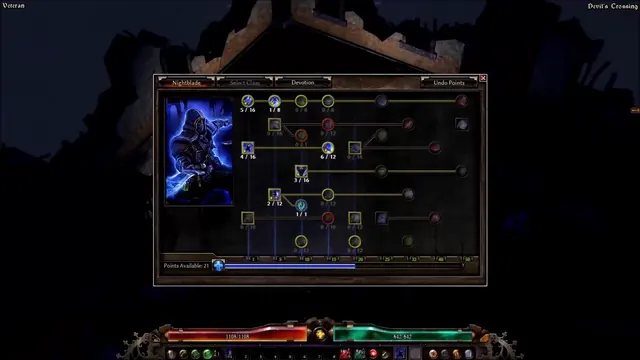 Grim Dawn - Nightblade skill tree: node grid, mastery bar, 21 points
Same type: Focus / Tech Trees; Shared patterns: skill-tree, tabbed-panel, portrait-panel
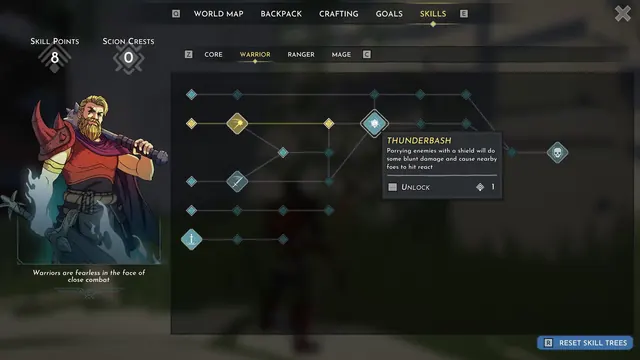 Stormforge - Skills: Warrior tree with Thunderbash tooltip
Same type: Focus / Tech Trees; Shared patterns: tabbed-panel, skill-tree, portrait-panel
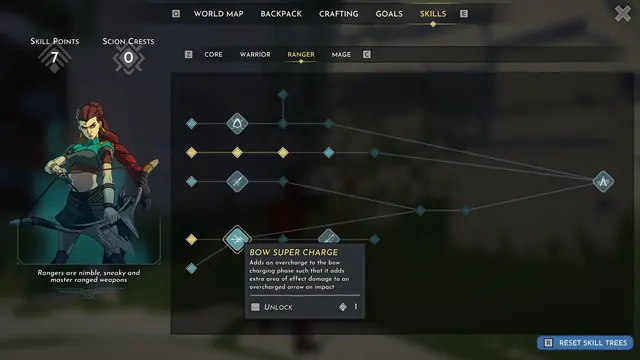 Stormforge - Skills: Ranger tree with Bow Super Charge tooltip
Same type: Focus / Tech Trees; Shared patterns: tabbed-panel, skill-tree, portrait-panel
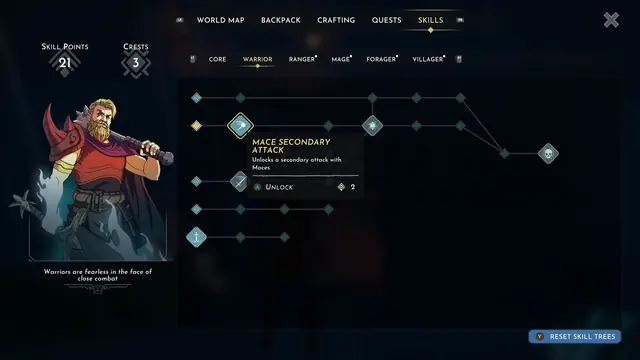 Stormforge - Skills: Warrior, Mace Secondary Attack, gamepad layout
Same type: Focus / Tech Trees; Shared patterns: tabbed-panel, skill-tree, portrait-panel
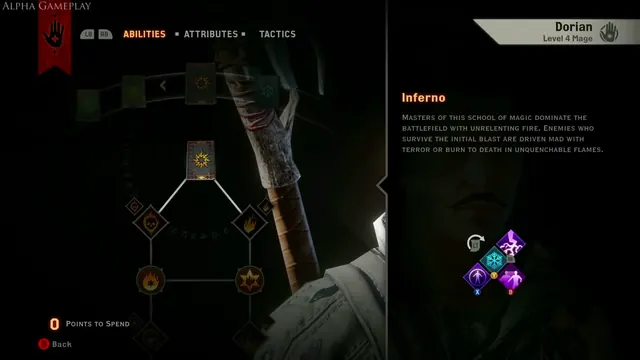 Dragon Age: Inquisition - Abilities tree: Dorian's Inferno school overview
Same type: Focus / Tech Trees; Shared patterns: skill-tree, tabbed-panel, detail-panel, portrait-panel