Message center: Train networks guide, Create the network steps
Captain of Industry · Encyclopedia / Codex
Art style Realistic 3D
About this game
Developer: MaFi Games · Publisher: MaFi Games · Platform: PC (Steam) · Art style: Realistic 3D · Screen type: Encyclopedia / Codex
More Captain of Industry screens in the Gallery
What to study
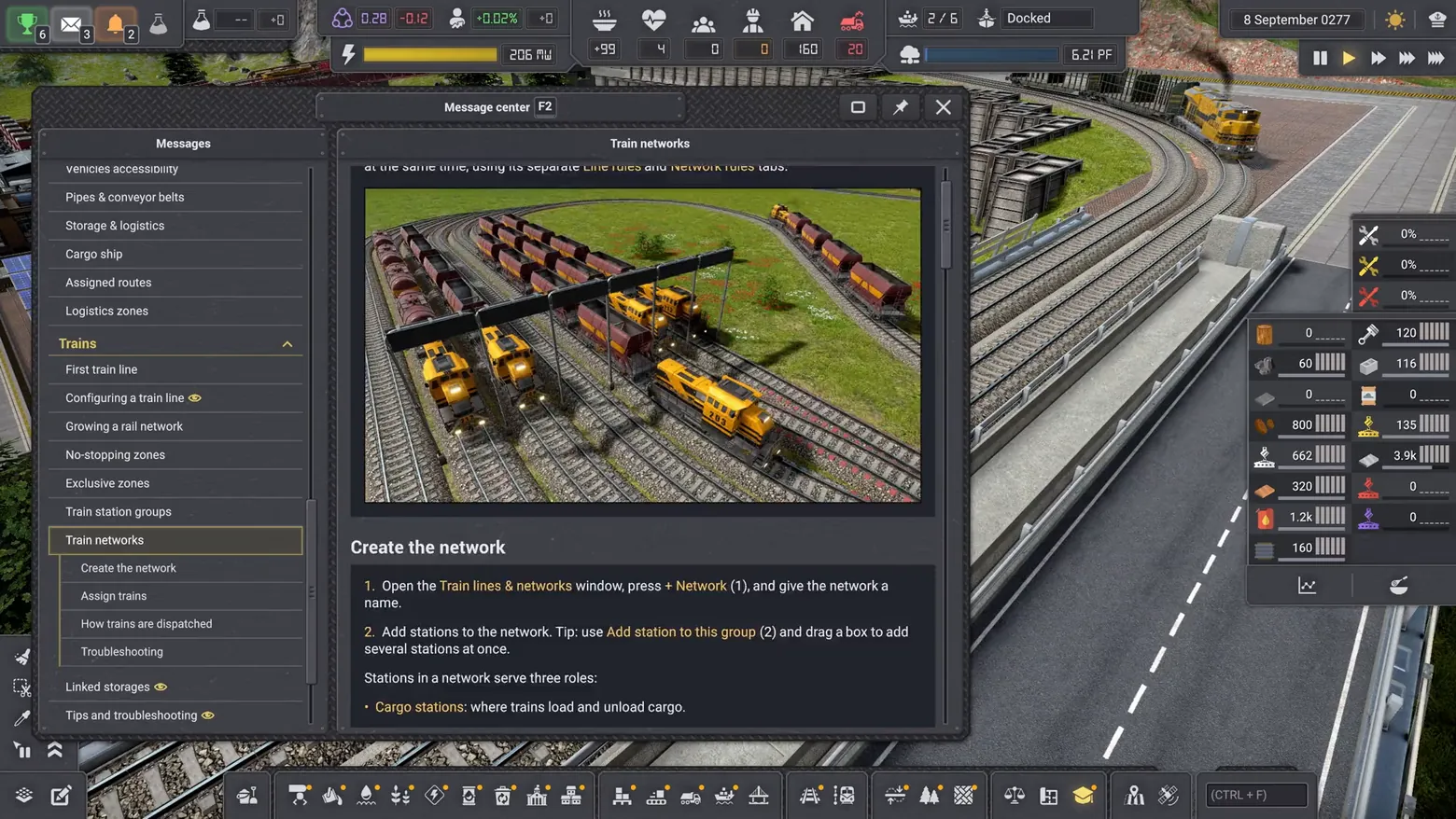
The Message center doubles as the game's manual: a topic tree on the left, a full article on the right, with numbered steps, named buttons to press, and a tip for adding several stations at once by dragging a box. The article pairs its steps with a screenshot of the exact rail yard it describes, so the player can match the text to a scene they have seen. Teaching inside the game, rather than in a separate wiki, is the design lesson, and the tree keeps every topic (trains, pipes, cargo ships, logistics zones) one click from play. Frame at about 1:07 in the Update 4.2 trailer (Steam). Disclosure: no trailer burn-in or captions visible in the frame.
Patterns
How the screen is arranged.
Components
Parts on screen.
Window List Journal Toolbar Resource bar
Screen inventory
- Message center (F2) window: Messages topic tree at left (Vehicles accessibility, Pipes and conveyor belts, Storage and logistics, Cargo ship, Assigned routes, Logistics zones, Trains)
- Trains section expanded: First train line, Configuring a train line, Growing a rail network, No-stopping zones, Exclusive zones, Train station groups, Train networks selected
- Train networks article: screenshot of a rail yard with yellow locomotives, heading Create the network, numbered steps (open Train lines and networks, press + Network, name it; add stations, drag a box to add several at once)
- Tip callouts and station-role definitions (Cargo stations: where trains load and unload cargo)
- Top HUD behind the window: power 206 MW, food, population, ship Docked, date 8 September 0277; right-side stockpile bar
Top 3 colors
#414044 23%#2b2c30 19%#545353 18%
Top three palette colors by share. The remaining colors make up the rest.
Source and credit
© MaFi Games, Captain of Industry screenshot: Update 4.2 trailer (Steam), shown for design study and commentary. PlayCraft is an unofficial fan project, not affiliated with or endorsed by MaFi Games.
Source tier 2 (publisher-released) · screenshot: Steam store page · Steam page
Source details
Fetched 2026-11-03. verified 2026-11-02: scene frame from the official Steam trailer, inspected visually at full resolution; topic tree entries, Train networks article heading, numbered steps, tip text, and rail-yard screenshot confirmed legible
No published MaFi Games fan-content policy found (checked 2026-11-02, reconfirmed 2026-11-03); frames are from the publisher's own Steam trailers, used for design study and commentary, unofficial, not endorsed.
Rights holders: see Copyright & takedown.
Similar screens
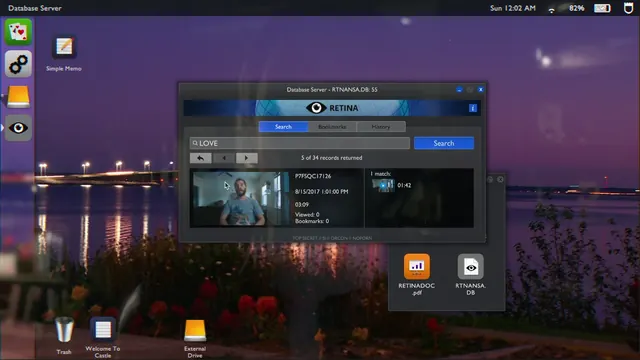 Telling Lies - RETINA record P7FSQC17126: Viewed 0, Bookmarks 0, one 01:42 match
Same type: Encyclopedia / Codex; Shared patterns: detail-panel, master-detail
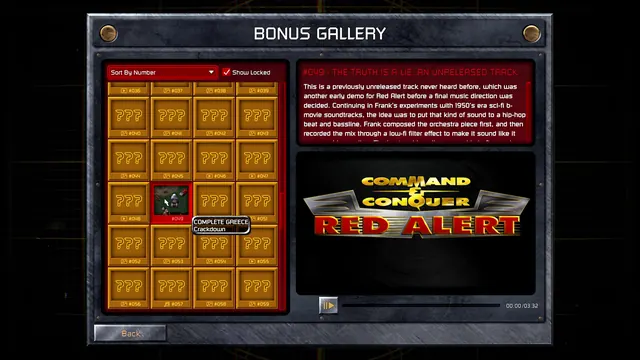 Command & Conquer Remastered Collection - Bonus Gallery: locked gold tiles, and one unreleased track, documented
Same type: Encyclopedia / Codex; Shared patterns: master-detail
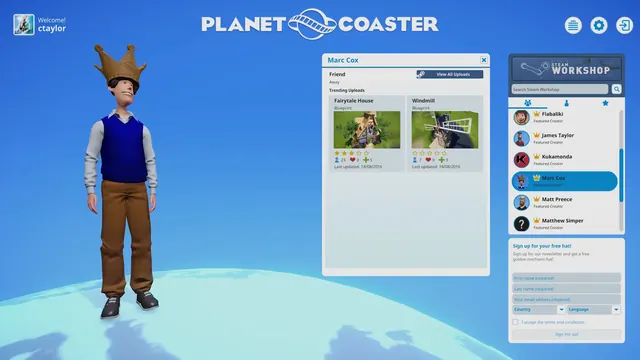 Planet Coaster - Front-end globe menu: Marc Cox's Workshop creator profile
Same type: Encyclopedia / Codex; Shared patterns: master-detail
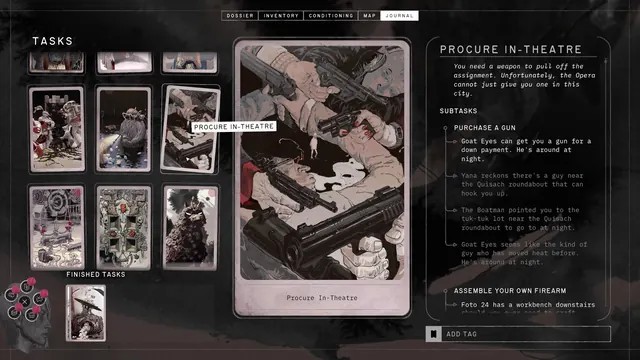 ZERO PARADES: Director's Cut - Journal: Tasks dealt as case-file cards, Procure In-Theatre
Same type: Encyclopedia / Codex; Shared patterns: master-detail
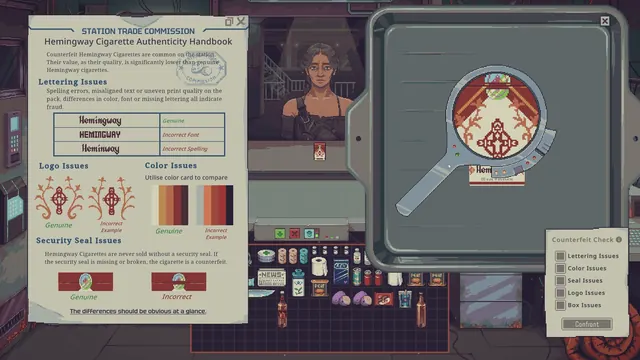 Probably Stolen - Cyberpunk Shopkeeper Sim - Counterfeit inspection: authenticity handbook and magnifier
Same type: Encyclopedia / Codex; Shared patterns: detail-panel
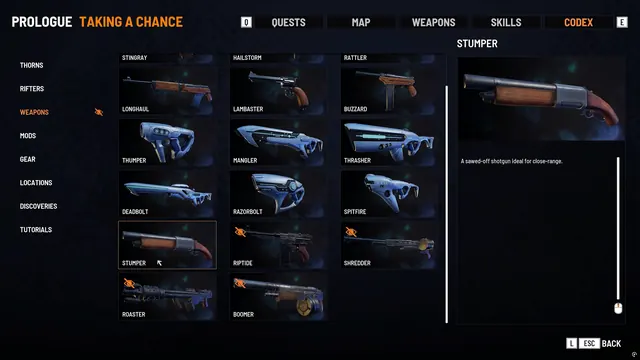 Every Day We Fight - Codex: the weapon catalogue as a picture grid
Same type: Encyclopedia / Codex; Shared patterns: detail-panel