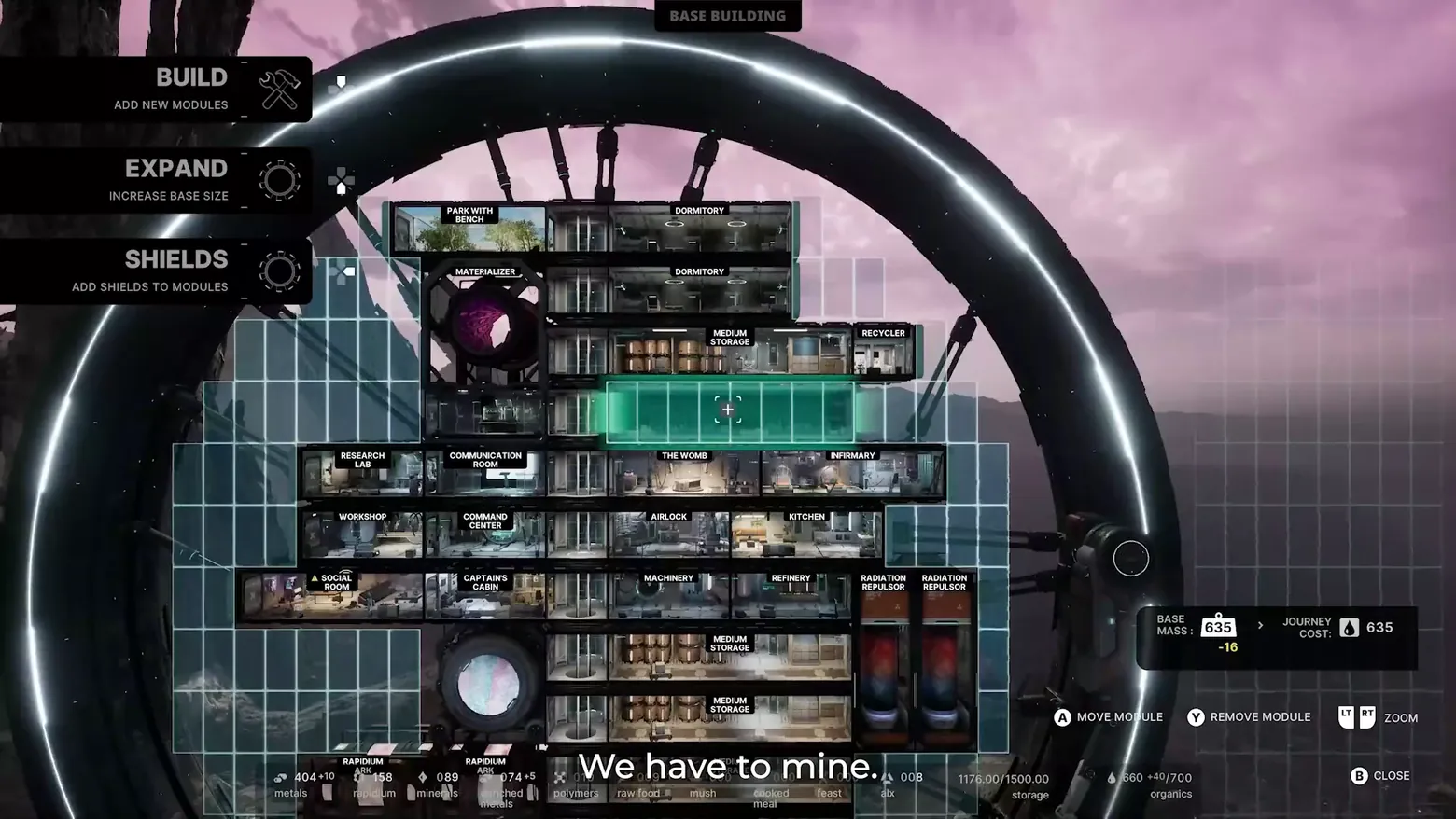
Base building: placing a module in the wheel
The Alters · City & Base Management
Art style Realistic 3D
About this game
Developer: 11 bit studios · Publisher: 11 bit studios · Platform: PC (Steam) · Art style: Realistic 3D · Screen type: City & Base Management
More The Alters screens in the Gallery
What to study
The Alters' base is a wheel, and building in it is a cross-section puzzle. The build mode shows the whole base at once, every module labelled in place, with a pale grid marking the buildable cells and a green ghost showing where the new module will land. The left menu splits the job three ways (build, expand, shields) instead of burying it in tabs, and the bottom strip keeps the cost of the decision visible: resources on the left, base mass and journey cost on the right, because every module added makes the base heavier to move. The layout is the lesson — a base that is also a floor plan, read at a glance. Frame at 1:05 in the New Gameplay Trailer (Steam). Caveat: the trailer subtitle "We have to mine." is burned in across the bottom and partly covers the resource strip.
Patterns
How the screen is arranged.
grid-overlay side-panel action-list resource-readout status-row
Components
Parts on screen.
Screen inventory
- the wheel-shaped base in cross-section, its modules labelled: PARK WITH BENCH, DORMITORY, MATERIALIZER, MEDIUM STORAGE, RECYCLER, RESEARCH LAB, COMMUNICATION ROOM, THE WOMB, INFIRMARY, WORKSHOP, COMMAND CENTER, AIRLOCK, KITCHEN, SOCIAL ROOM, CAPTAIN'S CABIN, MACHINERY, REFINERY, RADIATION REPULSOR
- a green placement ghost with a + reticle marks the empty slot being filled, over a pale grid showing every buildable cell
- a three-item menu at left: BUILD / ADD NEW MODULES, EXPAND / INCREASE BASE SIZE, SHIELDS / ADD SHIELDS TO MODULES, each with its own icon
- a resource strip along the bottom (metals, rapidium, minerals, polymers, raw food, mush, cooked meal, feast, alx, storage, organics) and a BASE MASS 635 / JOURNEY COST 635 readout at right
- A MOVE MODULE, Y REMOVE MODULE, LT RT ZOOM and B CLOSE hints at bottom right
Top 3 colors
#0c0c0f 23%#4f555a 21%#323135 17%
Top three palette colors by share. The remaining colors make up the rest.
Source and credit
© 11 bit studios, The Alters screenshot: Steam trailers ("New Gameplay Trailer" / "Gameplay Trailer") — 11 bit studios, shown for design study and commentary. PlayCraft is an unofficial fan project, not affiliated with or endorsed by 11 bit studios.
Source tier 2 (publisher-released) · screenshot: Steam store page · Steam page
Source details
Fetched 2026-11-09. verified 2026-11-09: scene-change frame v0_0019.png @ 65.49s in the New Gameplay Trailer, MD5 0522011e2c6bb0db01a87dcf2fe4f41f, from the stock-ffmpeg HLS download (66,641,758 B, MD5 971c4c2ff2ab4880ce7c69b6d4af25f0; full decode to null exit 0, zero error lines — decode-steam-1601570-New-Gameplay-Trailer.mp4.err); inspected visually at full resolution (1920x1080 native); all module labels, the BUILD/EXPAND/SHIELDS menu, the green placement ghost, the grid, the BASE MASS / JOURNEY COST readout and the A/Y/LT-RT/B hints all legible; the trailer subtitle overlaps the bottom resource strip but the rest of the screen is clean
no dedicated published fan-content policy found (checked 2026-11-09); Who's Let's Play lists 11 bit studios / This War of Mine as permitted with no conditions; fair-use study use, takedown honored within 48h
Rights holders: see Copyright & takedown.
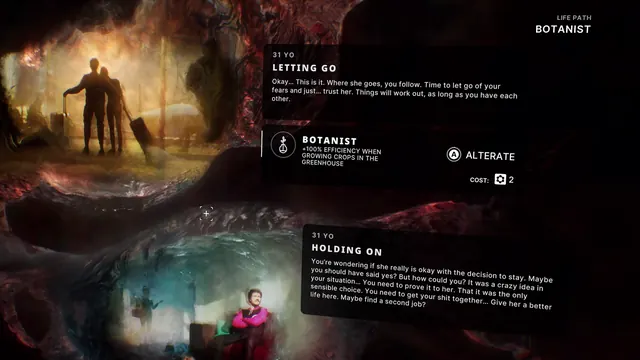
Similar screens
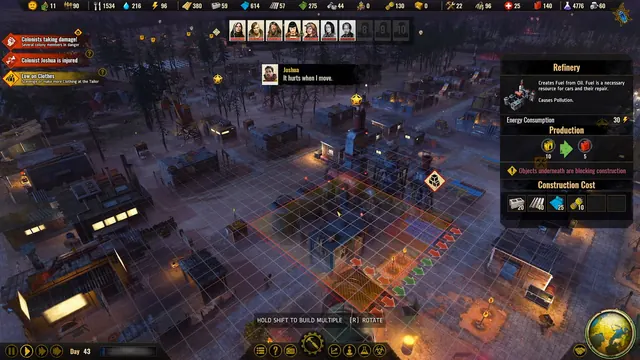 Surviving the Aftermath - Colony build: placing a Refinery
Same type: City & Base Management; Shared patterns: side-panel, grid-overlay, resource-readout, status-row
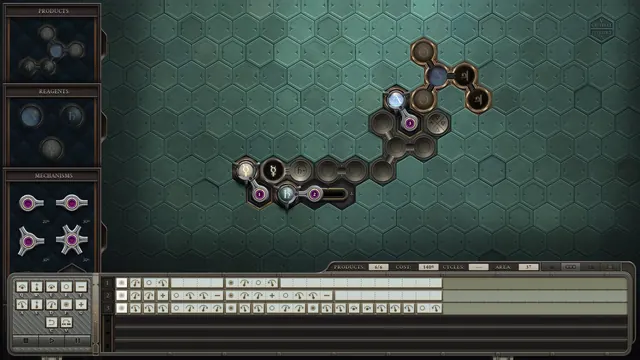 Opus Magnum - Transmutation engine editor, first solution: COST 140G, AREA 37
Same type: City & Base Management; Shared patterns: side-panel, status-row, grid-overlay
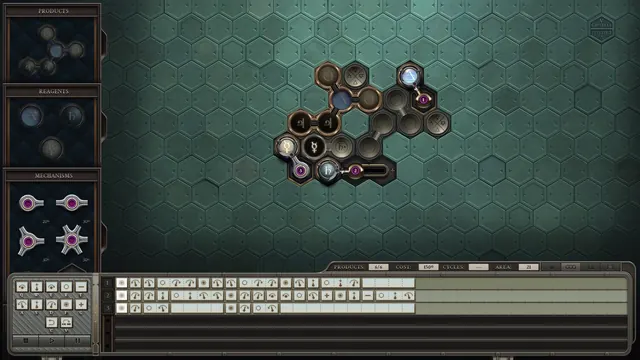 Opus Magnum - Transmutation engine editor, compact redesign: AREA 21
Same type: City & Base Management; Shared patterns: side-panel, status-row, grid-overlay
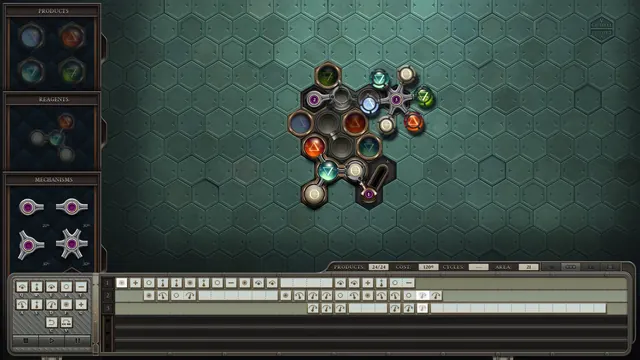 Opus Magnum - Transmutation engine editor, elemental puzzle: 24/24
Same type: City & Base Management; Shared patterns: side-panel, status-row, grid-overlay
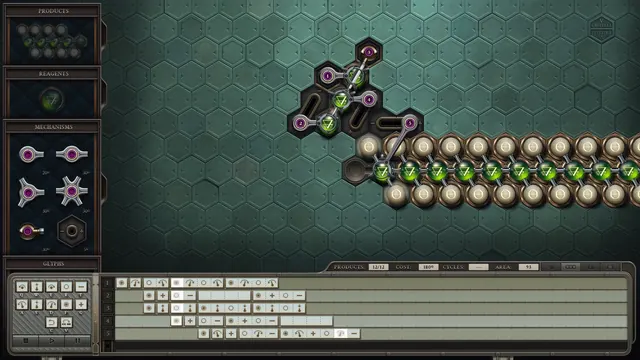 Opus Magnum - Transmutation engine editor, repeating chain: AREA 93
Same type: City & Base Management; Shared patterns: side-panel, status-row, grid-overlay
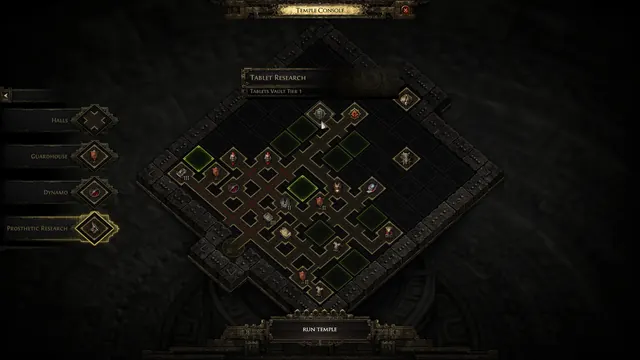 Path of Exile 2 - Temple Console: room palette, Tablet Research bar, Run Temple
Same type: City & Base Management; Shared patterns: grid-overlay, side-panel, action-list