PlayCraft / Gallery / Patterns / HUD overlay
HUD overlay
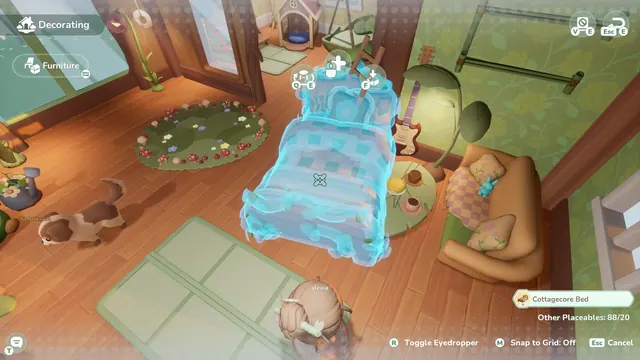
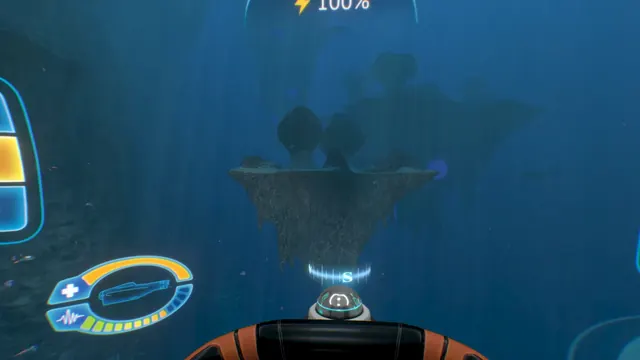
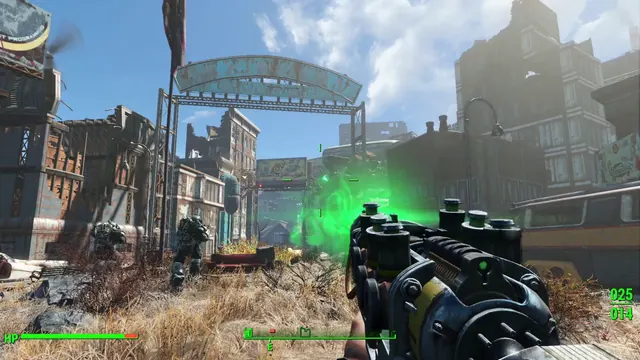
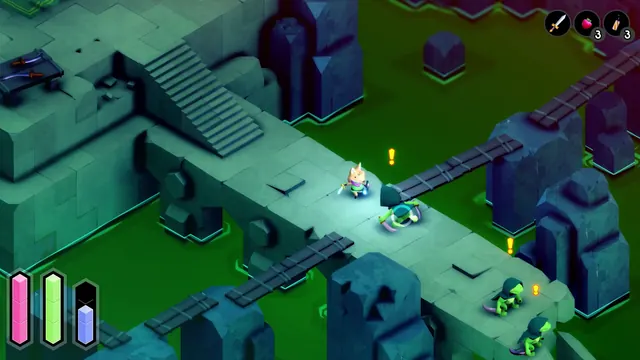
A HUD overlay is interface drawn directly over the live game view: panels, prompts, and readouts bolted onto the world instead of a separate menu screen. The game never stops; the UI shares the frame with it.
428 screens across 167 games in the Gallery.
What good looks like
- The world stays readable behind the panels; the overlay never becomes a wall.
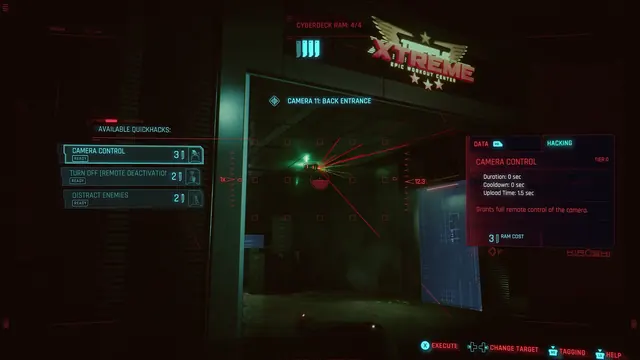
- Each overlay answers one question: what can I hack, what is my health, where do I go.
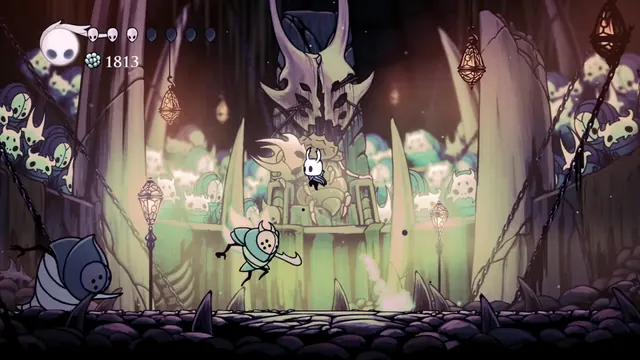
- Glyphs over words where speed matters: Hollow Knight's whole HUD is three glyphs in one corner.
- The overlay respects the scene's framing: Cyberpunk 2077's scanner keeps the real doorway in frame while its panels attach to the view.
Examples from the Gallery
Frequently asked questions
What is a HUD overlay in game UI?
A HUD overlay is interface drawn on top of the live game view rather than on a separate screen: health, prompts, objectives, and panels that share the frame with the world while the game keeps running. It is the default arrangement for action games, where stopping for a menu would break the moment.
Which games show HUD overlays well?
HELLDIVERS™ 2, Hi-Fi RUSH, March of Giants, Lies of P, and DOOM: The Dark Ages have the most HUD-overlay screens in the Gallery. Hollow Knight is the purest example: soul, health, and Geo each get one glyph in one corner, each a picture of the thing it counts.