PlayCraft / Gallery / Patterns / Detail panel
Detail panel
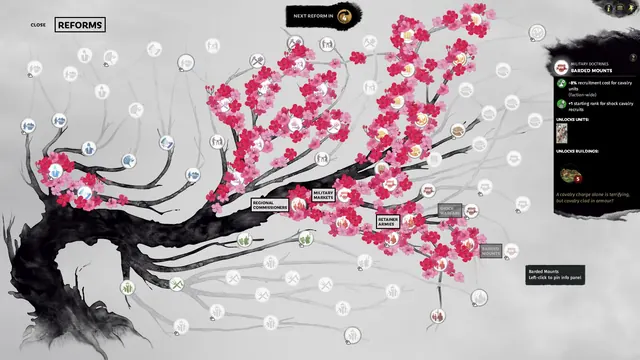
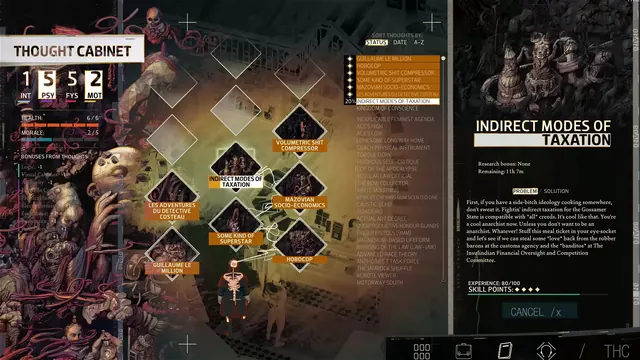
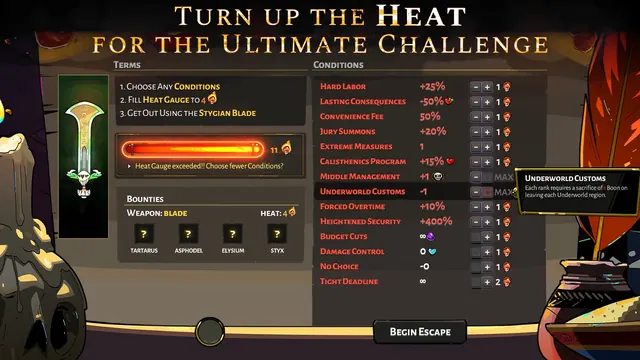
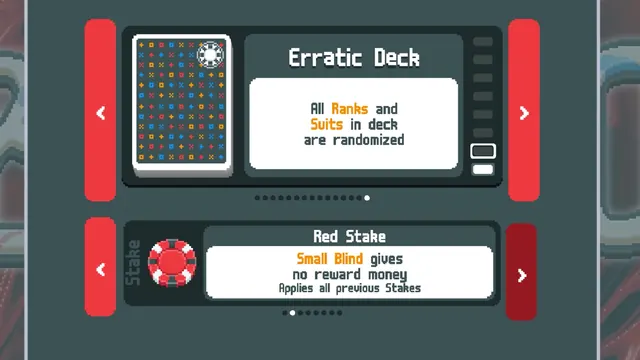
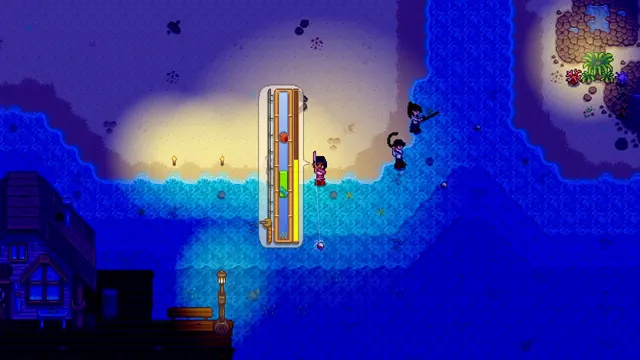
A detail panel is the panel that explains whatever you have selected: its stats, its costs, its story, and what you can do with it. It is the game's answer to 'tell me more about this', opened beside the thing itself instead of replacing the screen.
311 screens across 161 games in the Gallery.
What good looks like
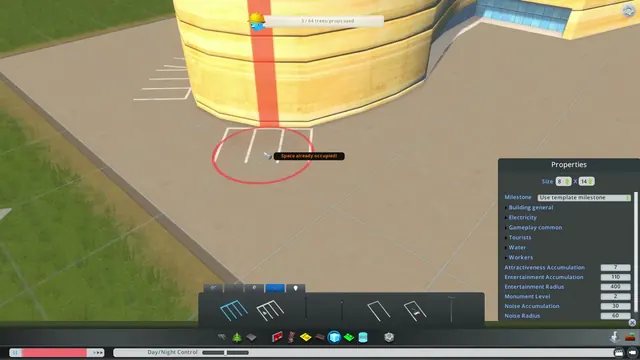
- Grouped, not dumped: the Cities: Skylines asset editor groups dozens of simulation values into labeled sections.
- The selected thing stays visible while you read about it.
- One clear next action in the panel, not a maze of tabs.
- The panel closes cleanly back to the overview it came from.
Examples from the Gallery
Frequently asked questions
What is a detail panel in game UI?
A detail panel is a panel that explains the thing you have selected: its stats, costs, story, and available actions. It opens beside the selection instead of replacing the screen, so you read about something while still looking at it.
Which games show detail panels well?
Loftia, Dragon Age: Origins, Wasteland 2: Director's Cut, Wargroove, and Warhammer 40,000: Chaos Gate - Daemonhunters have the most detail-panel screens in the Gallery. The Cities: Skylines asset editor is the clearest example: a whole building presented as an editable spec sheet.