City economy: New York improvements and domestic export
Millennia · City & Base Management
Art style Stylized 3D
About this game
Developer: C Prompt Games · Publisher: Paradox Interactive · Platform: PC (Steam) · Art style: Stylized 3D · Screen type: City & Base Management
More Millennia screens in the Gallery
What to study
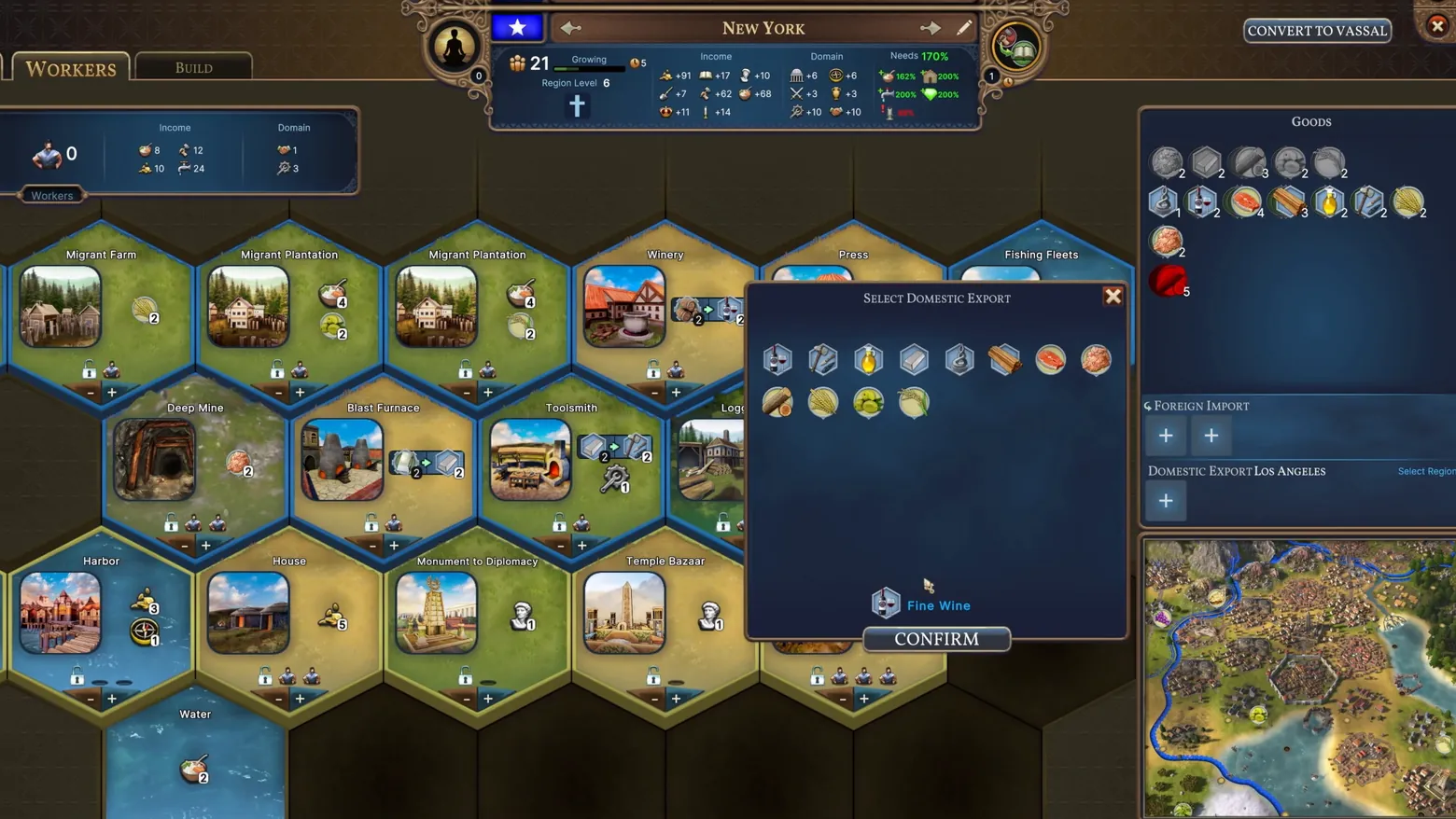
The city economy screen shows New York as a hex grid of improvements (Migrant Farm, Winery, Blast Furnace, Toolsmith, Harbor, Temple Bazaar and more), each with its yields and worker slots, with a Select Domestic Export dialog open over it (Fine Wine hovered, CONFIRM below) and the Goods, Foreign Import, and Domestic Export panels on the right. It is the densest economy view in either trailer. Frame at about 0:44 in the Release trailer (Steam). Disclosure: the in-game mouse cursor is visible over the Fine Wine icon in the dialog and does not obscure text.
Patterns
How the screen is arranged.
grid-map modal-dialog side-panel resource-readout map-panel
Components
Parts on screen.
Grid Window Resource bar Minimap
Screen inventory
- workers / build tabs
- city header (New York, Region Level 6, 21 population)
- hex improvement grid
- select domestic export dialog
- goods panel
- foreign import and domestic export panel
- minimap
Top 3 colors
#322c24 25%#1b232f 22%#2f4959 17%
Top three palette colors by share. The remaining colors make up the rest.
Source and credit
© C Prompt Games / Paradox Interactive, Millennia screenshot: Steam store movie (Release trailer), shown for design study and commentary. PlayCraft is an unofficial fan project, not affiliated with or endorsed by Paradox Interactive.
Source tier 2 (publisher-released) · screenshot: Steam store page · Steam page
Source details
Fetched 2026-11-04. verified 2026-11-04: scene-change frame inspected visually at full resolution; settled, legible, genuine city-economy UI confirmed
Paradox EULA Section 6: free access, own commentary required
Rights holders: see Copyright & takedown.
Similar screens
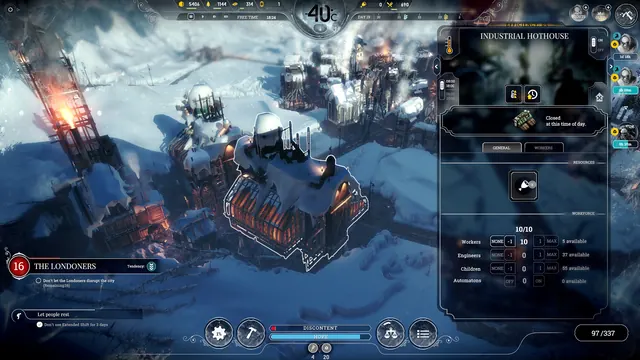 Frostpunk - Building panel: Industrial Hothouse
Same type: City & Base Management; Shared patterns: side-panel
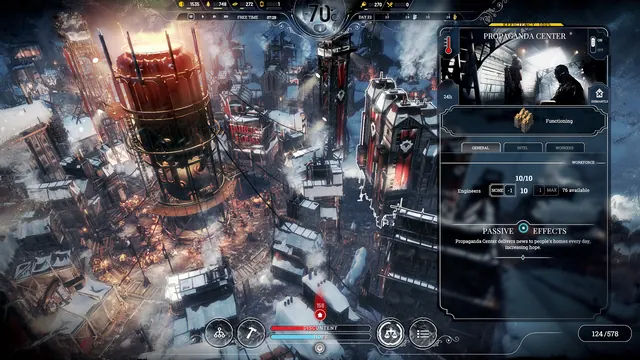 Frostpunk - Building panel: Propaganda Center
Same type: City & Base Management; Shared patterns: side-panel
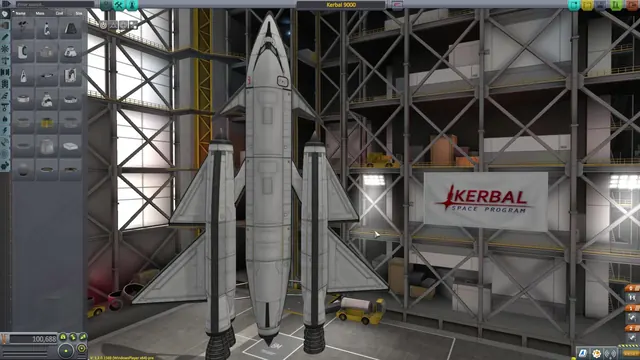 Kerbal Space Program - Vehicle Assembly Building: parts palette and the Kerbal 9000
Same type: City & Base Management; Shared patterns: side-panel
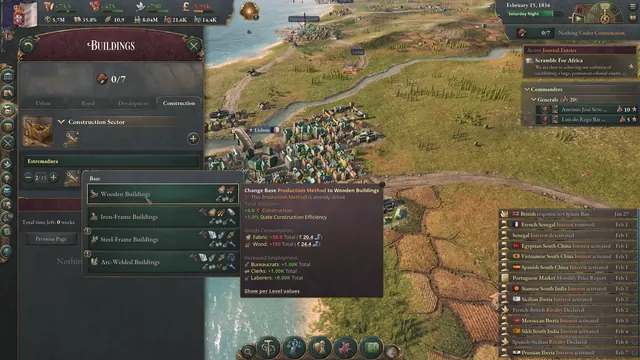 Victoria 3 - Buildings: production methods and the Wooden Buildings tooltip
Same type: City & Base Management; Shared patterns: side-panel
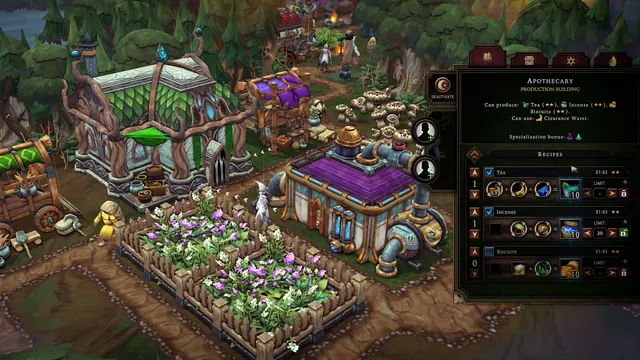 Against the Storm - Apothecary: three recipe equations with priorities, limits and worker slots
Same type: City & Base Management; Shared patterns: side-panel
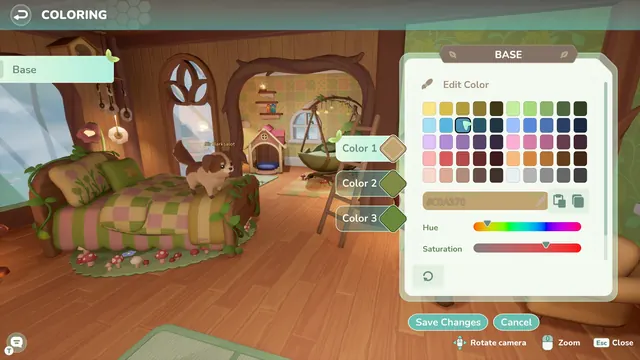 Loftia - Coloring a room: BASE editor over a treehouse bedroom
Same type: City & Base Management; Shared patterns: side-panel