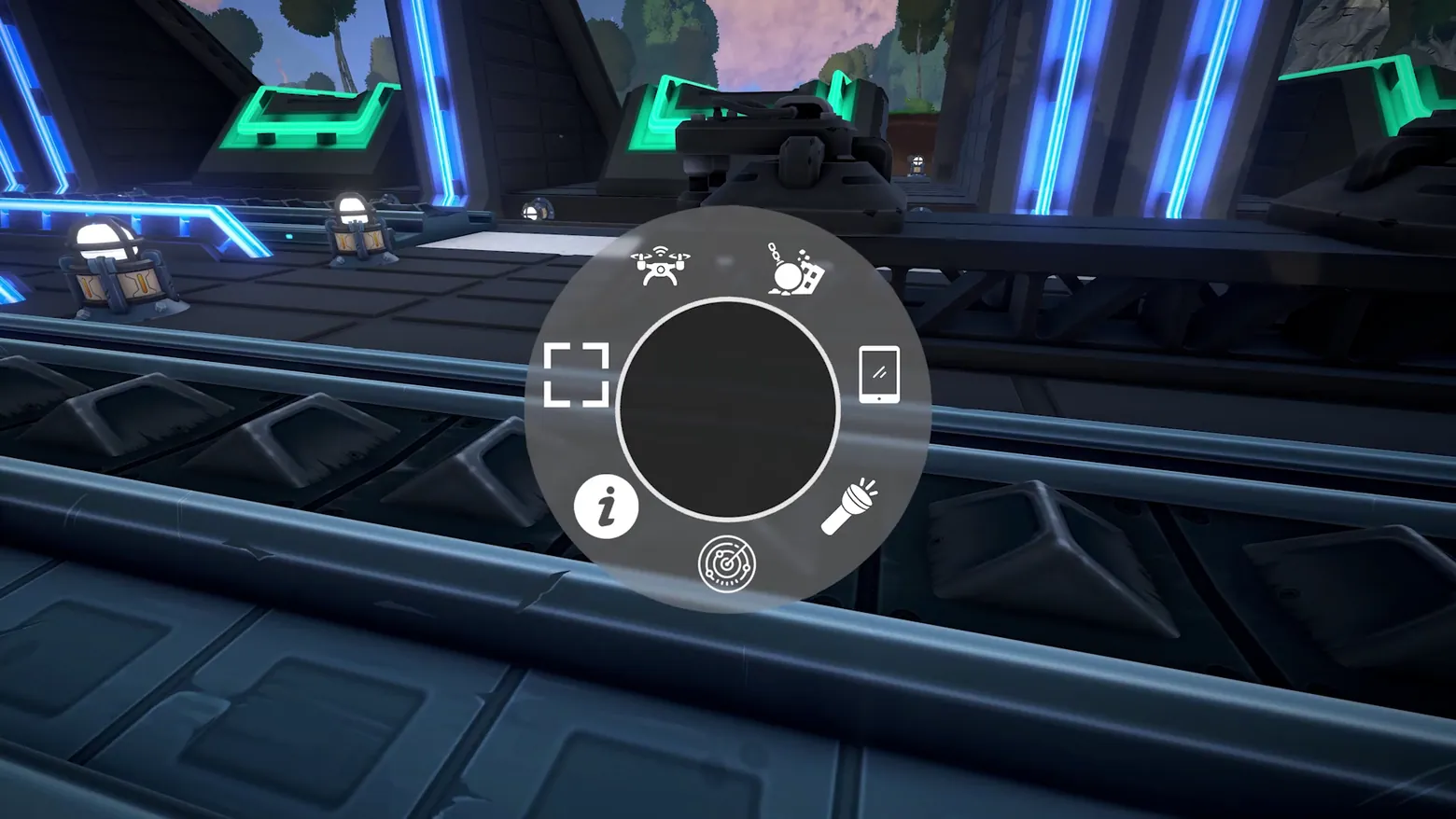
The quick-action radial wheel: seven tools around an empty hub
FOUNDRY · HUD & Gameplay UI
Art style Stylized 3D
About this game
Developer: Channel 3 Entertainment · Publisher: Paradox Interactive · Platform: PC (Steam) · Art style: Stylized 3D · Screen type: HUD & Gameplay UI
More FOUNDRY screens in the Gallery
What to study
FOUNDRY's whole quick-action layer is one gesture: hold a key and seven verbs appear on a dark disc over the live factory floor — drone, demolish, tablet, flashlight, radar, info, photo mode — then vanish. The design point is restraint: a first-person factory builder with a huge verb set refuses the hotbar entirely and trusts seven pictograms, no labels, no key hints, arranged in a ring whose empty centre is deliberately unclickable. It is the opposite of the genre's usual bottom-dock-everything HUD (compare Satisfactory's build bar): the screen stays clean until the player asks for tools, and when they do, the tools arrive as a circle rather than a list, so the choice is spatial — up-left for the drone, up-right to demolish — instead of a numbered slot to remember. Frame at about 0:26 in the Update 4 Features Overview (Steam; scene-change survivor v0_0006).
Patterns
How the screen is arranged.
radial-menu icon-wheel hud-overlay
Components
Parts on screen.
Screen inventory
- the wheel is a dark translucent disc over the factory floor, seven icon slots ringed around an empty black centre — the centre is a dead zone, not a button, so the menu reads as a ring of verbs with nothing to hit in the middle
- the seven verbs, clockwise from top left: a drone, a wrecking ball (demolish), a tablet, a flashlight, a radar/target reticle, an info 'i', and photo-mode corner brackets — icon-only, no labels, no key hints, so the player is expected to know the pictograms
- the wheel sits over live first-person gameplay (conveyor belts, neon-lit machinery) rather than pausing into a menu screen — it is an overlay on the world, not a takeover of it
Top 3 colors
#060b15 25%#171e2a 22%#1d3043 15%
Top three palette colors by share. The remaining colors make up the rest.
Source and credit
© Channel 3 Entertainment / Paradox Interactive, FOUNDRY screenshot: Steam trailers (Update 4 Features Overview / Update 4 Showcase Trailer) — Channel 3 Entertainment, shown for design study and commentary. PlayCraft is an unofficial fan project, not affiliated with or endorsed by Paradox Interactive.
Source tier 2 (publisher-released) · screenshot: Steam store page · Steam page
Source details
Fetched 2026-11-18. verified 2026-11-18: scene-change survivor candidates/v0_0006.png @ 26.29s in the Update 4 Features Overview, MD5 883ff85446eae5c773ac0a21943f3c35, from the Steam download (57,306,609 B, MD5 cd24cda2c7ff6d3e1e777fcfe5659219), inspected visually at full resolution (1920x1080 native); all seven radial icons legible; no trailer text or marketing overlay in frame
No FOUNDRY-specific Channel 3 Entertainment or Paradox Interactive fan-content policy checked in this pass. Frames used under fair-use study/commentary, unofficial, not endorsed, takedown honored within 48h.
Rights holders: see Copyright & takedown.
Similar screens
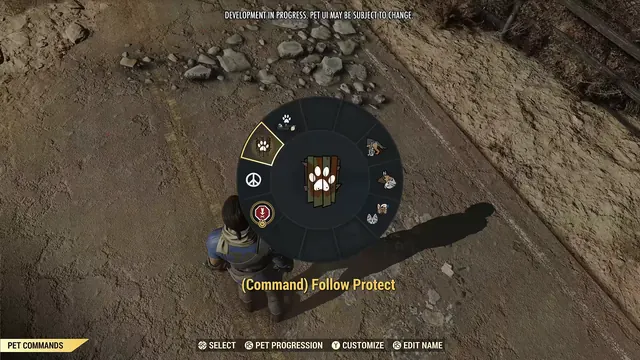 Fallout 76 - Pet Commands wheel: '(Command) Follow Protect' selected over the world
Same type: HUD & Gameplay UI; Shared patterns: radial-menu, hud-overlay, icon-wheel
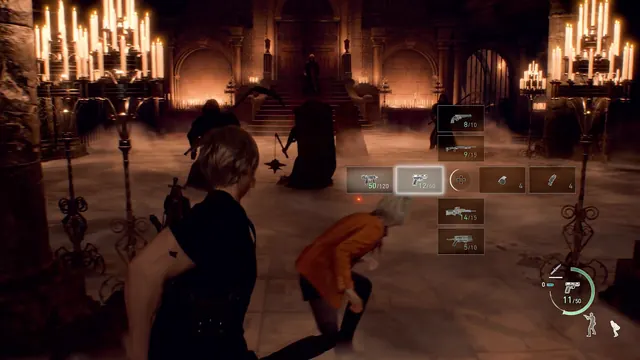 Resident Evil 4 - Weapon quick-select: D-pad cross open mid-fight, handgun highlighted
Same type: HUD & Gameplay UI; Shared patterns: icon-wheel, hud-overlay
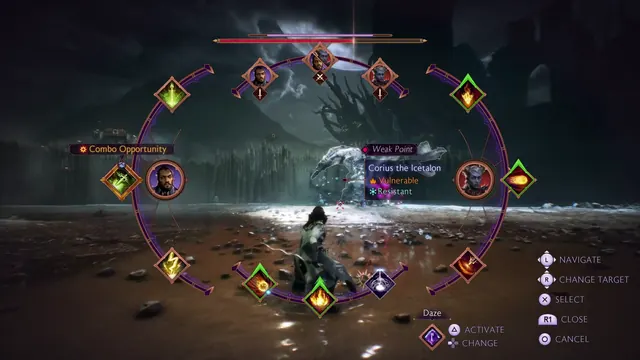 Dragon Age: The Veilguard - Ability wheel: Combo Opportunity and Weak Point callouts
Same type: HUD & Gameplay UI; Shared patterns: radial-menu, hud-overlay
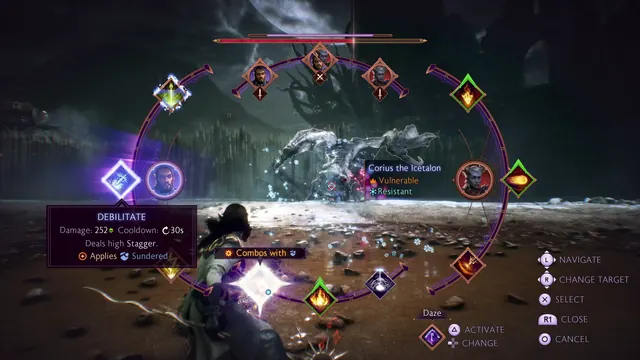 Dragon Age: The Veilguard - Ability wheel: Debilitate tooltip, Sundered combo
Same type: HUD & Gameplay UI; Shared patterns: radial-menu, hud-overlay
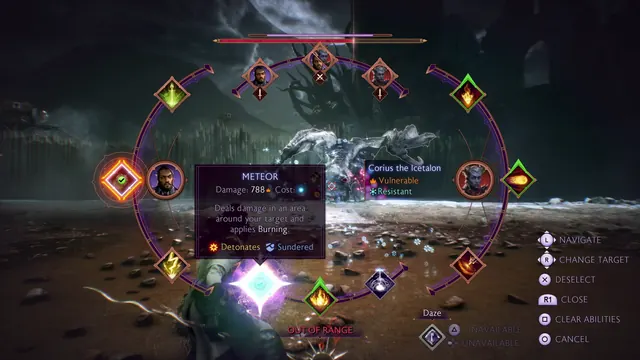 Dragon Age: The Veilguard - Ability wheel: Meteor selected, Out of Range warning
Same type: HUD & Gameplay UI; Shared patterns: radial-menu, hud-overlay
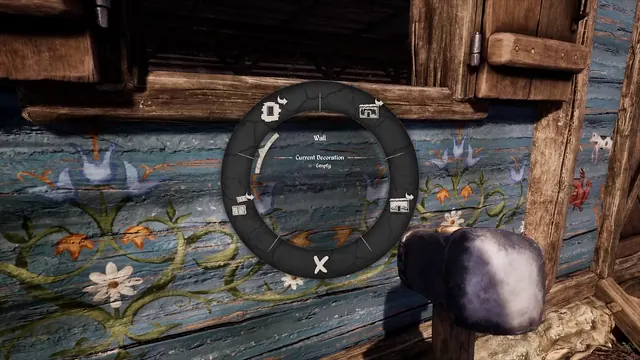 Medieval Dynasty - Decoration radial wheel: Wall, current decoration Empty
Same type: HUD & Gameplay UI; Shared patterns: radial-menu, icon-wheel