Jewellery assembly: ruby pendant and taste sliders
Abyssal Lapidary · HUD & Gameplay UI
Art style Realistic 3D
About this game
Developer: Light Worm · Publisher: XD · Platform: PC (Steam) · Art style: Realistic 3D · Screen type: HUD & Gameplay UI
More Abyssal Lapidary screens in the Gallery
What to study
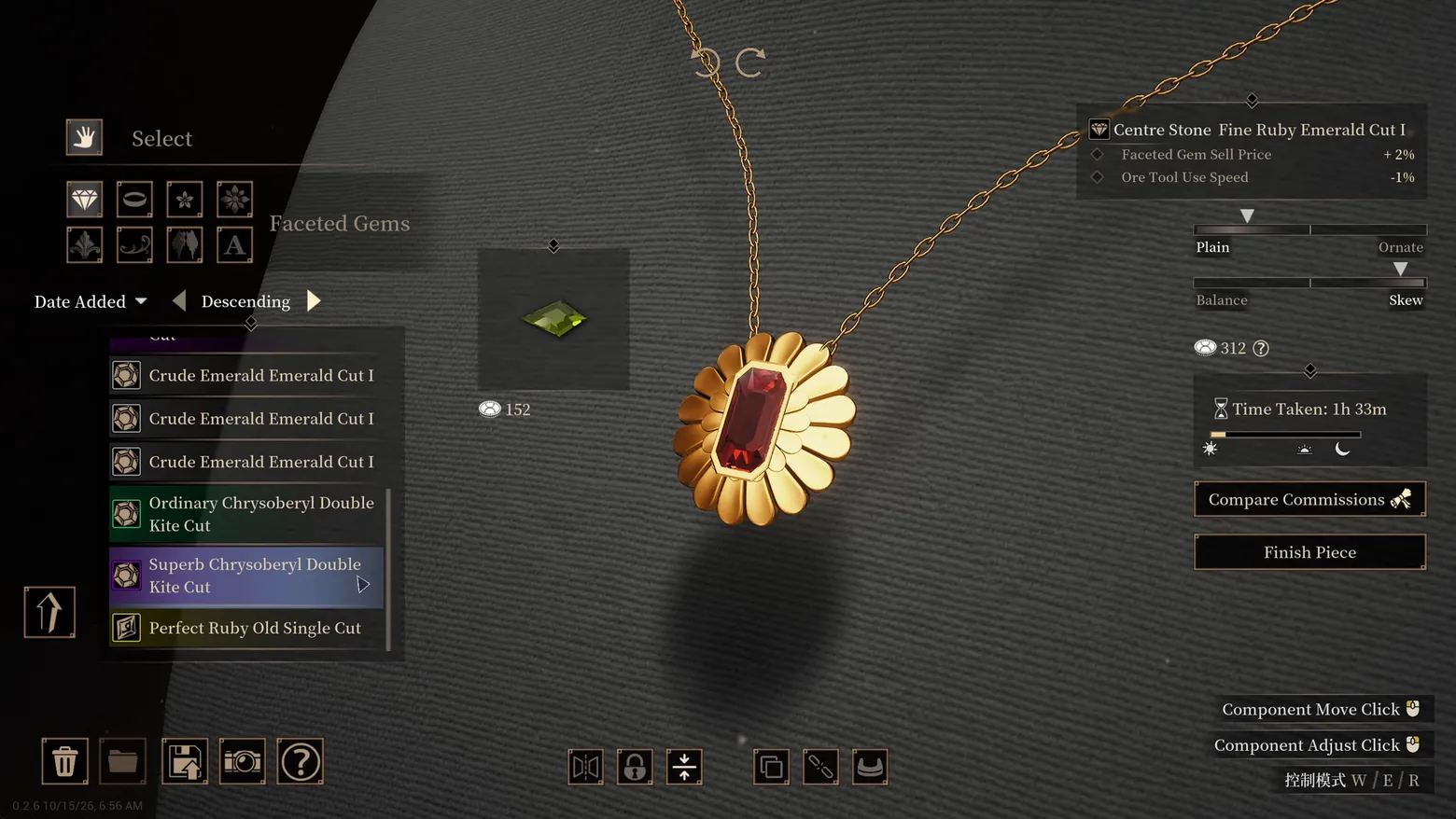
A jeweller's bench as a spreadsheet with taste sliders. The assembly screen's real subject is trade-offs: the centre stone's card lists a benefit and a penalty side by side (+2% sell price, -1% tool speed), and the two sliders - Plain to Ornate, Balance to Skew - turn aesthetics into continuous stats the market will price. The inventory teaches its rarity language without a legend: Crude rows are plain, Ordinary is green, Superb is purple, Perfect is gold. Even time is a material - the piece has already taken 1h 33m of the in-game day, shown on a sun-to-moon strip. Frame at about 0:35 in the New fest PV-EN video (Steam), a scene-change survivor (v0_0001 at 34.7s) inspected at full resolution in this run.
Patterns
How the screen is arranged.
side-panel detail-panel slider-control bottom-dock
Components
Parts on screen.
Card Toolbar Progress bar Slider
Screen inventory
- left, the Select tool palette (hand, gem, ring, ornament and motif icons) over the Faceted Gems inventory sorted by Date Added, Descending: three Crude Emerald Emerald Cut I, an Ordinary Chrysoberyl Double Kite Cut (green row), a Superb Chrysoberyl Double Kite Cut (purple row, cursor on it) and a Perfect Ruby Old Single Cut (gold row) - rarity is row colour
- centre, the piece itself: a gold sunburst pendant with a red emerald-cut centre stone on a chain, the candidate kite-cut gem floating in its own tile with a 152 price tag
- right, the Centre Stone card: Fine Ruby Emerald Cut I, with its two signed modifiers - Faceted Gem Sell Price +2%, Ore Tool Use Speed -1% - every component helps one number and hurts another
- under it, two bipolar sliders price taste itself: Plain <-> Ornate and Balance <-> Skew, then the 312 cost, a Time Taken: 1h 33m readout with a day-night progress strip, and the two exits - Compare Commissions and Finish Piece
- bottom edge: file actions (delete, folder, export, camera, help) and component controls with mouse hints (Component Move Click / Component Adjust Click); a Chinese control-mode hint (W/E/R) sits bottom-right in this fest build, and the build stamp 0.2.6 10/15/26 bottom-left
Top 3 colors
#302f2c 28%#42413e 22%#131211 18%
Top three palette colors by share. The remaining colors make up the rest.
Source and credit
© Light Worm / XD, Abyssal Lapidary screenshot: Abyssal Lapidary - New fest PV-EN and PV-EN videos (Steam), shown for design study and commentary. PlayCraft is an unofficial fan project, not affiliated with or endorsed by XD.
Source tier 2 (publisher-released) · screenshot: Steam store page · Steam page
Source details
Fetched 2026-10-21. verified 2026-10-22: scene-change survivor v0_0001.png (34.7s) inspected visually at full resolution in this run; keeper file necklace-assembly.png is a byte copy of that survivor
no published policy found (checked 2026-10-22); fair-use study use, takedown honored within 48h
Rights holders: see Copyright & takedown.
Similar screens
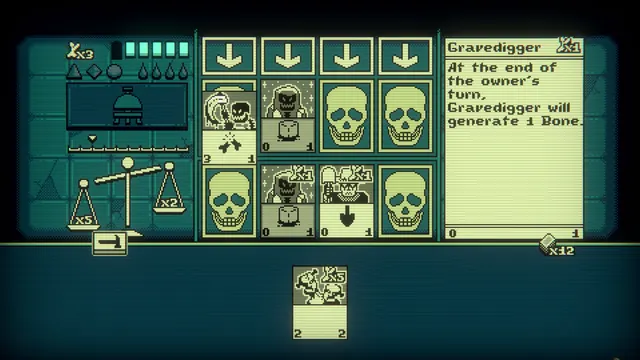 Inscryption - The same game, flattened: Act 2's pixel battle and the Gravedigger panel
Same type: HUD & Gameplay UI; Shared patterns: detail-panel, side-panel
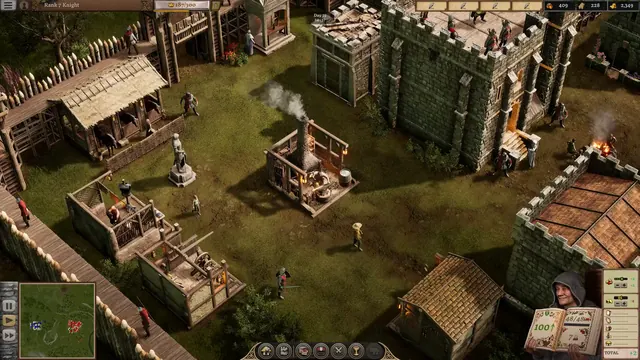 Stronghold 4 - Castle yard economy: the scribe's popularity book at 100
Same type: HUD & Gameplay UI; Shared patterns: bottom-dock, side-panel
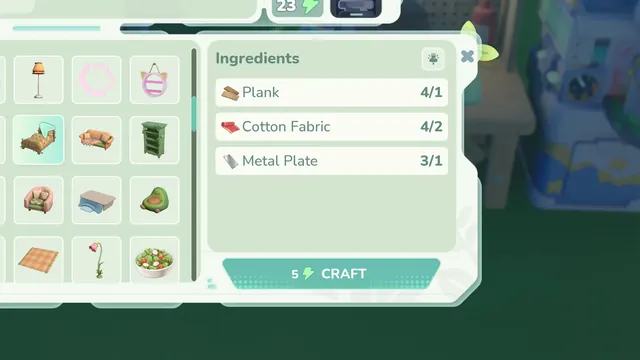 Loftia - Crafting a bed: Ingredients with have/need counts
Same type: HUD & Gameplay UI; Shared patterns: side-panel, detail-panel
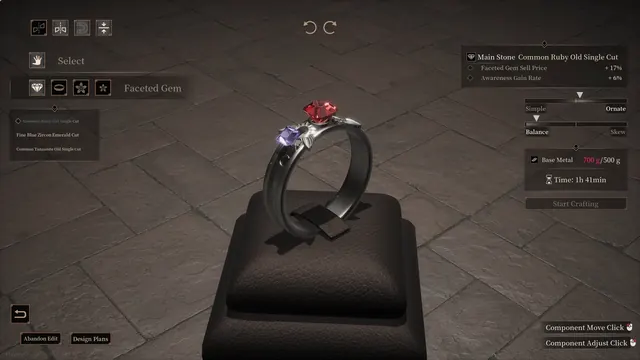 Abyssal Lapidary - Ring design: overweight Base Metal warning in red
Same type: HUD & Gameplay UI; Shared patterns: side-panel, detail-panel, slider-control
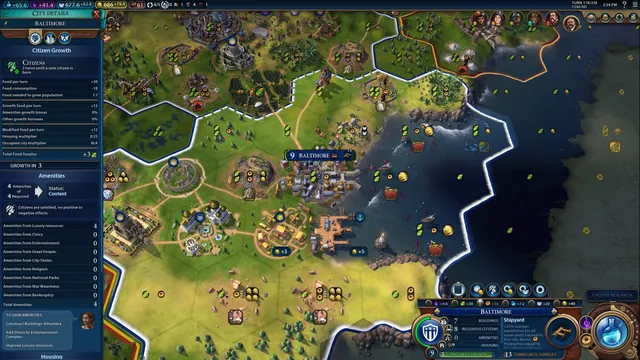 Civilization VI - World map HUD with city panel open
Same type: HUD & Gameplay UI; Shared patterns: side-panel
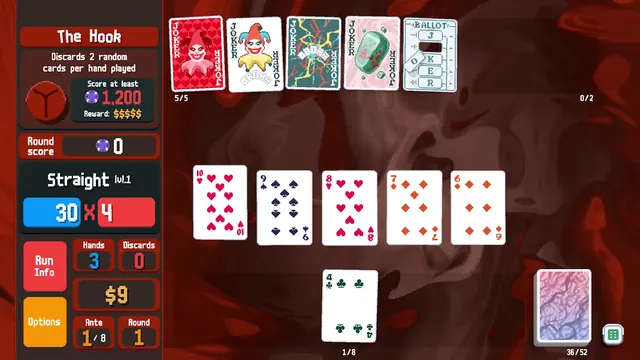 Balatro - Boss blind HUD: The Hook, a Straight, and the Chips × Mult rail
Same type: HUD & Gameplay UI; Shared patterns: side-panel