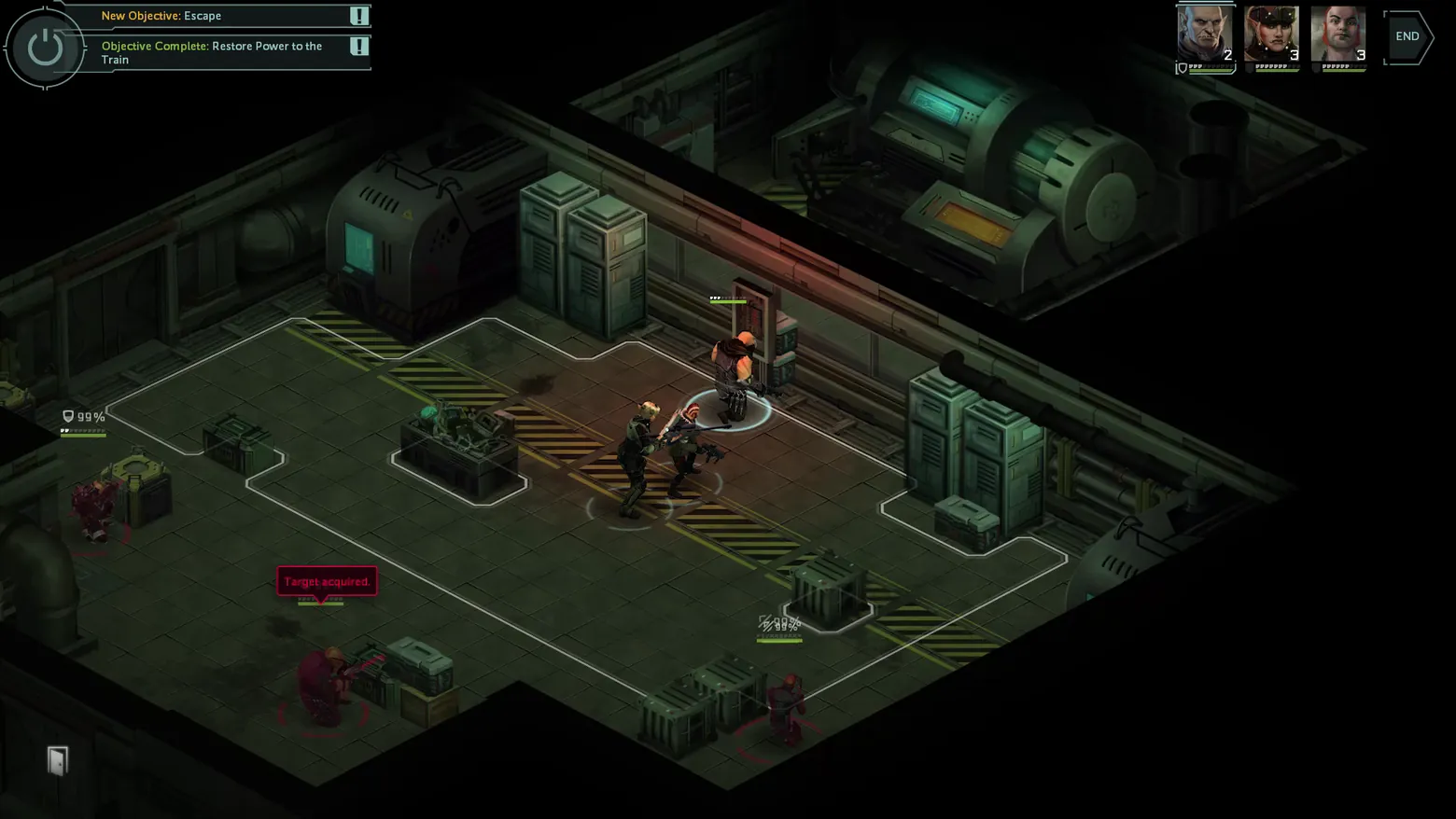
Combat HUD: objective banner over the train escape
Shadowrun: Dragonfall - Director's Cut · Battle / Tactics
Art style Painterly illustration
About this game
Developer: Harebrained Schemes · Publisher: Paradox Interactive · Platform: PC (Steam) · Art style: Painterly illustration · Screen type: Battle / Tactics
More Shadowrun: Dragonfall - Director's Cut screens in the Gallery
What to study
The HUD narrates the fight as it happens: the top-left banner logs the objective feed in two lines at once, the completed 'Restore Power to the Train' in green under the new amber 'Escape', so the player always knows what just changed and what comes next. The rest of the frame is the turn's arithmetic made visible: three squad portraits with action-point counts and health pips at top right, a hexagonal END button beside them, a white movement-range outline drawn across the floor, and 99% hit-chance readouts floating over the field. The red 'Target acquired.' callout is the game's way of confirming the shot before it is taken. Nothing is hidden behind a menu; the whole turn lives on the battlefield itself. Frame at about 0:25 in the Official Trailer (Steam), scene-change extraction at 24.8s. Screen type follows the XCOM 2 / Divinity: Original Sin 2 / Gears Tactics tactical-HUD precedent.
Patterns
How the screen is arranged.
hud-overlay objective-tracker portrait-row end-turn-button movement-range health-bars
Components
Parts on screen.
Banner Portrait Pips Vitals bar Quest tracker Crosshair
Screen inventory
- objective banner at top left: 'New Objective: Escape' in amber and 'Objective Complete: Restore Power to the Train' in green, each with an exclamation marker
- three squad portraits at top right with action-point numbers (2, 3, 3) and health pips, beside a hexagonal END turn button
- power/menu button at top left in a circular frame
- white movement-range outline snaking across the train interior floor
- 99% hit-chance readout with a shield icon over a crate, and a second 99% readout lower right
- red 'Target acquired.' callout with a health bar over an enemy at lower left
- health bars over enemies, blue selection rings under the active squad
Top 3 colors
#000000 23%#282d1f 22%#1a1e16 17%
Top three palette colors by share. The remaining colors make up the rest.
Source and credit
© Harebrained Schemes / Paradox Interactive, Shadowrun: Dragonfall - Director's Cut screenshot: Shadowrun: Dragonfall - Director's Cut (Official Trailer) (Steam), shown for design study and commentary. PlayCraft is an unofficial fan project, not affiliated with or endorsed by Paradox Interactive.
Source tier 2 (publisher-released) · screenshot: Steam store page · Steam page
Source details
Fetched 2026-11-23. verified 2026-11-23: frame extracted from the Official Trailer (Steam) and inspected visually at full resolution; genuine combat HUD confirmed settled (objective banner text, three portraits with AP counts, END button, movement outline, both 99% readouts and the Target acquired callout all legible); no trailer text overlays the frame
Paradox Interactive User Agreement §5-§6 (legal.paradoxplaza.com/eula, last update 2026-01-21): you may make videos, live streams or artwork containing gameplay, music, sound and screenshots from Paradox services and share them publicly; monetization only via the sharing site's official affiliate, advertising or partner programs. Caveat (§5): Paradox is not always the owner of a game's IP and cannot unconditionally allow UGC for all games — Shadowrun IP is third-party (Microsoft / Catalyst Game Labs) and Dragonfall (2014) predates Paradox's 2018 acquisition of Harebrained Schemes, so the grant is not airtight for this title. No Harebrained Schemes-specific fan-content policy found (wholetsplay.com lists HBS as MAYBE, condition 'Email them'). Gallery use is free study/commentary, unofficial, not endorsed; takedown honored within 48h
Rights holders: see Copyright & takedown.
Similar screens
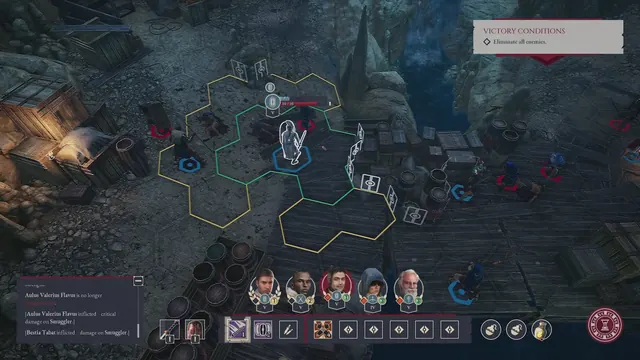 Expeditions: Rome - Combat HUD: movement and weapon-range hexes, target flags
Same type: Battle / Tactics; Shared patterns: movement-range, portrait-row, health-bars, hud-overlay
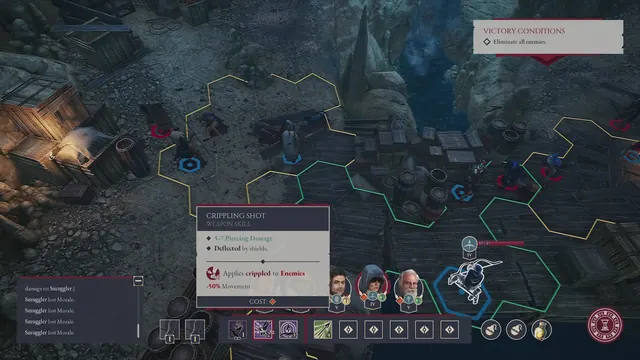 Expeditions: Rome - Skill tooltip: Crippling Shot, damage, deflection, cost
Same type: Battle / Tactics; Shared patterns: movement-range, portrait-row, health-bars
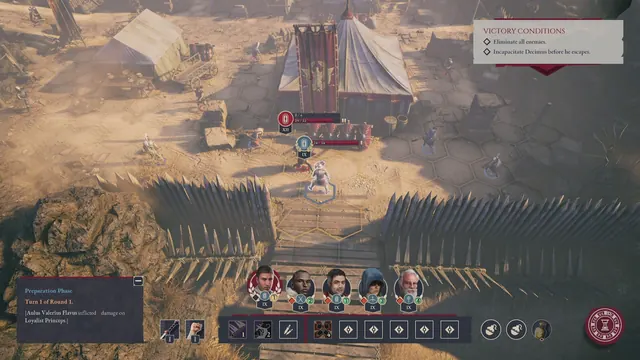 Expeditions: Rome - Preparation Phase: Turn 1, camp battle, two victory conditions
Same type: Battle / Tactics; Shared patterns: hud-overlay, portrait-row, health-bars
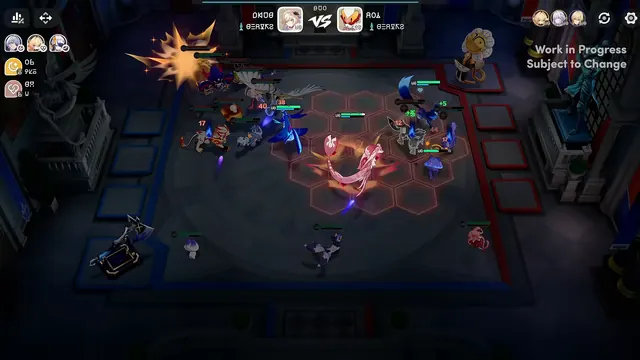 Honkai: Nexus Anima - Nexus Arena battle: hex-grid night arena, VS bar and team portraits
Same type: Battle / Tactics; Shared patterns: hud-overlay, health-bars, portrait-row
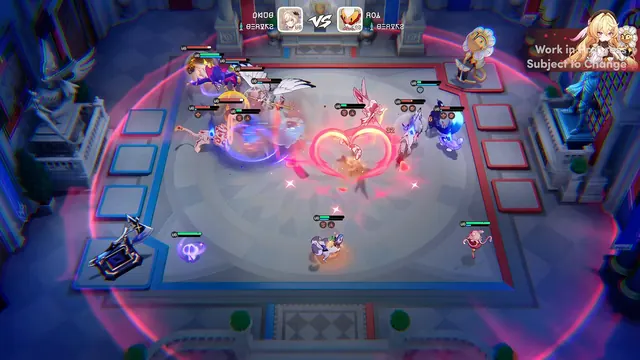 Honkai: Nexus Anima - Nexus Arena battle: circular arena, heart ability effect and VS bar
Same type: Battle / Tactics; Shared patterns: hud-overlay, health-bars, portrait-row
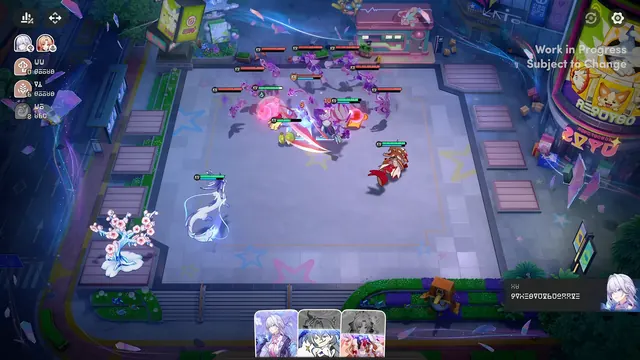 Honkai: Nexus Anima - Nexus Arena battle: street plaza arena, shopfronts and Eidos card hand
Same type: Battle / Tactics; Shared patterns: hud-overlay, health-bars, portrait-row