PlayCraft / Gallery / Patterns / Master-detail
Master-detail
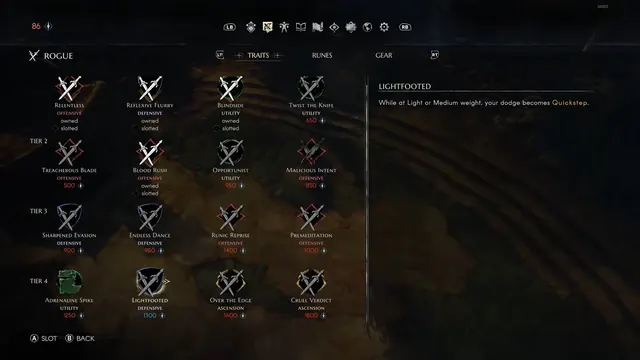
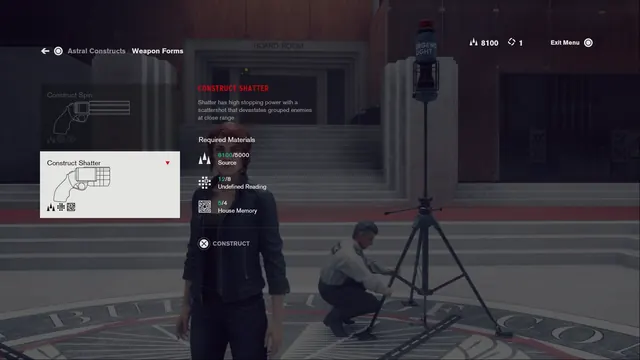
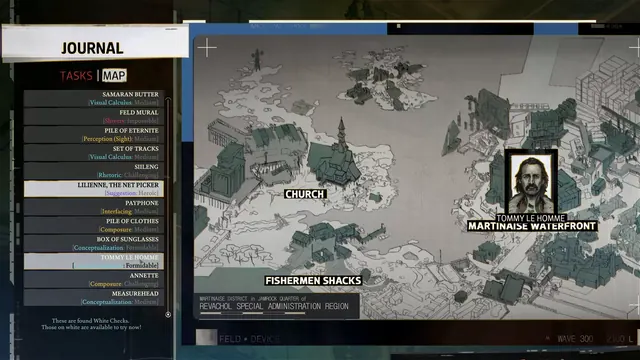
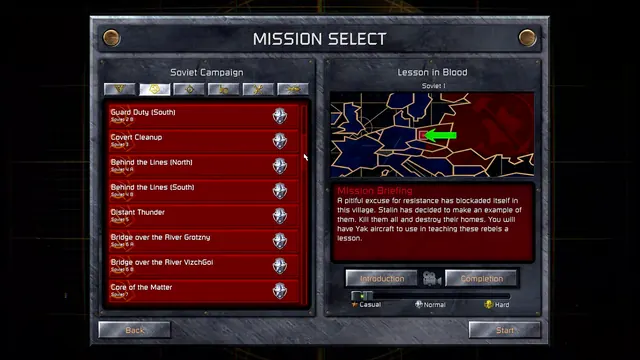
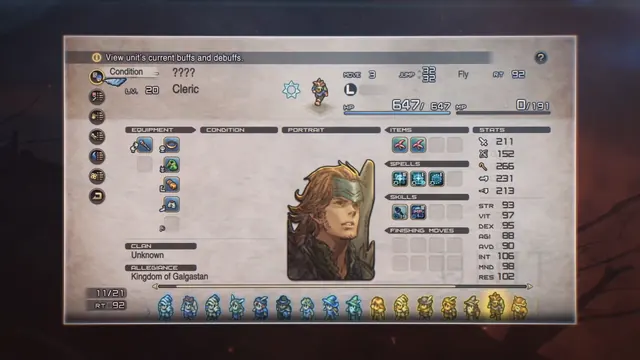
Master-detail is the two-pane arrangement: a list of things on one side, the selected thing's full detail on the other. Pick in the list, read on the right; the list never leaves, so comparing two items is two clicks.
93 screens across 56 games in the Gallery.
What good looks like
- The list and the detail stay in sync.
- The detail pane carries the whole decision: the NAUTUS upgrade screen states the stat change as before-and-after.
- The list is scannable without opening anything.
- Empty space is fine when the subject deserves it: the NAUTUS submarine floats alone on a blueprint grid while one card carries the decision.
Examples from the Gallery
Frequently asked questions
What is master-detail in game UI?
Master-detail is the two-pane arrangement: a list of things on one side, the selected thing's full detail on the other. You pick in the list and read on the right; the list never leaves, so comparing two items is two clicks.
Which games show master-detail well?
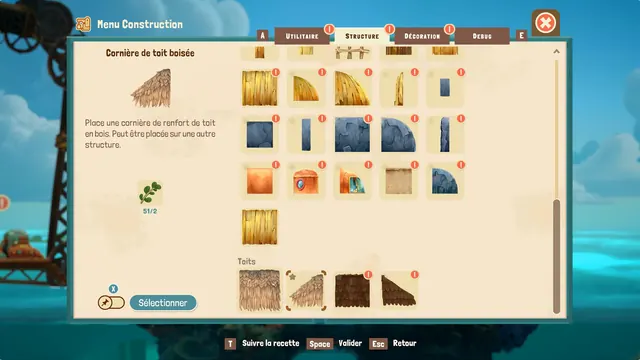
Hardspace: Shipbreaker, Distant Worlds 2, No Rest for the Wicked, Caves of Qud, and Captain of Industry have the most master-detail screens in the Gallery. The NAUTUS construction menu is the clearest example: category tabs across the top, a scrolling grid of thumbnails, the selected piece's art and materials on the side.