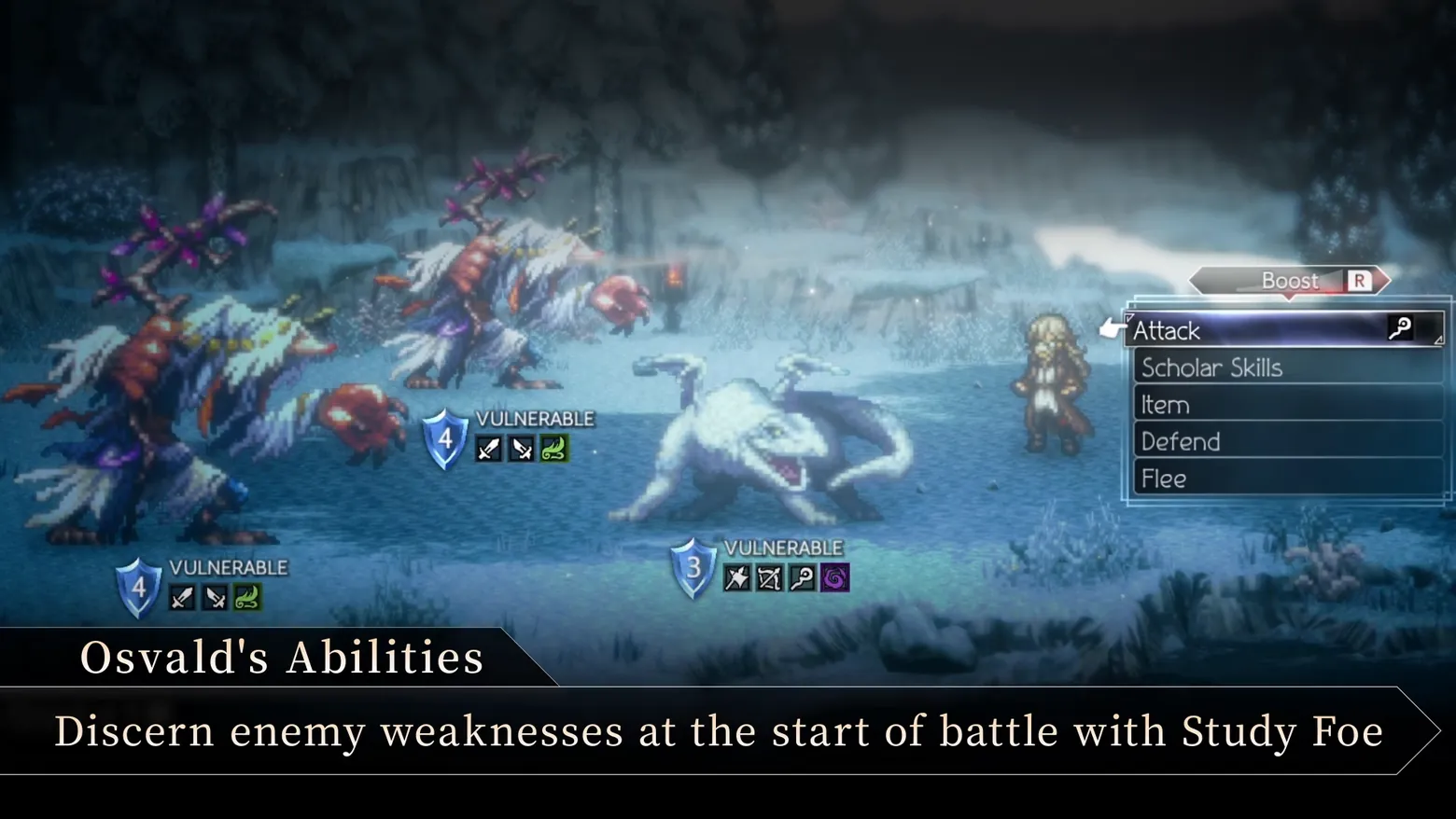
Battle command menu open: Attack, Scholar Skills, Item, Defend, Flee, Boost on the R tab
Octopath Traveler II · HUD & Gameplay UI
Art style HD-2D & retro 3D
About this game
Developer: ACQUIRE Corp. · Publisher: Square Enix · Platform: PC (Steam) · Art style: HD-2D & retro 3D · Screen type: HUD & Gameplay UI
More Octopath Traveler II screens in the Gallery
What to study
The frame the queue came for: Octopath Traveler II's battle command menu, open. The scene-change pass never caught it, the menu opens over a static snowy field, so this is a manual extraction from a 0.5s probe pass. Right: five text verbs (Attack, Scholar Skills, Item, Defend, Flee) in a translucent panel, Attack highlighted, and above them the Boost chevron on the R button, the game's signature spend-more-to-hit-harder decision parked over every order. Left: why the menu can afford to be this plain, the thinking has already been externalised onto the enemies, each wearing a blue Break shield (4, 4, 3) and a row of revealed weakness icons (Osvald's Study Foe passive, which the trailer's bottom banner, its own caption, over the caption strip only, happens to be explaining in this segment). While the menu is open, the party ledger and turn ribbon vanish: the choice gets the whole screen. Frame at about 2:44 in the NOV trailer - EN ESRB video (Steam), a manual probe extraction (probes/p163.5.png at 163.5s); the same menu at 162.5s is still fading in, and 163.5s is its settled state.
Patterns
How the screen is arranged.
action-list minimal-hud modal-panel
Components
Parts on screen.
Screen inventory
- right, the opened command list in a translucent dark panel: Attack (highlighted, with a pointing-hand cursor and a staff icon at its right edge), Scholar Skills, Item, Defend, Flee, five plain-text verbs, no icons in the rows themselves, because the acting character's job names the second row
- above the list, the Boost tab, a grey chevron labelled Boost with an R button glyph, the reminder that any command can be spent up to four BP stronger before you commit to it
- left and centre, the three enemies stay fully readable behind the menu: two antlered beasts and a white wolf, each carrying a blue shield badge (4, 4 and 3) under the word VULNERABLE, with its revealed weakness icons in a row, swords and a wind swirl for the beasts, star, bow, staff and a dark vortex for the wolf
- the acting character stands alone at right of the wolf, small against the snowy field, while the menu is open the party ledger and turn ribbon leave the screen entirely; choosing is given the whole frame
Top 3 colors
#080b0f 23%#3c586d 19%#5c829d 17%
Top three palette colors by share. The remaining colors make up the rest.
Source and credit
© ACQUIRE Corp. / Square Enix, Octopath Traveler II screenshot: Octopath Traveler II - NOV trailer - EN ESRB video (Steam), shown for design study and commentary. PlayCraft is an unofficial fan project, not affiliated with or endorsed by Square Enix.
Source tier 2 (publisher-released) · screenshot: Steam store page · Steam page
Source details
Fetched 2026-10-21. verified 2026-10-21: manual probe frame (probes/p163.5.png, 163.5s) inspected visually at full resolution (1920x1080 native) and confirmed as a genuine, settled, fully legible battle frame, the command list is fully opaque with Attack highlighted, the Boost/R tab and all three VULNERABLE shield badges with weakness icons are sharp; the trailer feature banner along the bottom is complete-sentence and covers only its caption strip
no published policy found (checked 2026-10-21); fair-use study use, takedown honored within 48h
Rights holders: see Copyright & takedown.
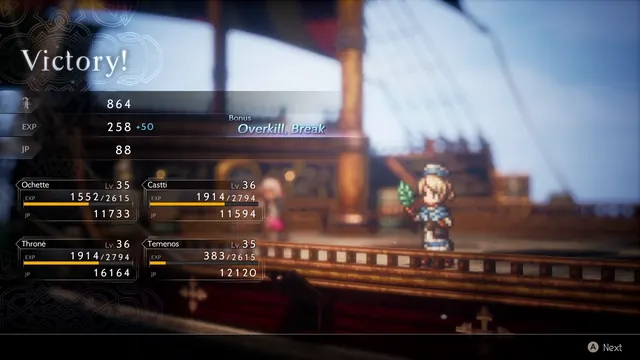
Similar screens
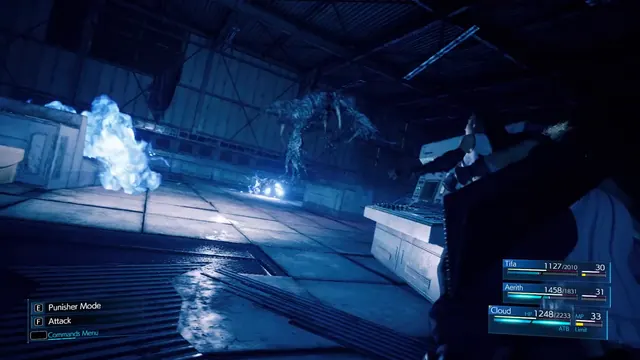 Final Fantasy VII Remake Intergrade - Battle HUD in a warehouse fight: party HP/MP/ATB bars and command shortcuts
Same type: HUD & Gameplay UI; Shared patterns: minimal-hud, action-list
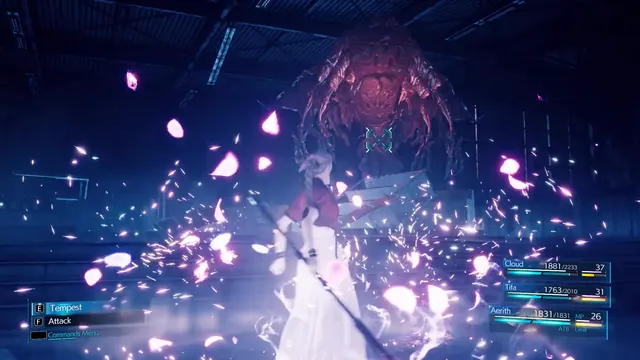 Final Fantasy VII Remake Intergrade - Aerith's Tempest against a boss: lock-on reticle over the party HUD
Same type: HUD & Gameplay UI; Shared patterns: minimal-hud, action-list
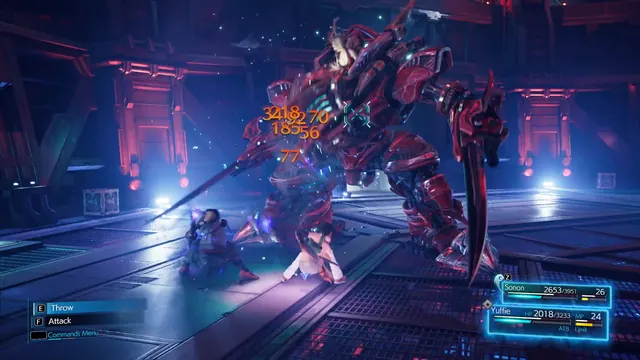 Final Fantasy VII Remake Intergrade - INTERmission battle: damage numbers over a mech boss, Yuffie framed as the active character
Same type: HUD & Gameplay UI; Shared patterns: minimal-hud, action-list
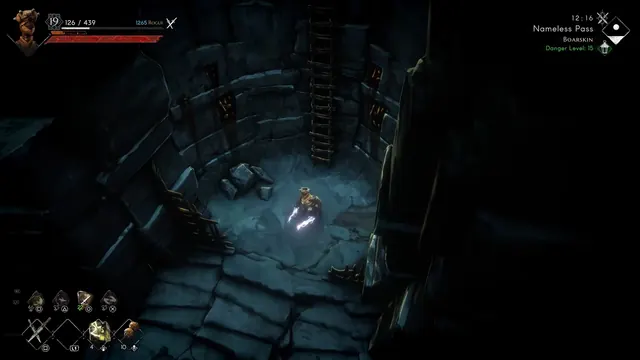 No Rest for the Wicked - Exploration HUD: Nameless Pass
Same type: HUD & Gameplay UI; Shared patterns: minimal-hud
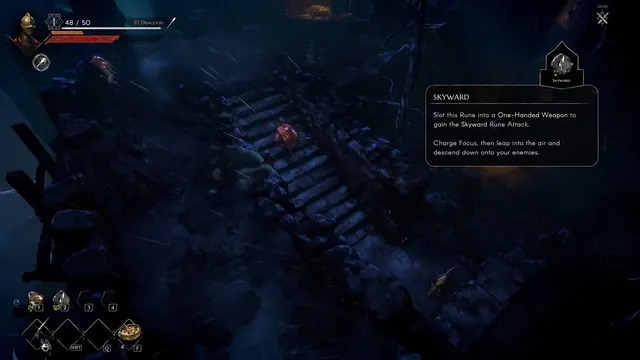 No Rest for the Wicked - HUD with rune tooltip: Skyward
Same type: HUD & Gameplay UI; Shared patterns: minimal-hud
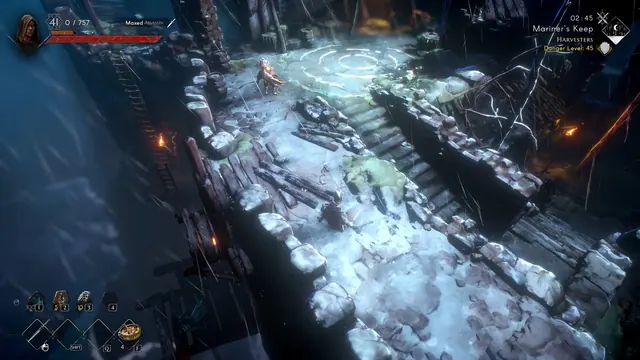 No Rest for the Wicked - Combat HUD: Mariner's Keep
Same type: HUD & Gameplay UI; Shared patterns: minimal-hud