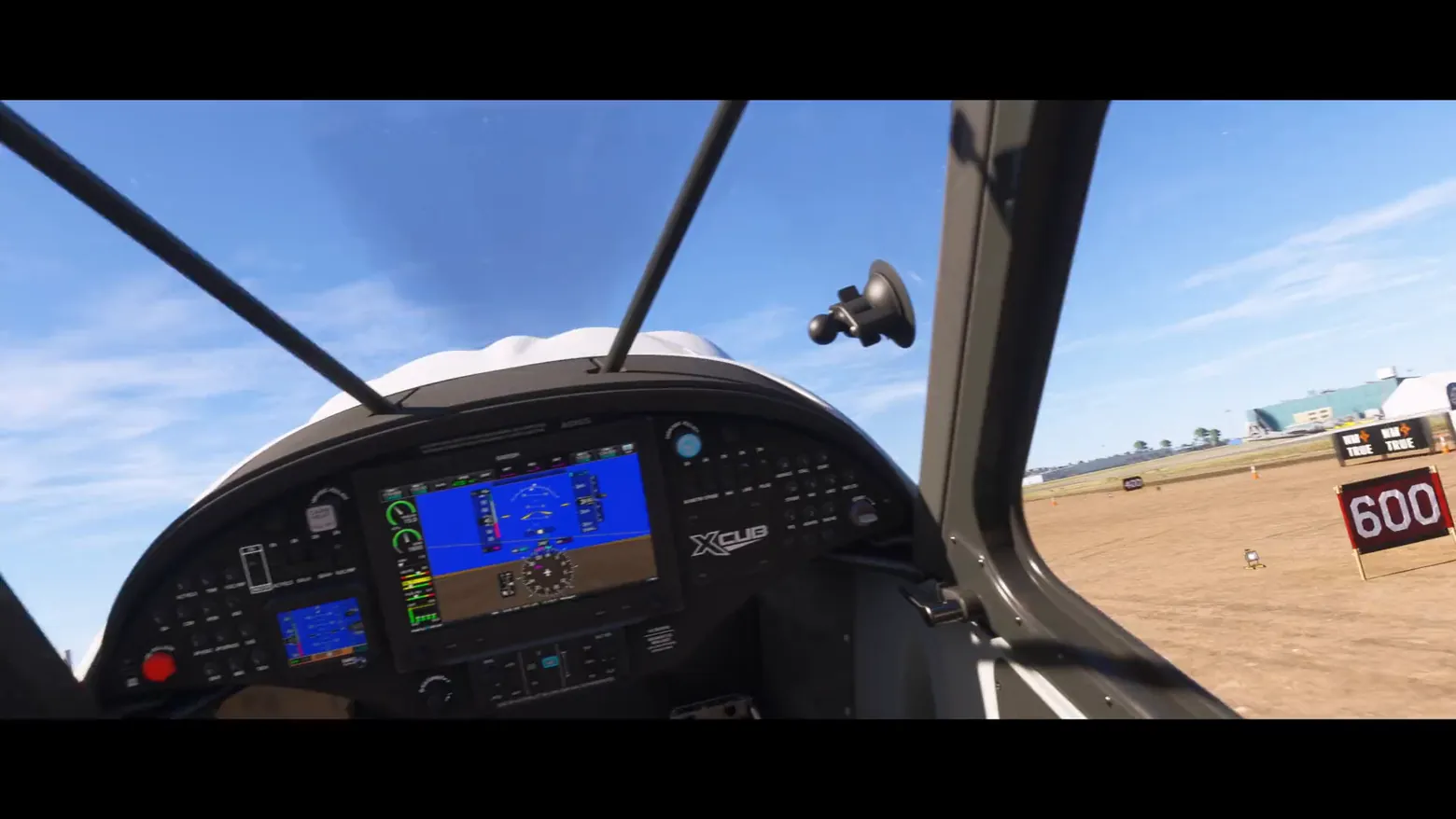
X-Cub glass cockpit: the G3X primary flight display at the race course
Microsoft Flight Simulator 2024 · HUD & Gameplay UI
Art style Realistic 3D
About this game
Developer: Asobo Studio · Publisher: Xbox Game Studios · Platform: PC (Steam) · Art style: Realistic 3D · Screen type: HUD & Gameplay UI
More Microsoft Flight Simulator 2024 screens in the Gallery
What to study
The other end of the spectrum from the 2020 entry's Spirit of St. Louis steam-gauge panel, which this game replaces: where 1927 gives the pilot one dial per fact, the X-Cub's glass cockpit folds attitude, airspeed, altitude, heading and the whole engine state into a single screen, with the tapes and bar gauges doing the work the round dials used to do. The design point is consolidation without loss — the PFD keeps the same at-a-glance grammar (big attitude ball in the middle, numbers at the edges) while the engine strip compresses six gauges into one vertical column, and the physical switches survive around the screen for the things a pilot still wants to feel: breakers, knobs, the red master-warning button. It is also the only frame in either trailer where the interface, not the scenery, is the subject. Frame at about 1:20 in the MSFS2026-Showcase26 video on the game's Steam page (scene-change survivor v0_0013); the video is a 2026 showcase hosted on the 2024 store page, and the X-Cub and its G3X cockpit are the same aircraft and interface in MSFS 2024. Letterbox bars top and bottom are the source video's own framing.
Patterns
How the screen is arranged.
diegetic-controls panel-grid data-dashboard resource-readout
Components
Parts on screen.
Screen inventory
- the glass cockpit is one screen doing the work of a whole panel: the Garmin G3X-style primary flight display at centre, blue-sky/brown-ground attitude indicator with airspeed tape down the left edge, altitude tape down the right, and the compass-rose HSI across the bottom
- the engine strip runs down the PFD's left edge — RPM, fuel and temperature as green/yellow bar gauges with numeric readouts, so the engine state is a glance, not a dial scan
- a smaller secondary screen sits lower left (blue moving-map display), and the physical panel around the screens stays busy: rows of pushbuttons and rotary knobs, the X-CUB logo on the switch panel, and a red master-warning button at lower left
- through the windshield the context is a race: the '600' distance marker and RACE boards on the dirt course outside, the trailer's Reno/Roswell-style low-altitude racing beat — the cockpit is shot mid-race, not parked
Top 3 colors
#010103 25%#7487ac 18%#b2b9ca 15%
Top three palette colors by share. The remaining colors make up the rest.
Source and credit
© Asobo Studio / Xbox Game Studios, Microsoft Flight Simulator 2024 screenshot: Steam trailers (MSFS2024Showcase-esrb / MSFS2026-Showcase26) — Asobo Studio, shown for design study and commentary. PlayCraft is an unofficial fan project, not affiliated with or endorsed by Xbox Game Studios.
Source tier 2 (publisher-released) · screenshot: Steam store page · Steam page
Source details
Fetched 2026-11-18. verified 2026-11-18: scene-change survivor candidates/v0_0013.png @ 79.53s in MSFS2026-Showcase26 (Steam), MD5 c3e7384474699265874da1c234737e77, from the Steam download (61,920,816 B, MD5 0fc2783bbf90edaa58516089f9ff89f0), inspected visually at full resolution (1920x1080 native); the PFD attitude indicator, both tapes, the engine bar gauges, the HSI, the secondary map screen and the X-CUB switch panel all legible; no trailer text or marketing overlay in frame apart from the source video's letterbox bars
no published policy found (checked 2026-11-18); fair-use study use, takedown honored within 48h
Rights holders: see Copyright & takedown.
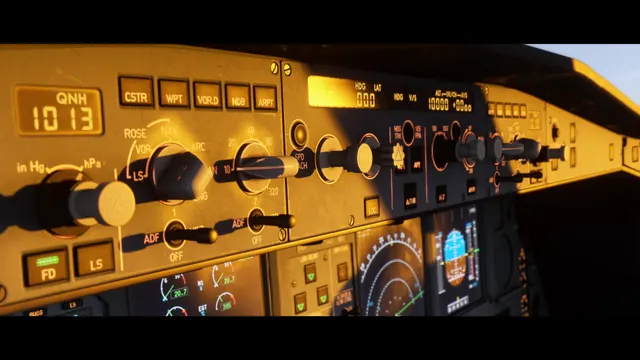
Similar screens
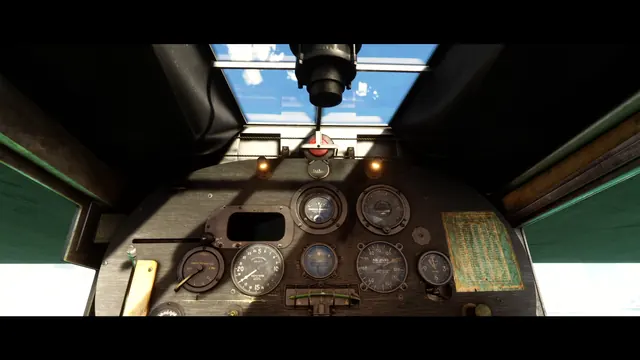 Microsoft Flight Simulator - Spirit of St. Louis cockpit: the steam-gauge panel, straight-on
Same type: HUD & Gameplay UI; Shared patterns: diegetic-controls, panel-grid
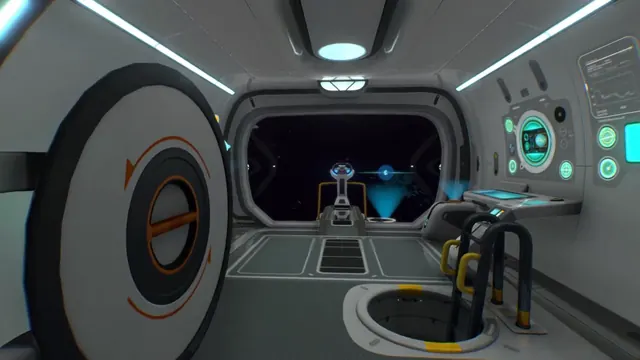 Subnautica - Cyclops bridge: holographic status wall and the helm
Same type: HUD & Gameplay UI; Shared patterns: diegetic-controls, data-dashboard
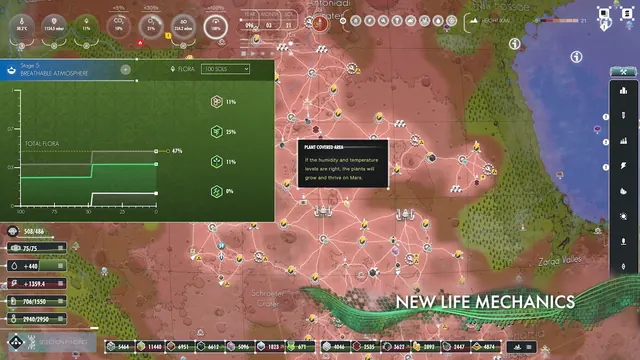 Per Aspera - Flora panel: Total Flora graph and the Plant Covered Area tooltip
Same type: HUD & Gameplay UI; Shared patterns: data-dashboard, resource-readout
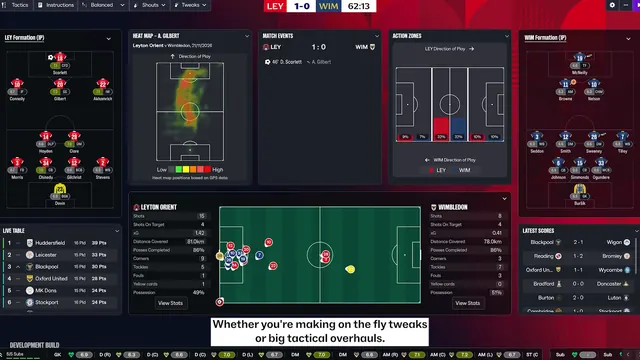 Football Manager 27 - In-match data dashboard: heat map, action zones and average positions at 62 minutes
Same type: HUD & Gameplay UI; Shared patterns: data-dashboard, panel-grid
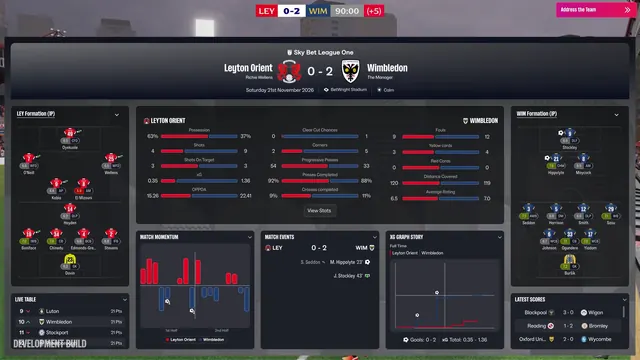 Football Manager 27 - Full-time analysis: formations, momentum, events and xG story after Leyton Orient 0-2 Wimbledon
Same type: HUD & Gameplay UI; Shared patterns: data-dashboard, panel-grid
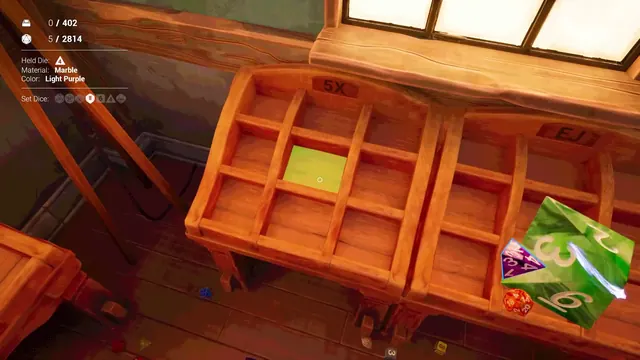 Dice Hoarder - Sorting trays 5X and EJ with the full HUD, empty-tray state
Same type: HUD & Gameplay UI; Shared patterns: resource-readout, diegetic-controls