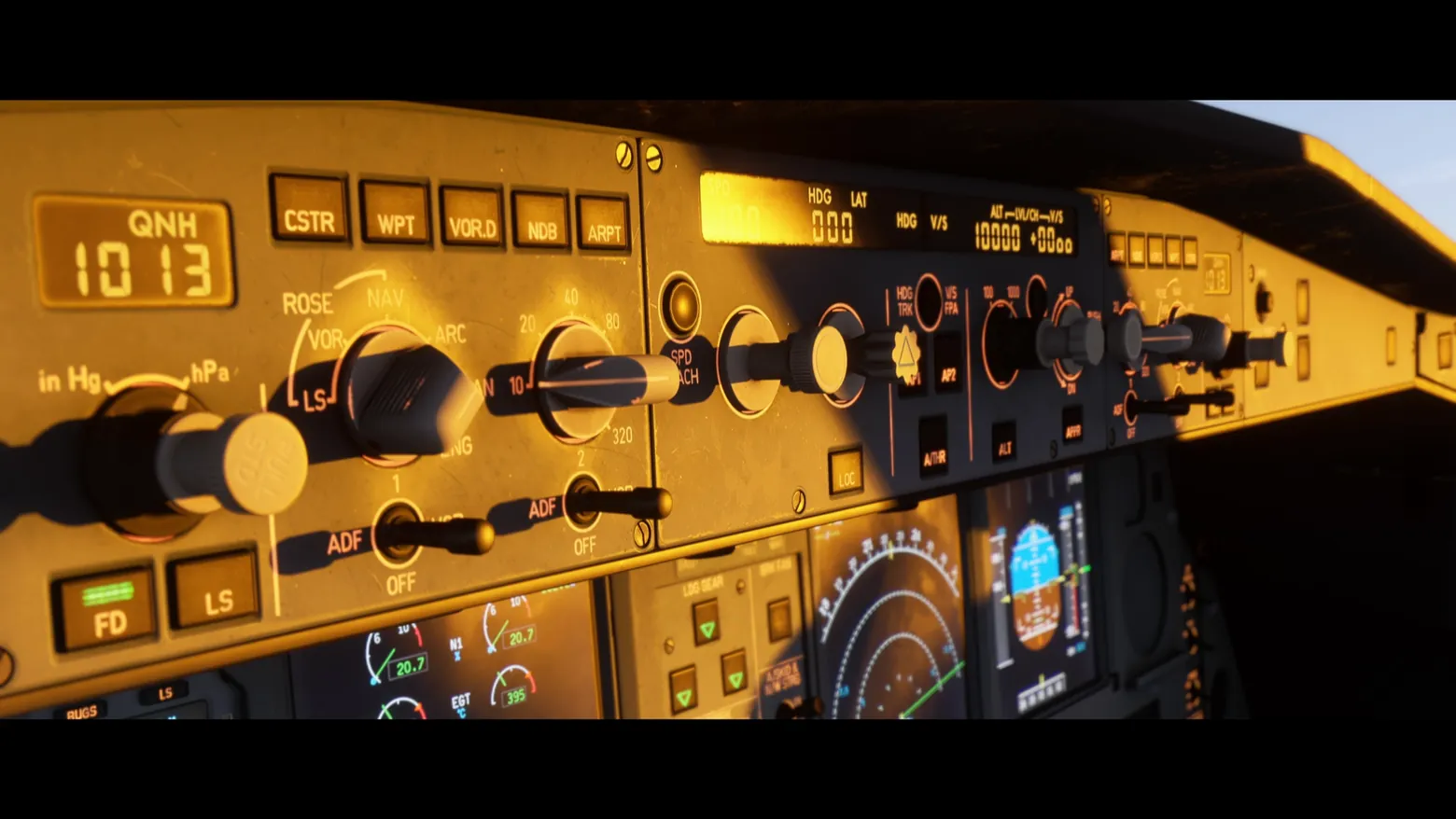
Airliner flight control unit: QNH and autopilot windows
Microsoft Flight Simulator 2024 · HUD & Gameplay UI
Art style Realistic 3D
About this game
Developer: Asobo Studio · Publisher: Xbox Game Studios · Platform: PC (Steam) · Art style: Realistic 3D · Screen type: HUD & Gameplay UI
More Microsoft Flight Simulator 2024 screens in the Gallery
What to study
If the X-Cub frame is the glass cockpit as a screen, this is the airliner as a control surface: the flight control unit is where the pilot talks to the autopilot, and the conversation is entirely knobs, buttons and four-digit windows. The design is a command language in hardware — SPD, HDG, ALT and vertical speed each get a window and a knob, the mode buttons (CSTR, WPT, VOR.D, NDB, ARPT) choose what the navigation display below will show, and AP1/AP2 plus A/THR say who is flying. Nothing on this panel is decorative: the QNH 1013 readout, the ROSE/NAV/ARC selector, the LOC button are each a single decision, and the panel's density (three rows of controls above three screens) is the point — an airliner cockpit is a wall of commitments, read and set by feel. It is the most information-dense genuine UI surface either trailer yields, and the only one that shows the game's systems depth rather than its scenery. Frame at about 0:37 in the MSFS2024Showcase-esrb video on the game's Steam page (scene-change survivor v1_0007). Letterbox bars top and bottom are the source video's own framing.
Patterns
How the screen is arranged.
diegetic-controls panel-grid data-dashboard stat-panel
Components
Parts on screen.
Screen inventory
- the flight control unit fills the frame: the QNH 1013 digital readout at left, the CSTR / WPT / VOR.D / NDB / ARPT mode buttons in a row, and the ROSE / NAV / ARC selector knob — the autopilot's mode language as labelled hardware
- the command windows across the top: SPD, HDG 000, ALT 10000 with +0000 vertical speed, the big rotary knobs beneath them, and the AP1 / AP2, A/THR and LOC buttons — flying the airliner means turning these knobs and watching these windows, not touching the yoke
- below, the screens the FCU drives: engine gauges reading N1 20.7 and EGT 395, the LDG GEAR indicator panel, the navigation display with its range rings and green flight path, and the primary flight display's attitude ball at right
- warm sunset light rakes across the panel from the left, knobs and toggle switches casting long shadows — the interface is photographed as an object, not a screenshot
Top 3 colors
#000000 27%#ba7a21 22%#1d1412 16%
Top three palette colors by share. The remaining colors make up the rest.
Source and credit
© Asobo Studio / Xbox Game Studios, Microsoft Flight Simulator 2024 screenshot: Steam trailers (MSFS2024Showcase-esrb / MSFS2026-Showcase26) — Asobo Studio, shown for design study and commentary. PlayCraft is an unofficial fan project, not affiliated with or endorsed by Xbox Game Studios.
Source tier 2 (publisher-released) · screenshot: Steam store page · Steam page
Source details
Fetched 2026-11-18. verified 2026-11-18: scene-change survivor candidates/v1_0007.png @ 36.99s in MSFS2024Showcase-esrb (Steam), MD5 9e921d97786673e277d5b714cdadbc7e, from the Steam download (110,412,319 B, MD5 846f47491cf157786e9c2d60e2e3ee17), inspected visually at full resolution (1920x1080 native); the QNH 1013 readout, all five mode buttons, the ROSE/NAV/ARC knob, the SPD/HDG/ALT windows, AP1/AP2 and A/THR, the N1 20.7 and EGT 395 gauges, the navigation display and the PFD all legible; no trailer text or marketing overlay in frame apart from the source video's letterbox bars
no published policy found (checked 2026-11-18); fair-use study use, takedown honored within 48h
Rights holders: see Copyright & takedown.
Similar screens
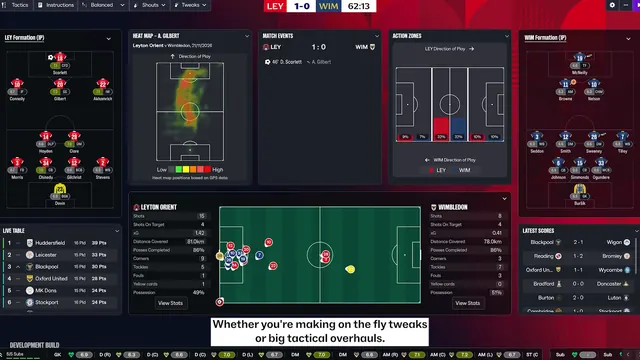 Football Manager 27 - In-match data dashboard: heat map, action zones and average positions at 62 minutes
Same type: HUD & Gameplay UI; Shared patterns: data-dashboard, stat-panel, panel-grid
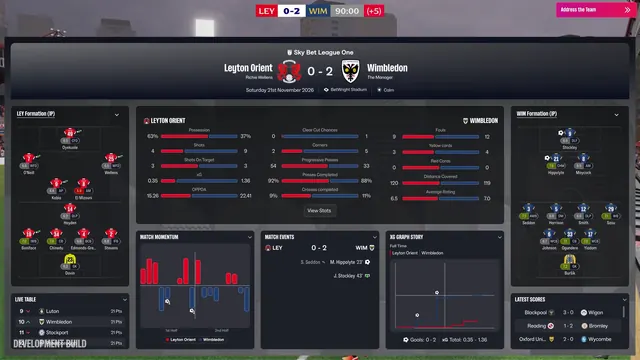 Football Manager 27 - Full-time analysis: formations, momentum, events and xG story after Leyton Orient 0-2 Wimbledon
Same type: HUD & Gameplay UI; Shared patterns: data-dashboard, stat-panel, panel-grid
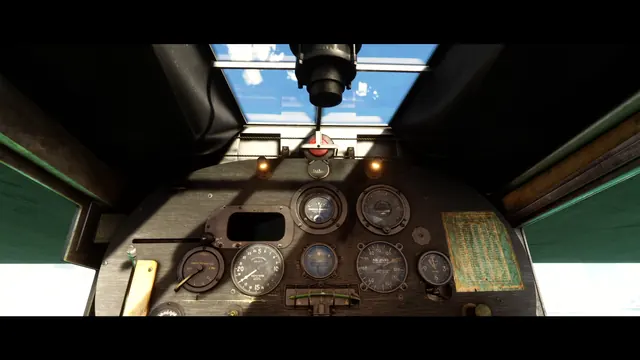 Microsoft Flight Simulator - Spirit of St. Louis cockpit: the steam-gauge panel, straight-on
Same type: HUD & Gameplay UI; Shared patterns: diegetic-controls, panel-grid
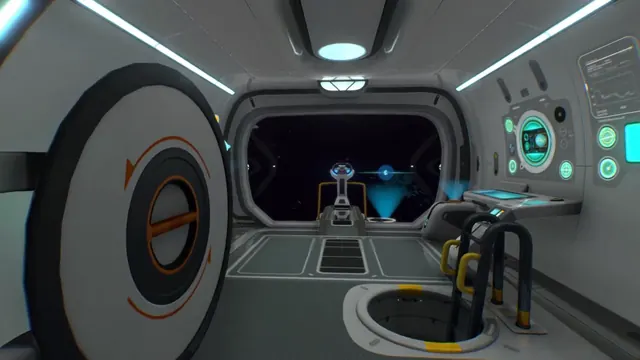 Subnautica - Cyclops bridge: holographic status wall and the helm
Same type: HUD & Gameplay UI; Shared patterns: diegetic-controls, data-dashboard
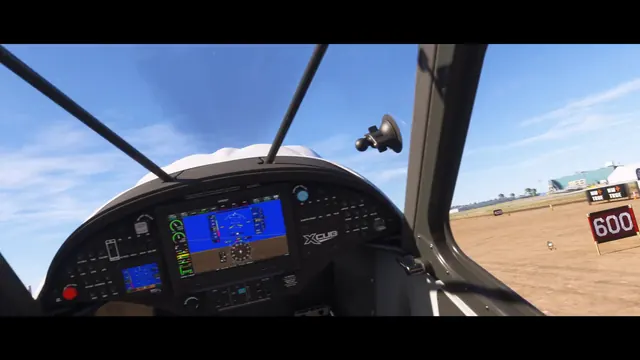 Microsoft Flight Simulator 2024 - X-Cub glass cockpit: the G3X primary flight display at the race course
Same type: HUD & Gameplay UI; Shared patterns: diegetic-controls, panel-grid, data-dashboard
 Papers, Please - Stamping the verdict: Kolechia entry visa beneath the stamps
Same type: HUD & Gameplay UI; Shared patterns: diegetic-controls