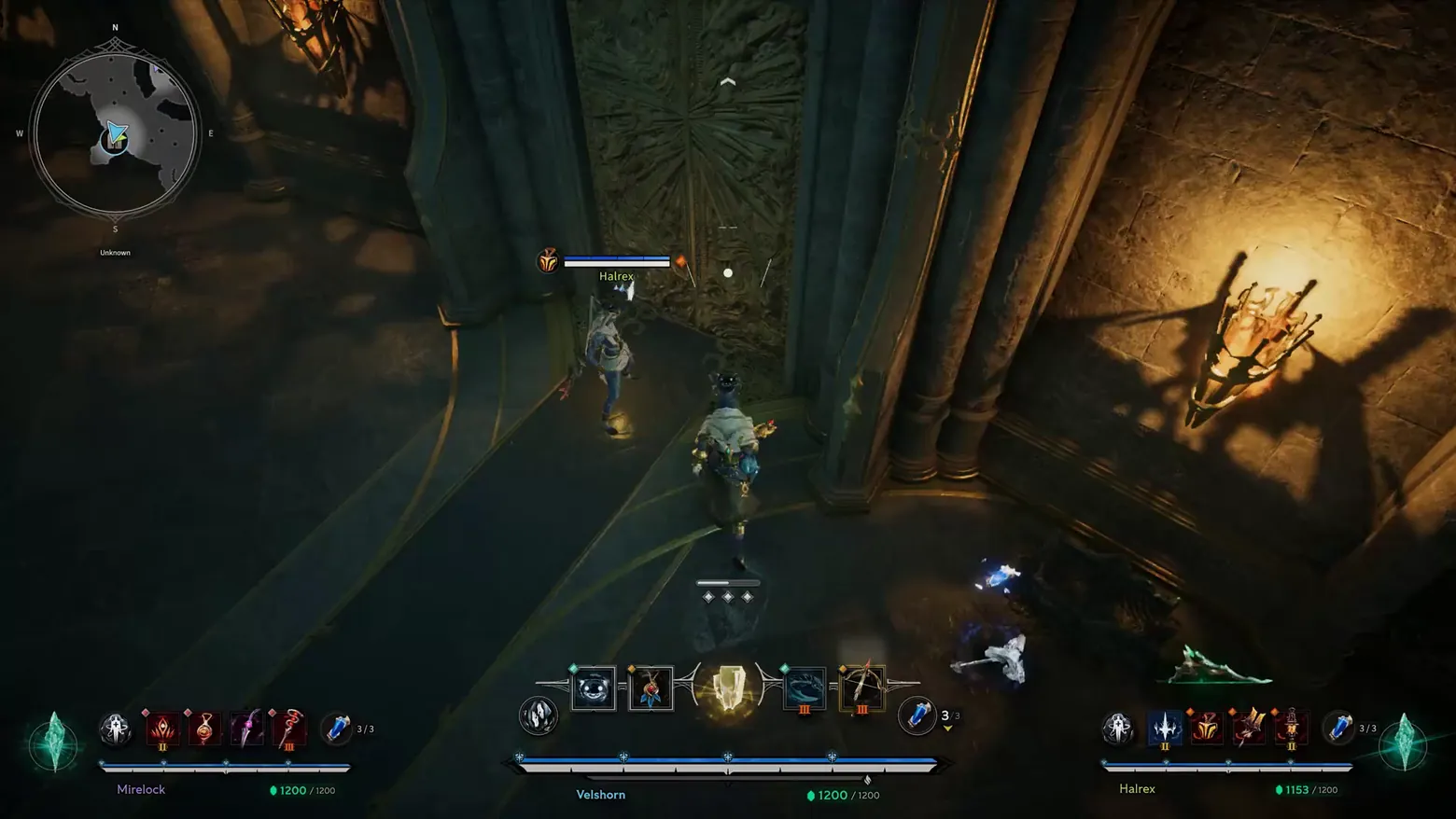
Torch-lit hall: the full HUD in a stone corridor
Arkheron · HUD & Gameplay UI
Art style Stylized 3D
About this game
Developer: Bonfire Studios · Publisher: Bonfire Studios · Platform: PC (Steam) · Art style: Stylized 3D · Screen type: HUD & Gameplay UI
More Arkheron screens in the Gallery
What to study
A quieter beat of the same HUD: the squad advances through a torch-lit stone hall, the compass minimap and the item bar holding their usual corners while nothing is being fought. The frame is useful because it shows the HUD at rest - the minimap's objective marker, the item bar's five slots and the teammate bars are all readable without combat effects over them. Frame at about 3:53 in the Gameplay Overview (Steam).
Patterns
How the screen is arranged.
map-hud action-bar status-row hud-overlay
Components
Parts on screen.
Minimap Nameplate Action bar Vitals bar Resource bar Slots
Screen inventory
- top-left: the compass minimap in a torch-lit stone hall
- bottom-centre: the five-slot item bar with relic icons
- bottom corners: the teammate resource bars
- centre: the squad advancing through the hall
Top 3 colors
#20231c 22%#1a1b15 21%#0b100f 21%
Top three palette colors by share. The remaining colors make up the rest.
Source and credit
© Bonfire Studios, Arkheron screenshot: Gameplay Overview & Official Reveal Trailer (Steam), shown for design study and commentary. PlayCraft is an unofficial fan project, not affiliated with or endorsed by Bonfire Studios.
Source tier 2 (publisher-released) · screenshot: Steam store page · Steam page
Source details
Fetched 2026-11-27. verified 2026-11-27: frame extracted at 233.3s from the pipeline-fetched Gameplay Overview (Steam) and inspected visually at full resolution (1920x1080 native) - settled traversal frame, minimap and item bar sharp and legible
no published policy found (checked 2026-11-27); fair-use study use, takedown honored within 48h
Rights holders: see Copyright & takedown.
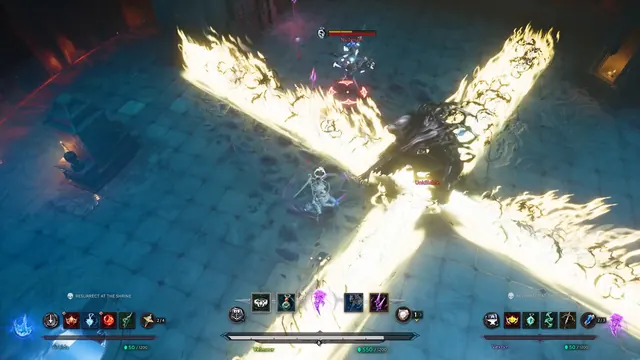
Similar screens
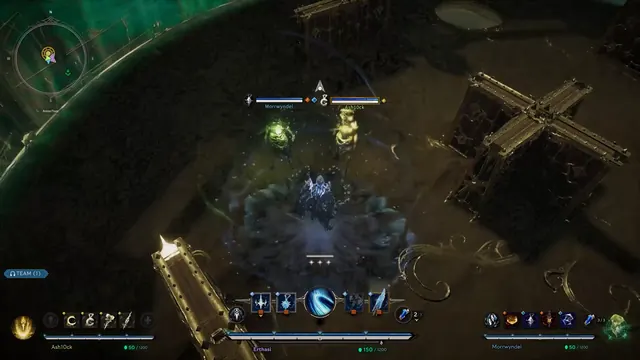
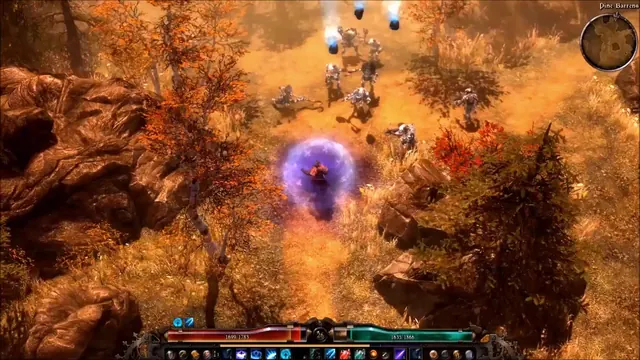 Grim Dawn - Combat HUD in Pine Barrens: bars, hotbar, compass map
Same type: HUD & Gameplay UI; Shared patterns: hud-overlay, status-row, action-bar, map-hud
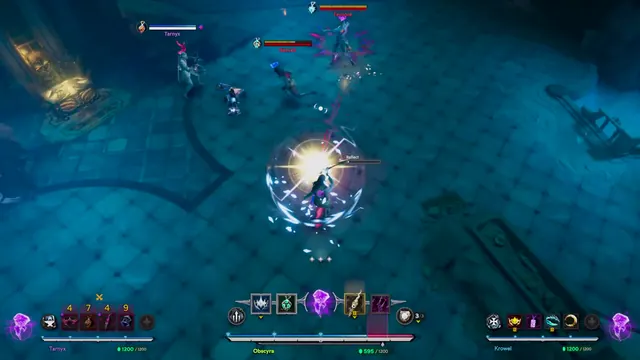
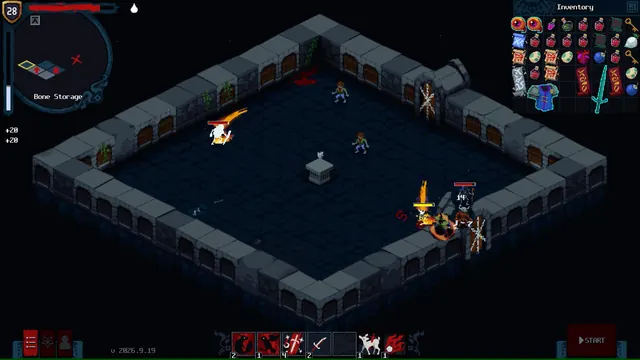 Bad House - Bone Storage: auto-battle HUD, full inventory, skill bar
Same type: HUD & Gameplay UI; Shared patterns: hud-overlay, map-hud, action-bar, status-row
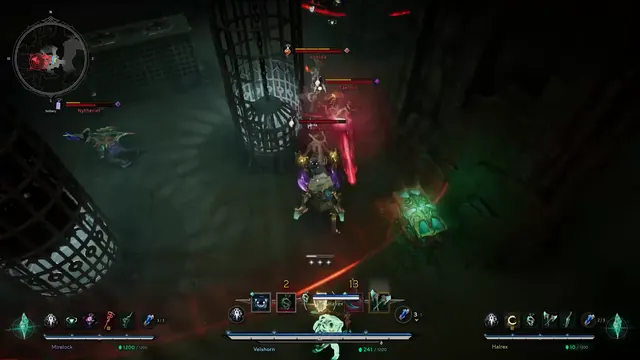
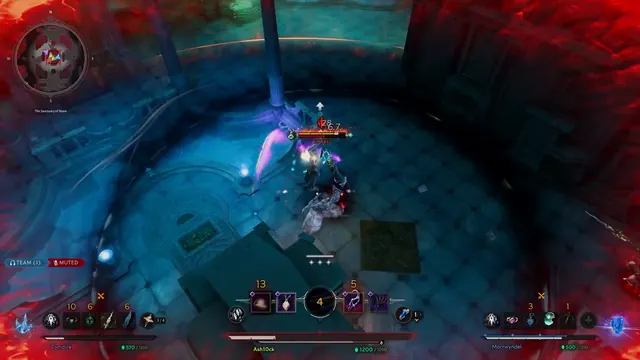 Arkheron - Red arena: combat HUD under the damage vignette
Same type: HUD & Gameplay UI; Shared patterns: map-hud, action-bar, status-row, hud-overlay
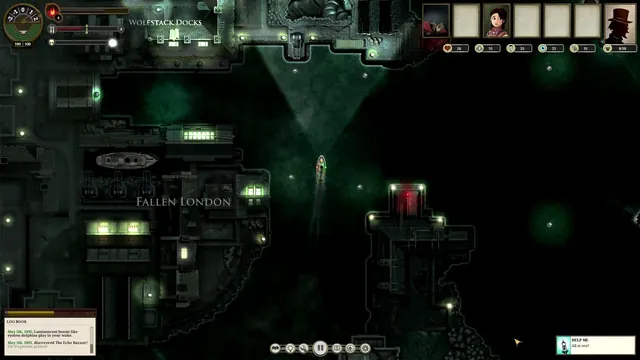 Sunless Sea - Arriving at Fallen London: Wolfstack Docks, the full sailing HUD and the Log Book
Same type: HUD & Gameplay UI; Shared patterns: status-row, action-bar, hud-overlay
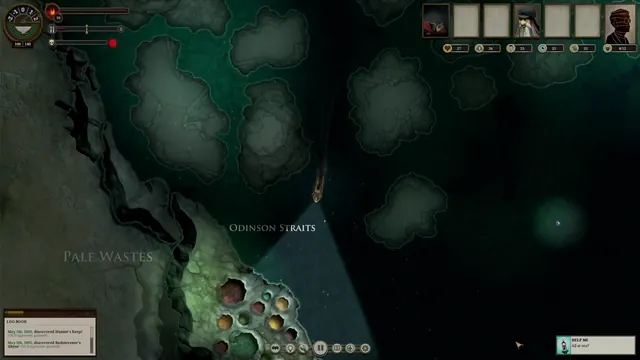 Sunless Sea - Open-sea navigation: the light cone over Odinson Straits and the Pale Wastes
Same type: HUD & Gameplay UI; Shared patterns: status-row, action-bar, hud-overlay
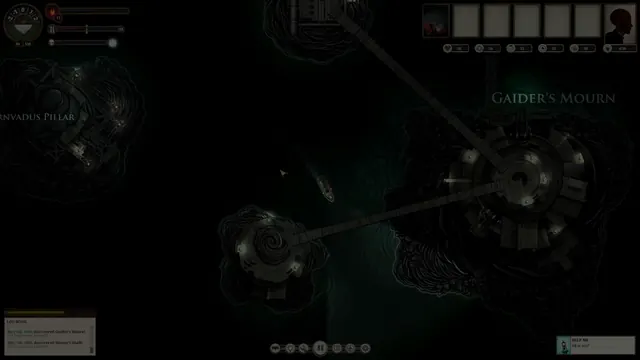 Sunless Sea - Island-hopping: Gaider's Mourn and the bridge-linked islets, early-voyage roster
Same type: HUD & Gameplay UI; Shared patterns: status-row, action-bar, hud-overlay