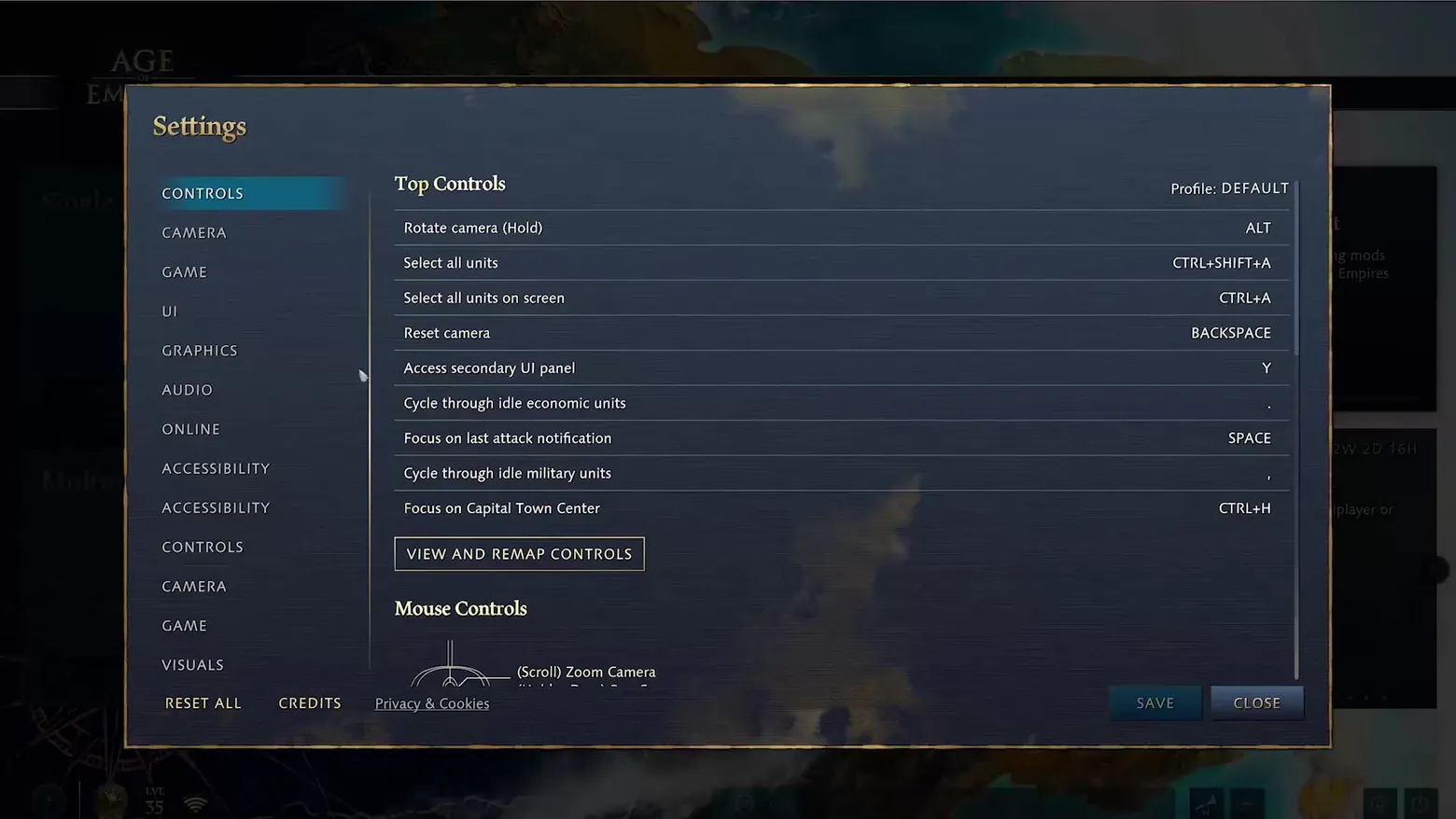
Settings: Controls tab, Top Controls keybindings
Age of Empires IV: Anniversary Edition · Settings / System
Art style Realistic 3D
About this game
Developer: World's Edge / Relic Entertainment · Publisher: Xbox Game Studios · Platform: PC (Steam) · Art style: Realistic 3D · Screen type: Settings / System
More Age of Empires IV: Anniversary Edition screens in the Gallery
What to study
The settings screen's Controls tab: a category nav on the left, a two-column action-to-key table on the right, and a remap entry point below it. The visible rows are the ones an RTS player actually relearns — camera control, select-all variants, idle-unit cycling, last-attack focus, capital focus — with the profile selector (DEFAULT) and a Mouse Controls section starting below, so the screen shows both keyboard and mouse schemes in one scroll. Frame at about 0:38 in the Season 5 - Launch Trailer (Steam).
Patterns
How the screen is arranged.
menu-list option-list accept-cancel
Components
Parts on screen.
Screen inventory
- header 'Settings' with left nav: CONTROLS (active), CAMERA, GAME, UI, GRAPHICS, AUDIO, ONLINE, ACCESSIBILITY, VISUALS
- Top Controls keybinding rows: Rotate camera (Hold) ALT, Select all units CTRL+SHIFT+A, Select all units on screen CTRL+A, Reset camera BACKSPACE, Access secondary UI panel Y, Cycle through idle economic units, Focus on last attack notification SPACE, Cycle through idle military units, Focus on Capital Town Center CTRL+H
- Profile: DEFAULT label; VIEW AND REMAP CONTROLS button
- Mouse Controls section opening with '(Scroll) Zoom Camera' diagram
- footer: RESET ALL, CREDITS, Privacy & Cookies, SAVE, CLOSE
Top 3 colors
#2f3747 23%#08090b 22%#2a303b 20%
Top three palette colors by share. The remaining colors make up the rest.
Source and credit
© World's Edge / Relic Entertainment / Xbox Game Studios, Age of Empires IV: Anniversary Edition screenshot: Steam trailers (Season 3 - Launch Trailer, Season 5 - Launch Trailer) — Xbox Game Studios, shown for design study and commentary. PlayCraft is an unofficial fan project, not affiliated with or endorsed by Xbox Game Studios.
Source tier 2 (publisher-released) · screenshot: Steam store page · Steam page
Source details
Fetched 2026-11-04. verified 2026-11-04: scene-change candidate s5_0002.png at 38.0s in the refetched Season 5 - Launch Trailer (clean full decode, 109.2s), inspected visually at full resolution; nav, all nine keybinding rows, remap button and footer buttons settled and legible; the left nav repeats some categories, which is the game's own list as captured; no trailer caption in frame
Microsoft/Xbox Game Content Usage Rules (https://www.xbox.com/en-gb/developers/rules, re-verified published 2026-11-04; last updated January 2015); fair-use study use, takedown honored within 48h
Rights holders: see Copyright & takedown.
Similar screens
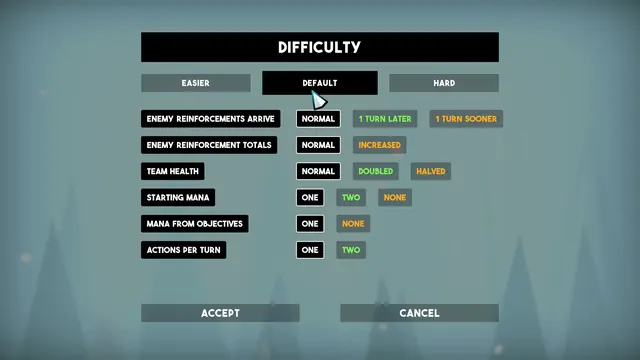 Tactical Breach Wizards - Difficulty menu: custom difficulty rows, Default preset
Same type: Settings / System; Shared patterns: accept-cancel
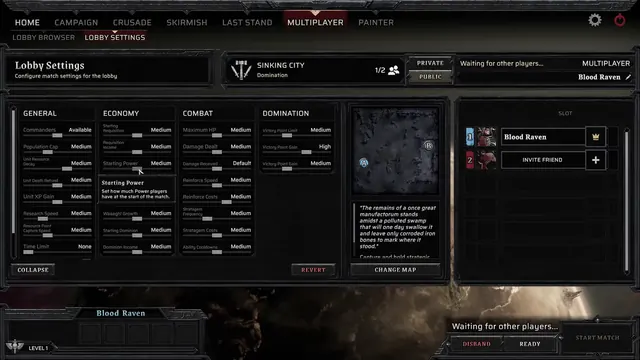 Warhammer 40,000: Dawn of War IV - Multiplayer Lobby Settings: four columns of match sliders
Same type: Settings / System
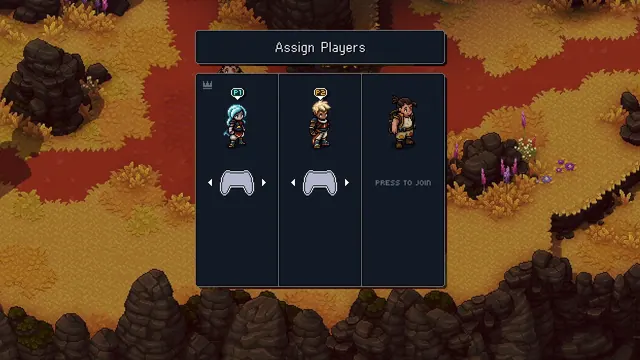 Sea of Stars - Assign Players: co-op controllers mapped to the party
Same type: Settings / System
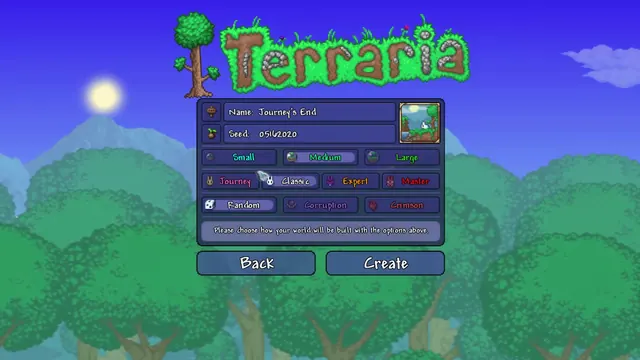 Terraria - World creation: name, seed, size, difficulty and world evil
Same type: Settings / System
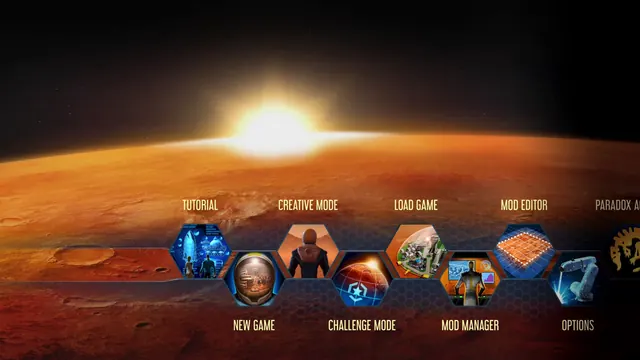 Surviving Mars - Main menu: illustrated hex tiles in two staggered, scrolling rows
Same type: Settings / System
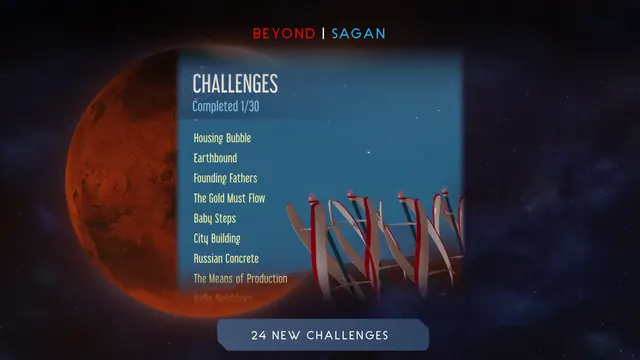 Surviving Mars - Challenges: Completed 1/30 over a plain list of named scenarios
Same type: Settings / System