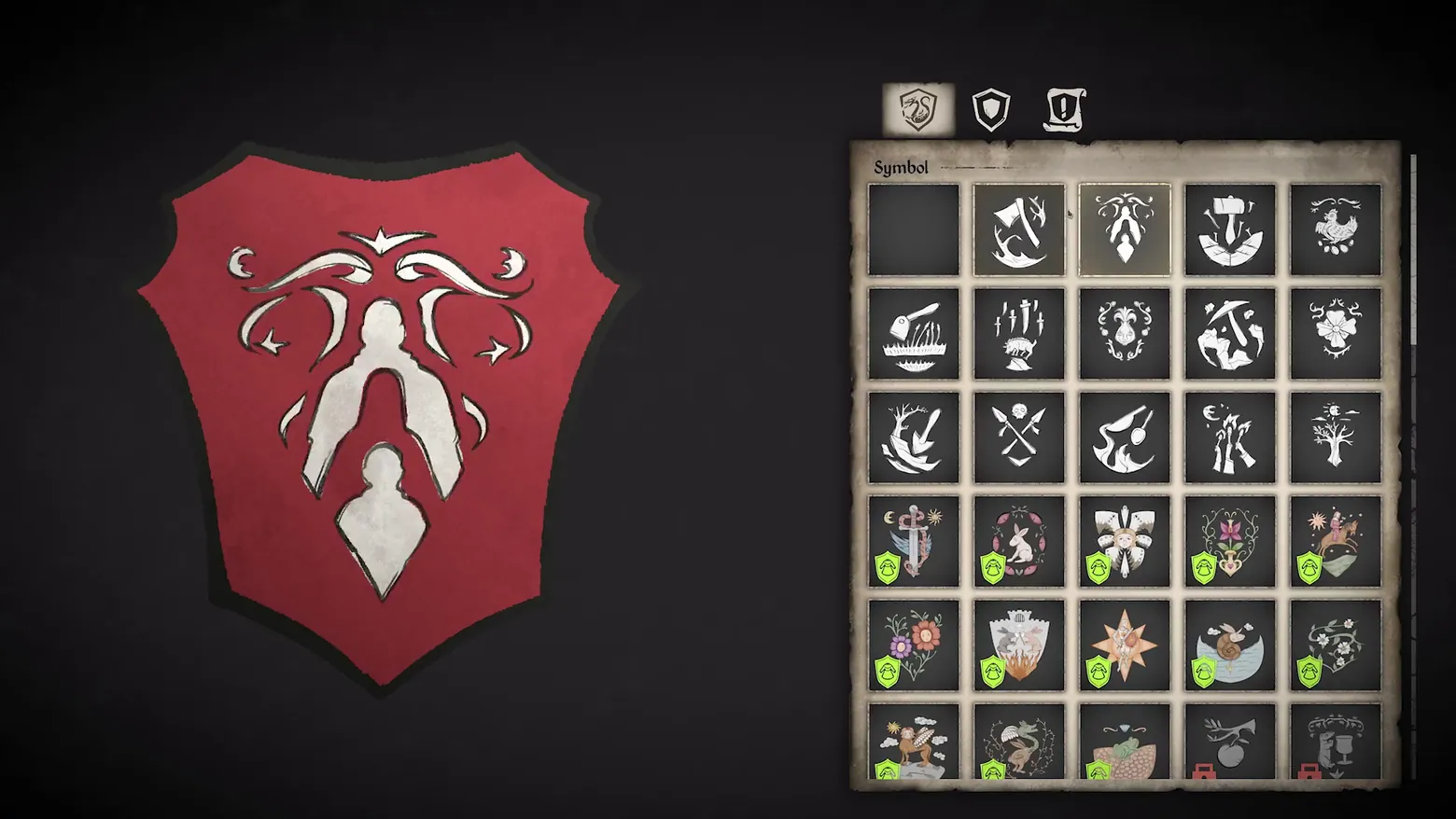
Dynasty crest customization: Symbol grid with shield preview
Medieval Dynasty · Character / Unit Detail
Art style Realistic 3D
About this game
Developer: Render Cube · Publisher: Toplitz Productions · Platform: PC (Steam) · Art style: Realistic 3D · Screen type: Character / Unit Detail
More Medieval Dynasty screens in the Gallery
What to study
The dynasty is the game's long arc, and its crest is the player's flag: this screen lets you pick the symbol that will mark your family. The grid mixes two kinds of emblem: stark white line icons (locked or unselected) and full-colour illustrated crests with green check badges (unlocked), with red locks on the still-gated slots, so the panel reads as both a picker and a progression display. The big red shield at left is the live preview of the choice. It is the only full-screen management panel the audited trailers show.
Patterns
How the screen is arranged.
customization-list family-tree icon-grid
Components
Parts on screen.
Screen inventory
- the dynasty crest preview at left: a large red shield bearing a white flourish emblem, on the dark customization backdrop
- the Symbol panel at right: a 5-column grid of crest icons (axes, hammers, animals, plants, stars, crowns) under a 'Symbol' heading and three tab icons (crest, shield shape, banner)
- the grid's state coding: plain icons in the upper rows, coloured illustrated emblems with green check badges in the lower rows (unlocked), and two red-locked slots at the bottom right
Top 3 colors
#211d21 23%#2a282a 21%#110f11 20%
Top three palette colors by share. The remaining colors make up the rest.
Source and credit
© Render Cube / Toplitz Productions, Medieval Dynasty screenshot: Anniversary Trailer video (Steam); Wild Game Update, Full Stock Update and Crossplay trailers audited, 0 keepers, shown for design study and commentary. PlayCraft is an unofficial fan project, not affiliated with or endorsed by Toplitz Productions.
Source tier 2 (publisher-released) · screenshot: Steam store page · Steam page
Source details
Fetched 2026-11-05. verified 2026-11-04: pipeline candidate v2_0066.png @ 94.538s in the Anniversary Trailer, inspected visually at full resolution (1920x1080 native); genuine in-game dynasty customization screen, settled and legible ('Symbol' heading, the three tab icons, the full 5x6 icon grid with its green-check and red-lock states, and the shield preview all readable). DISCLOSED: the trailer cycles crest emblems, so a 1 fps scan at ~95s shows a different (dragon/rabbit) emblem in a smaller framing (dense/b_04.png); this frame is the best-framed Symbol moment, with the largest panel and the flourish emblem.
No published Toplitz Productions / Render Cube video or fan-content policy found (checked 2026-11-05); fair-use study/commentary use, unofficial, not endorsed, takedown honored within 48h.
Rights holders: see Copyright & takedown.
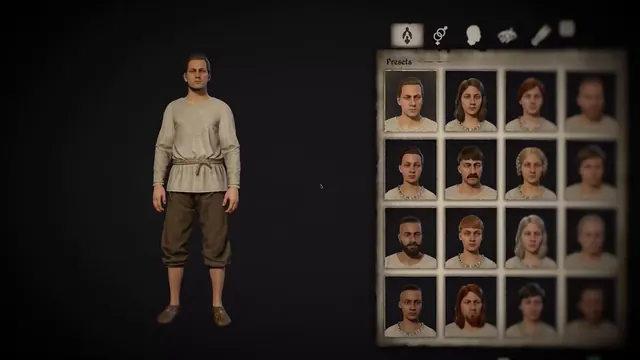
Similar screens
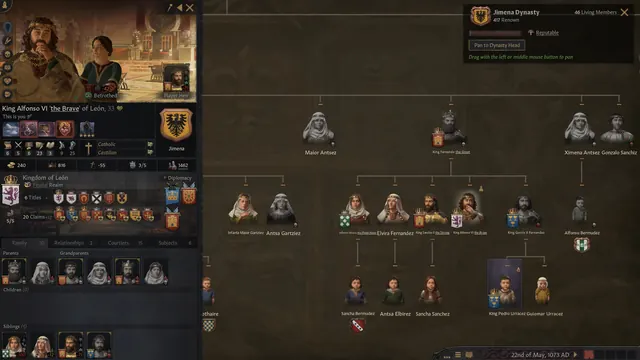 Crusader Kings III - Dynasty family tree
Same type: Character / Unit Detail; Shared patterns: family-tree
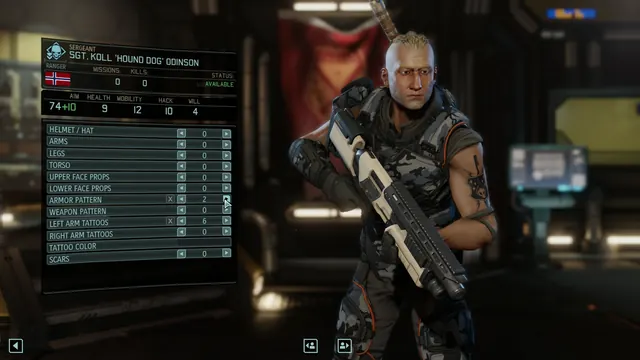 XCOM 2 - Soldier customization
Same type: Character / Unit Detail; Shared patterns: customization-list
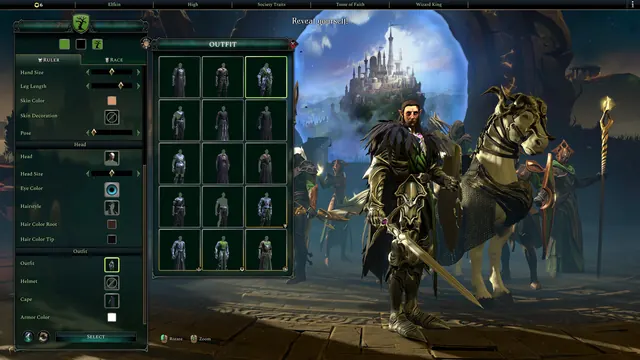 Age of Wonders 4 - Ruler customization
Same type: Character / Unit Detail; Shared patterns: customization-list
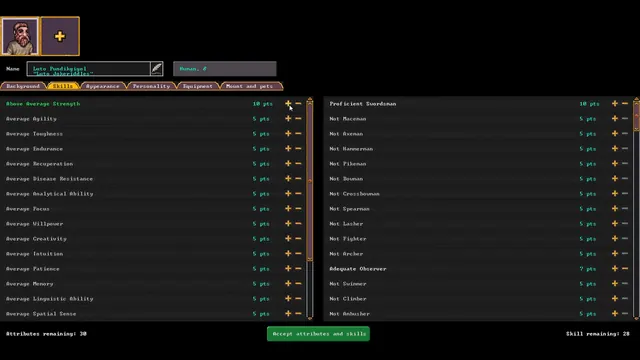 Dwarf Fortress - Character creation: attributes and skills bought as prose tiers
Same type: Character / Unit Detail; Shared patterns: customization-list
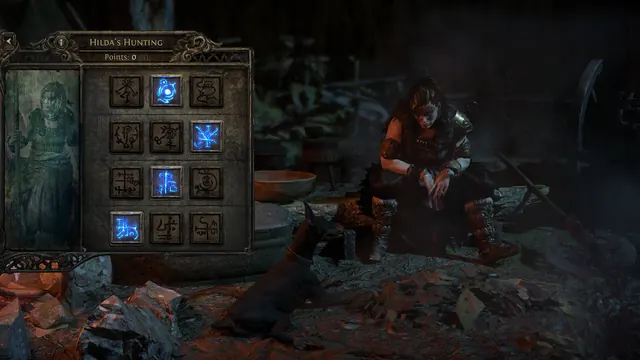 Path of Exile 2 - Hilda's Hunting: Atlas Master panel, 12 rune tiles, 4 lit blue
Same type: Character / Unit Detail; Shared patterns: icon-grid
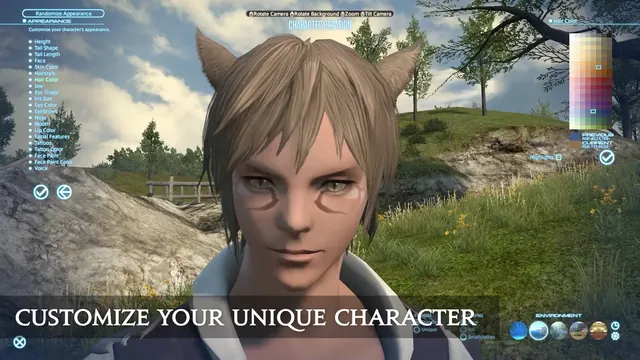 FINAL FANTASY XIV Online - Character creation: appearance list and hair-colour palette
Same type: Character / Unit Detail; Shared patterns: customization-list