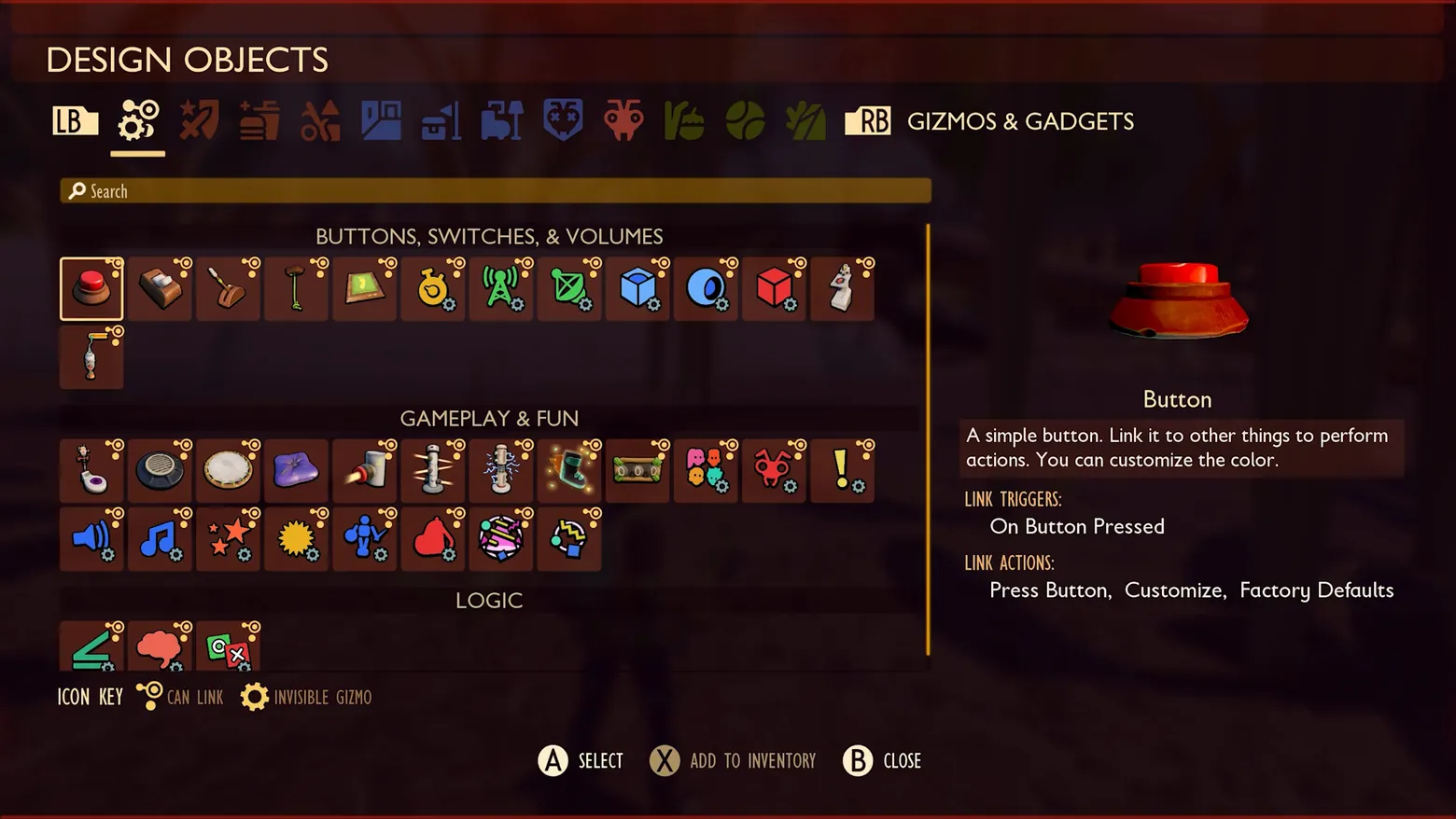
Design Objects: Gizmos & Gadgets, Button selected
Grounded · Crafting
Art style Stylized 3D
About this game
Developer: Obsidian Entertainment · Publisher: Xbox Game Studios · Platform: PC (Steam) · Art style: Stylized 3D · Screen type: Crafting
More Grounded screens in the Gallery
What to study
The same Design Objects chrome, a different discipline: the Gizmos & Gadgets tab is where Playgrounds stops being a building palette and becomes a logic kit. Buttons, switches and volumes share one grid with gameplay toys (drums, trampolines, music notes) and a LOGIC section of gate icons, all carrying the CAN LINK badge that marks them as wireable. The Button's detail panel states the contract plainly (A simple button. Link it to other things to perform actions. You can customize the color.) and lists its trigger (On Button Pressed) and actions (Press Button, Customize, Factory Defaults) beside a 3D preview of the big red button itself. Keeping this tab beside the Weapons tab shows the browser's range: one screen serves gear, gadgets and logic with the same grid-and-panel grammar. Frame at 0:59 in the GROUNDED Make It and Break It Game Update 1.3 video (Steam).
Patterns
How the screen is arranged.
icon-tabs search-field item-grid detail-panel master-detail accept-cancel
Components
Parts on screen.
Screen inventory
- DESIGN OBJECTS header over the same LB / RB category icon rail, the gizmos tab active, GIZMOS & GADGETS title at right
- BUTTONS, SWITCHES, & VOLUMES section: a red button, pressure plate, lever, pressure pad, stopwatch, antenna, satellite dish, volume cubes and a fishing bobber
- GAMEPLAY & FUN section: drum, trampoline, music note, starburst and ant icons, and a LOGIC section below with three logic-gate icons
- detail panel at right with a 3D preview of the Button: A simple button. Link it to other things to perform actions. You can customize the color. LINK TRIGGERS: On Button Pressed. LINK ACTIONS: Press Button, Customize, Factory Defaults.
- ICON KEY footer (CAN LINK, INVISIBLE GIZMO) and A SELECT / X ADD TO INVENTORY / B CLOSE controls
Top 3 colors
#190a0f 24%#13060c 21%#3f1d18 17%
Top three palette colors by share. The remaining colors make up the rest.
Source and credit
© Obsidian Entertainment / Xbox Game Studios, Grounded screenshot: GROUNDED Make It and Break It Game Update 1.3 video (Steam), shown for design study and commentary. PlayCraft is an unofficial fan project, not affiliated with or endorsed by Xbox Game Studios.
Source tier 2 (publisher-released) · screenshot: Steam store page · Steam page
Source details
Fetched 2026-11-13. verified 2026-11-13: frame inspected visually at full resolution (1920x1080 native) from the pipeline-downloaded Make It and Break It Game Update 1.3 video (Steam, curl-shim fetch, full decode exit 0); genuine in-game Design Objects browser confirmed settled and legible (all three section banners, item icons, the Button description, trigger and action lines all readable); no trailer typography overlays the frame
no published policy found (checked 2026-11-13); fair-use study use, takedown honored within 48h
Rights holders: see Copyright & takedown.
Similar screens
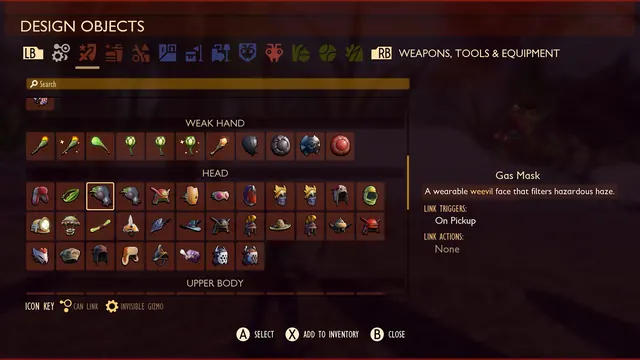 Grounded - Design Objects: Weapons, Tools & Equipment, Gas Mask selected
Same type: Crafting; Shared patterns: icon-tabs, search-field, item-grid, detail-panel, master-detail, accept-cancel
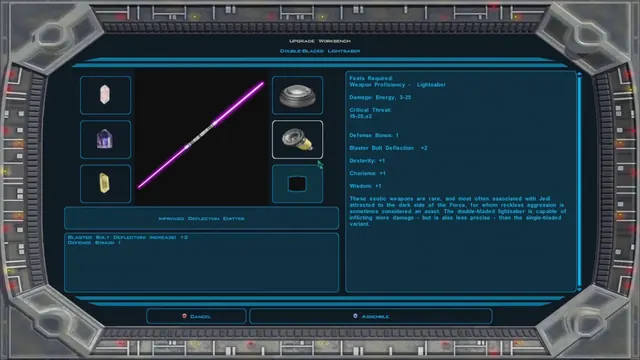 STAR WARS Knights of the Old Republic II - The Sith Lords - Upgrade workbench: double-bladed lightsaber stats
Same type: Crafting; Shared patterns: master-detail, detail-panel, accept-cancel
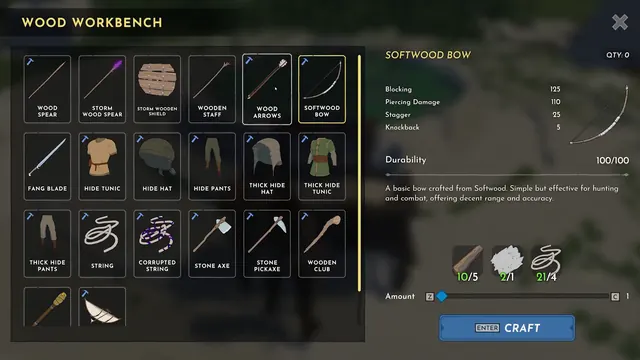 Stormforge - Wood Workbench: Softwood Bow, unowned
Same type: Crafting; Shared patterns: item-grid, detail-panel
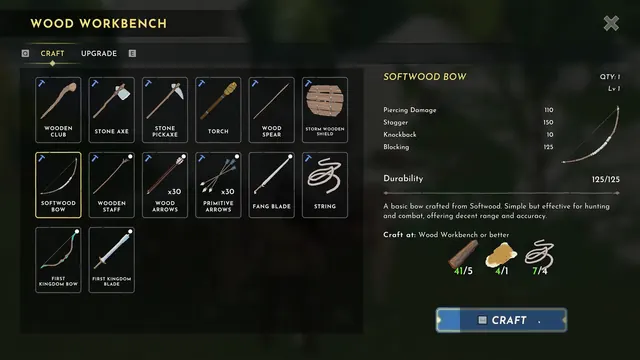 Stormforge - Wood Workbench: Softwood Bow owned, Lv 1
Same type: Crafting; Shared patterns: item-grid, detail-panel
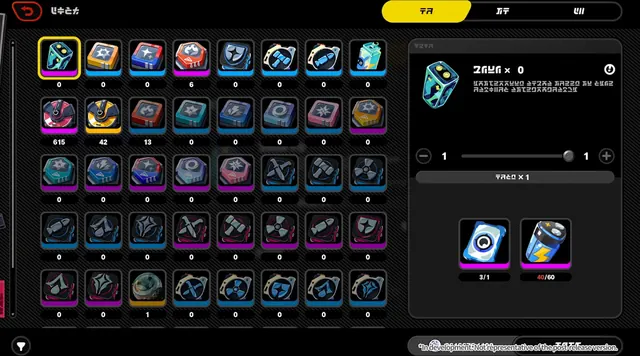 Zenless Zone Zero - Compendium: materials inventory with detail panel and quantity slider
Same type: Crafting; Shared patterns: detail-panel, item-grid
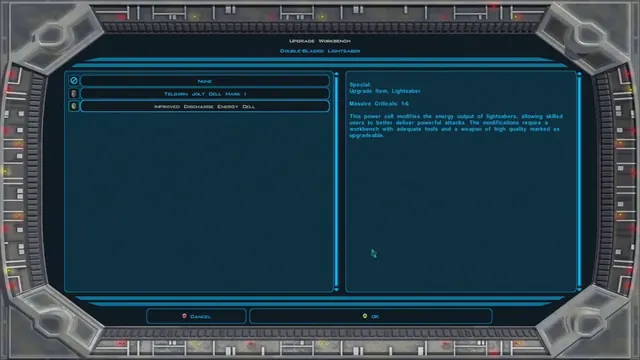 STAR WARS Knights of the Old Republic II - The Sith Lords - Upgrade workbench: choosing a lightsaber power cell
Same type: Crafting; Shared patterns: master-detail, accept-cancel