Design Mode: placing a structure, ghost volume and axis controls
Grounded · City & Base Management
Art style Stylized 3D
About this game
Developer: Obsidian Entertainment · Publisher: Xbox Game Studios · Platform: PC (Steam) · Art style: Stylized 3D · Screen type: City & Base Management
More Grounded screens in the Gallery
What to study
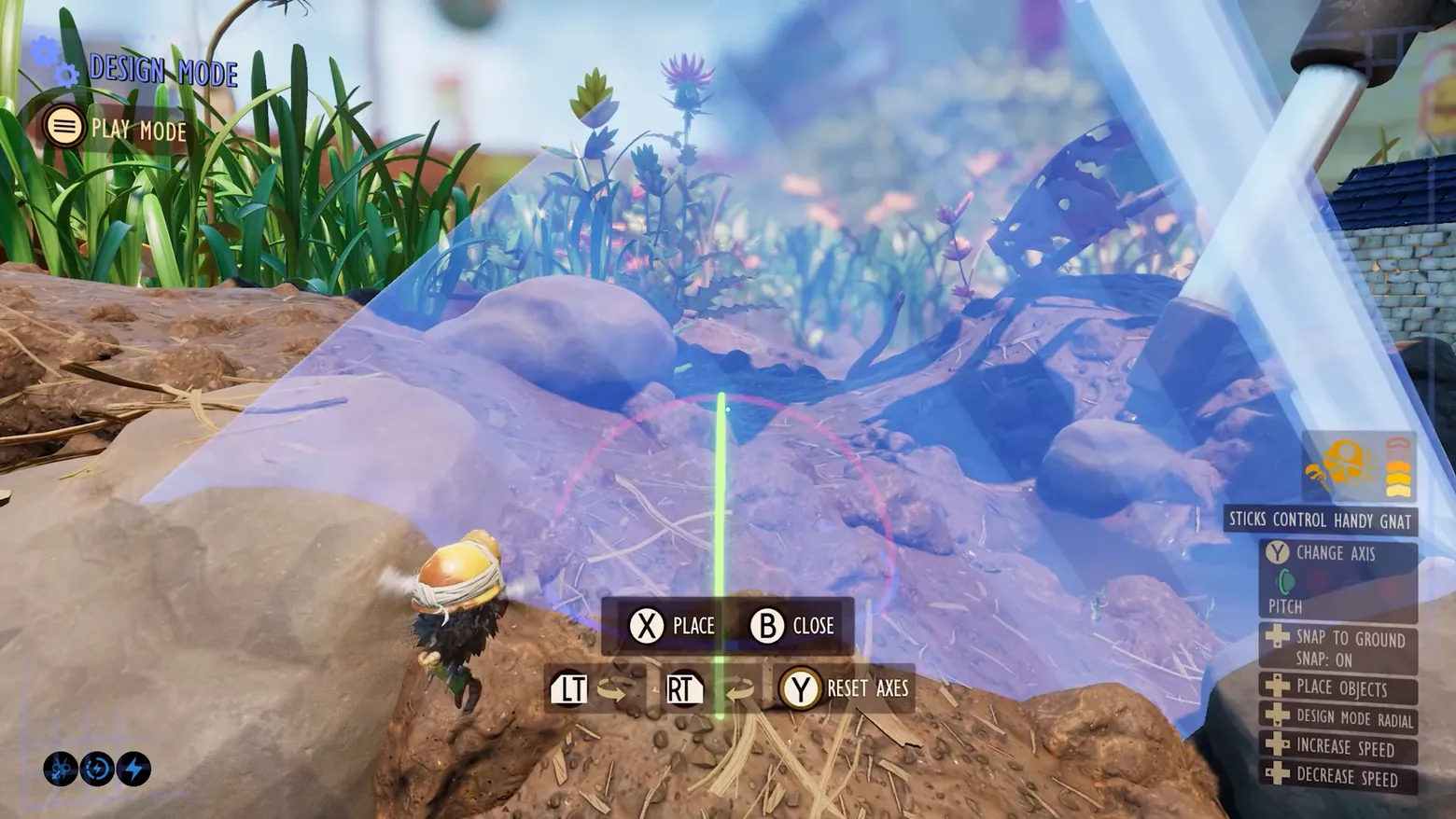
Placement in Playgrounds is done in the world, not in a menu. The object being placed is a translucent blue ghost wedge whose footprint is marked by a pink ring and whose orientation is shown by a green axis line, so the player judges fit against the dirt and grass directly. The whole control scheme is printed on the screen: X PLACE / B CLOSE and LT/RT rotate at center, and a control list at right (Change Axis, Pitch, Snap to Ground: ON, Place Objects, Design Mode Radial, Increase/Decrease Speed) under the header STICKS CONTROL HANDY GNAT. The DESIGN MODE / PLAY MODE toggle at top left is the mode switch itself, always visible. Nothing here is a dialog: the interface is the ghost, the ring and the printed keys. Frame at 0:19 in the GROUNDED Make It and Break It Game Update 1.3 video (Steam).
Patterns
How the screen is arranged.
ghost-preview ghost-placement build-placement contextual-prompts side-panel
Components
Parts on screen.
Screen inventory
- DESIGN MODE label with a gear icon and a PLAY MODE button at top left
- a translucent blue ghost wedge over the dirt with a green vertical axis line and a pink placement ring marking the footprint
- X PLACE / B CLOSE prompts at center, with LT / RT rotate and Y RESET AXES below
- control list at right headed STICKS CONTROL HANDY GNAT: Y CHANGE AXIS, PITCH, SNAP TO GROUND (ON), PLACE OBJECTS, DESIGN MODE RADIAL, INCREASE SPEED, DECREASE SPEED
- three small status icons at bottom left
Top 3 colors
#9b8078 21%#515051 20%#9898b4 19%
Top three palette colors by share. The remaining colors make up the rest.
Source and credit
© Obsidian Entertainment / Xbox Game Studios, Grounded screenshot: GROUNDED Make It and Break It Game Update 1.3 video (Steam), shown for design study and commentary. PlayCraft is an unofficial fan project, not affiliated with or endorsed by Xbox Game Studios.
Source tier 2 (publisher-released) · screenshot: Steam store page · Steam page
Source details
Fetched 2026-11-13. verified 2026-11-13: frame inspected visually at full resolution (1920x1080 native) from the pipeline-downloaded Make It and Break It Game Update 1.3 video (Steam, curl-shim fetch, full decode exit 0); genuine in-game Design Mode placement confirmed settled and legible (ghost volume, axis line and ring, all prompts and the full right-hand control list readable); no trailer typography overlays the frame
no published policy found (checked 2026-11-13); fair-use study use, takedown honored within 48h
Rights holders: see Copyright & takedown.
Similar screens
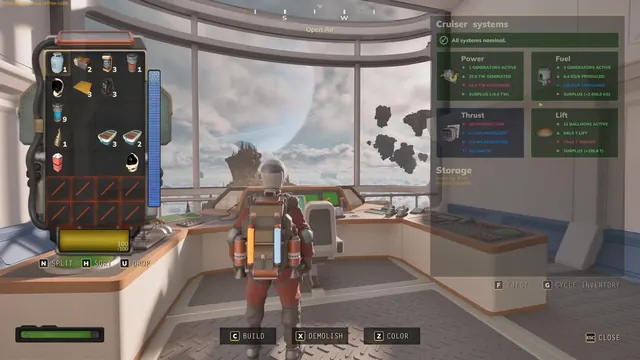 ATMOSFAR - Cruiser systems: Power, Fuel, Thrust and Lift cards
Same type: City & Base Management; Shared patterns: side-panel, contextual-prompts
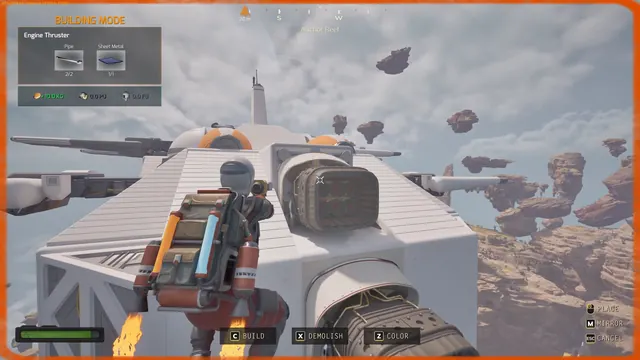 ATMOSFAR - Building mode: Engine Thruster placement
Same type: City & Base Management; Shared patterns: ghost-preview, contextual-prompts
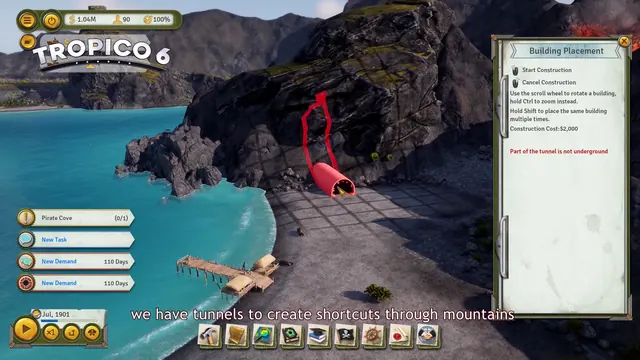 Tropico 6 - Tunnel placement mode with validation error
Same type: City & Base Management; Shared patterns: side-panel, ghost-placement
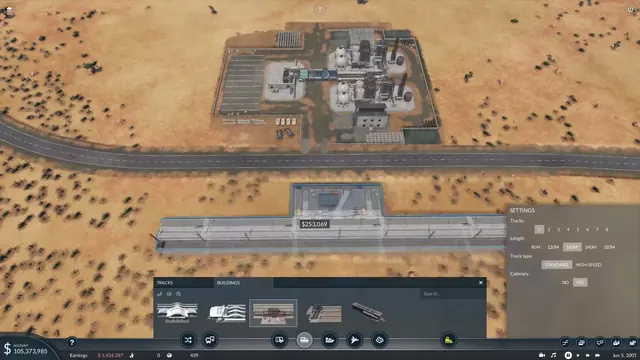 Transport Fever 2 - Station builder: ghost station with track and length settings
Same type: City & Base Management; Shared patterns: ghost-preview, side-panel
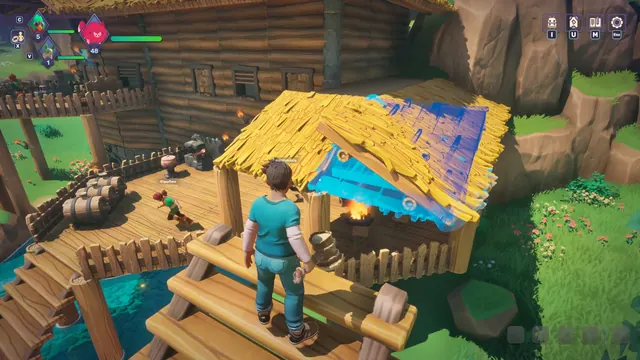 Temtem: Pioneers - Settlement building: the placement ghost over the thatch roof
Same type: City & Base Management; Shared patterns: ghost-preview, build-placement
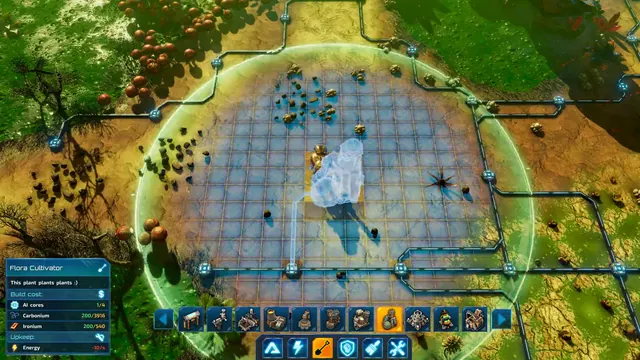 The Riftbreaker - Flora Cultivator placement: range circle, grid and pipe network
Same type: City & Base Management; Shared patterns: build-placement, ghost-preview