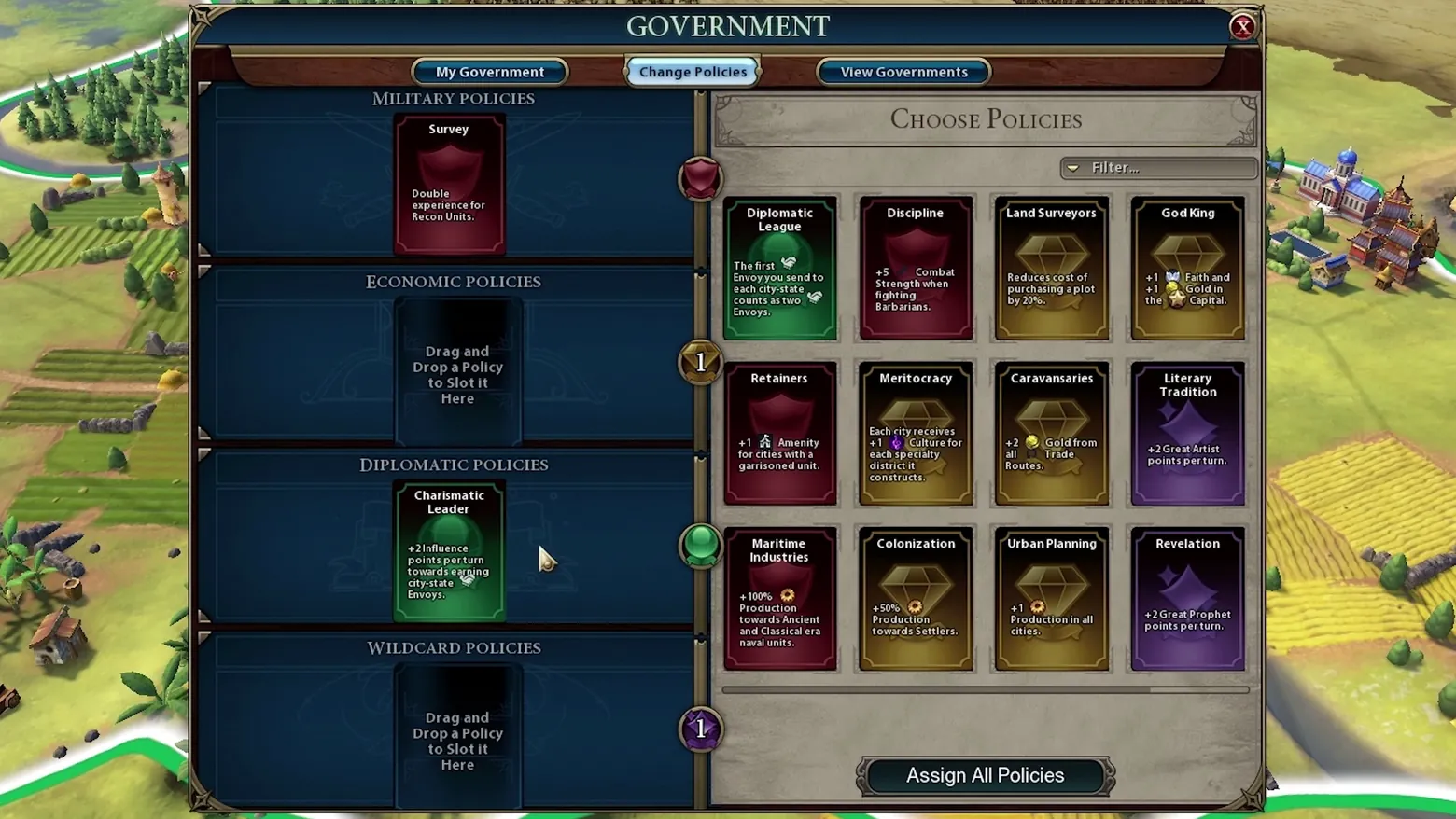
Government screen: Choose Policies card grid with two policies slotted
Civilization VI · Government / Policy / Laws
Art style Stylized 3D
About this game
Developer: Firaxis Games · Publisher: 2K · Platform: PC (Steam) · Art style: Stylized 3D · Screen type: Government / Policy / Laws
More Civilization VI screens in the Gallery
What to study
The Government screen splits policy into two halves that read as one mechanic: on the left, four labeled slot rows — Military, Economic, Diplomatic, Wildcard — each an empty 'Drag and Drop a Policy to Slot it Here' well, with Survey already slotted under Military and Charismatic Leader under Diplomatic; on the right, a Choose Policies card grid (Diplomatic League, Discipline, Land Surveyors, God King, and eight more) with a Filter dropdown and an Assign All Policies button. Policies are cards to be dragged, not menu items to be picked, and the empty wells say so before any card moves. Frame at 7:10 (t=430s) in the Sid Meier's Civilization VI - E3 video (Steam).
Patterns
How the screen is arranged.
card-grid drag-and-drop tabbed-panel slot-grid filter-panel
Components
Parts on screen.
Screen inventory
- GOVERNMENT full-screen overlay with My Government / Change Policies / View Governments tabs
- Military Policies slot holding the Survey card (Double experience for Recon Units)
- Economic Policies empty slot: 'Drag and Drop a Policy to Slot it Here'
- Diplomatic Policies slot holding the Charismatic Leader card (+2 Influence points per turn towards city-state Envoys)
- Wildcard Policies empty slot
- Choose Policies card grid: Diplomatic League, Discipline, Land Surveyors, God King, Retainers, Meritocracy, Caravansaries, Literary Tradition, Maritime Industries, Colonization, Urban Planning, Revelation
- Filter dropdown and Assign All Policies button
Top 3 colors
#0d283d 22%#6b6b4f 18%#929976 17%
Top three palette colors by share. The remaining colors make up the rest.
Source and credit
© Firaxis Games / 2K, Civilization VI screenshot: Sid Meier's Civilization VI - E3 video (Steam), shown for design study and commentary. PlayCraft is an unofficial fan project, not affiliated with or endorsed by 2K.
Source tier 2 (publisher-released) · screenshot: Steam store page · Steam page
Source details
Fetched 2026-11-28. verified 2026-11-28: frame manually extracted at 430.0s from the pipeline-downloaded E3 video (Steam) and inspected visually at full resolution (1920x1080 native); genuine in-game Government screen confirmed settled and legible (all four slot rows, both slotted cards, all twelve policy cards readable); neighboring frames checked (t=426s mid-drag, t=424s screen not yet open) — t=430s is the clean settled state; no trailer typography or marketing overlay on the frame
2K fan content position: non-commercial use; free board only
Rights holders: see Copyright & takedown.
Similar screens
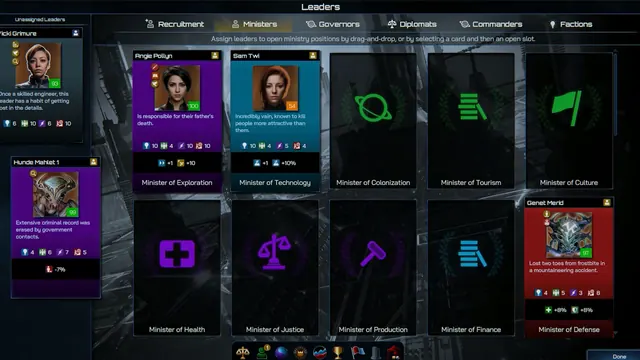 Galactic Civilizations IV - Leaders: Ministers tab with filled and empty ministry slots
Same type: Government / Policy / Laws; Shared patterns: tabbed-panel, card-grid
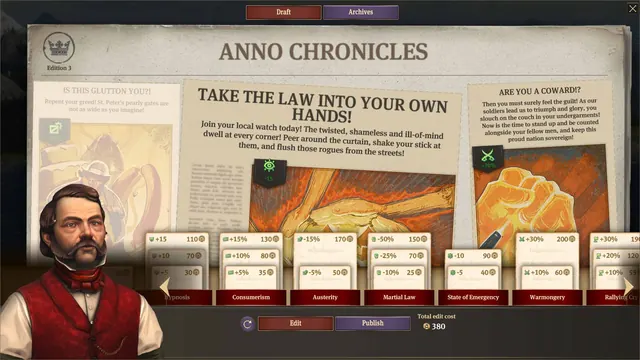 Anno 1800 - Anno Chronicles: newspaper editor
Same type: Government / Policy / Laws; Shared patterns: card-grid
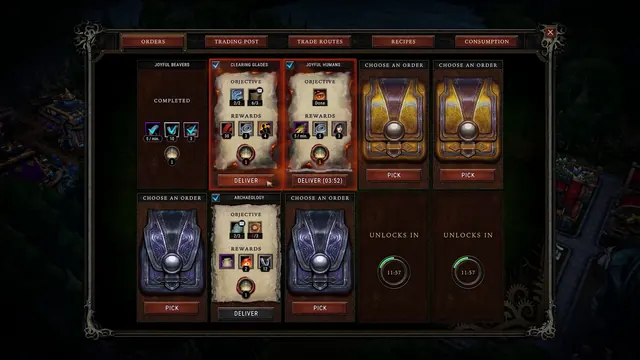 Against the Storm - Orders panel: ten slots, completed, burning to deliver, sealed, and still locked
Same type: Government / Policy / Laws; Shared patterns: card-grid
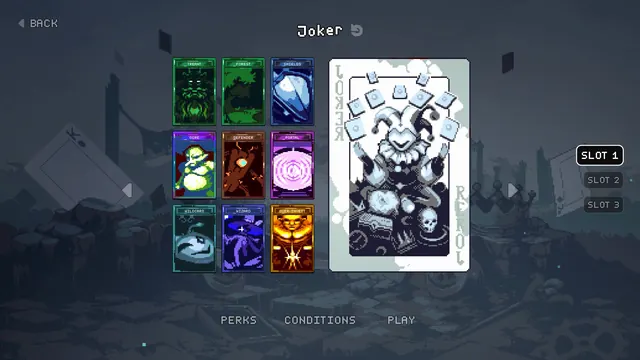 9 Kings - Joker Mode deck builder: nine-card custom deck with three slots
Shared patterns: card-grid, tabbed-panel, slot-grid
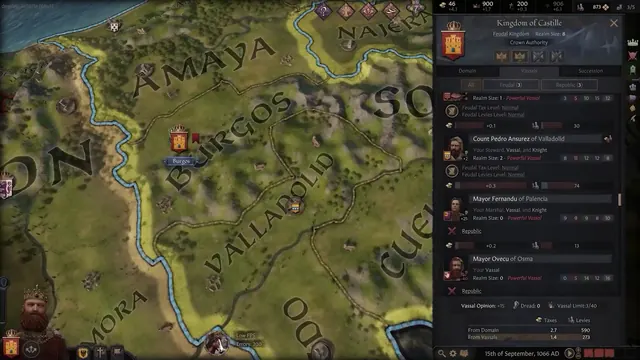 Crusader Kings III - Realm view: Kingdom of Castille, vassal list and taxes
Same type: Government / Policy / Laws; Shared patterns: tabbed-panel
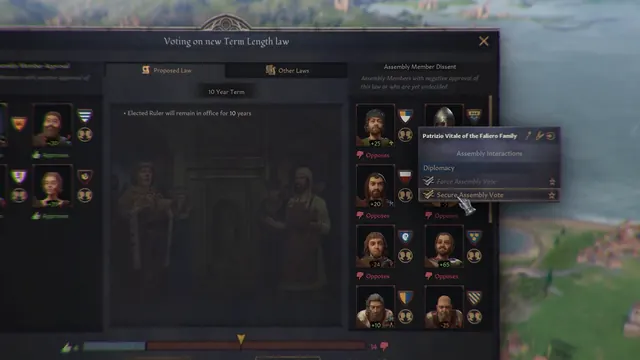 Crusader Kings III - Assembly vote: a new Term Length law, member by member
Same type: Government / Policy / Laws; Shared patterns: tabbed-panel