Good fit
You want a set of pixel props for a game world that look like they belong together, you use an agent with an image tool, and you want a repeatable method instead of one-off prompts.

Grass tuft
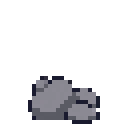
Pebbles
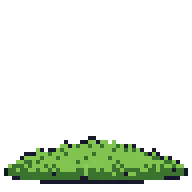
Moss patch
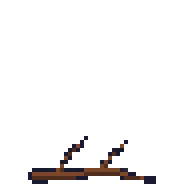
Fallen branch

Single stone

Leaf pile
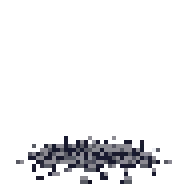
Gravel

Acorn
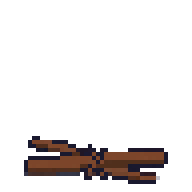
Twig bundle

Wooden plank

Rock
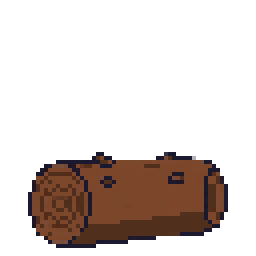
Log

Crate

Stump

Boulder pile

Stone stack

Bucket

Fence post
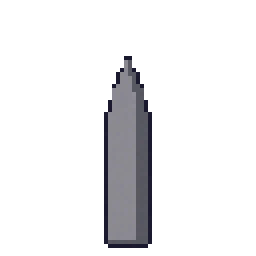
Standing stone
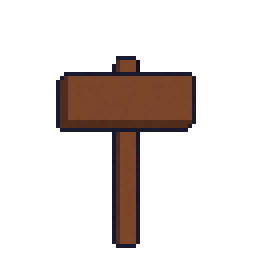
Sign post
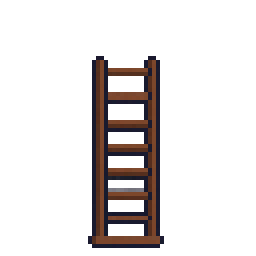
Ladder
All 21 forest props in a grid: 10 at ankle height, 7 at knee height, 4 at character height
Generates with: any agent plus an image tool that accepts reference images.
The download is the skill itself, ready to hand to your agent:
Sprites ship at your chosen canvas size, 16 to 128 pixels, with integer-multiple enlargements.
Fill in one family guide: a silhouette sentence per prop, a palette of at most 16 colors plus outline, a scale ladder in fractions of character height, shared and distinct materials, and the outline, shading, and background rules. The forest set, for example, runs from a grass tuft at ankle height to a fence post at character height, all on one palette.
Generate one draft per member on a plain white background. Then assemble the board from the drafts, never generate it as one image: every member stands in a row on a shared baseline at its ladder height, next to a marker bar exactly one character height tall and a row of palette swatches. Judge the board from the assembly log. Never assemble from a failing draft.

Pass the board as reference on every call, paste the locked block verbatim, and generate exactly one prop: feet on the shared baseline, height equal to its ladder rung, materials colored only from the guide palette.

Score silhouette, palette, height, baseline, shared materials, and pixel discipline separately for each prop, then audit the set as a whole: shared materials actually shared, outline and shading consistent, and the ladder actually holding. A prop passes only when every trait passes. Export at the canvas size with nearest neighbor, board at display size.

You want a set of pixel props for a game world that look like they belong together, you use an agent with an image tool, and you want a repeatable method instead of one-off prompts.
Tilesets, scenes, multi-prop dioramas, and animation frames are out of scope. A seamless grass tile is out: a tile must repeat without a visible edge, and that is a different problem with its own rules. And if you need guaranteed transparency, this is not it: transparency depends on the tool.
Any agent plus an image tool that accepts reference images. No tool lock-in: the skill is written tool-agnostic, and the text-only fallback (locked block plus seed) is audited twice as strictly. You need no account and no payment to download it.
Ask your agent in plain words, for example: "Make me a forest set for a pixel game: a grass tuft at ankle height, a rock at knee height, and a fence post as tall as a character, all sharing one palette. Then put them on one board at relative scale." The skill turns that into a guide, a board, and audited props.
License terms to be published.
No. Standalone props and small families only. A seamless grass tile is out of scope for version 1.
No. One family per run, single props only. Multi-prop dioramas are out of scope.
It depends on your image tool. The skill never promises transparency before generating. It records which outcome the tool produced in the guide, and the fallback is one solid color.
The retry ladder runs: a draft retries at most three times (restate, rephrase, simplify), then stops and reports which trait will not hold. A prop retries at most three times. A failing sprite is never presented as passing.
Canvas sizes run 16 to 128 pixels per side. Each prop gets the smallest canvas that fits its ladder height plus margins. The demo family runs from ankle height to character height.
Yes. The demo family has 21 validated members on one palette. The skill carries a member roster so no silhouette repeats, reuses palette materials instead of inventing colors, and re-checks the whole set as the family grows, so later props are held to the same traits as the first ones.
No. You describe the family you want, and the skill builds it from your description. It does not clone an uploaded image.
No reviews yet.
A paid price could be introduced later once install clicks show interest. If that happens, the new price will be published on this page first, so early downloaders are not surprised.