Good fit
You want the same pixel character in many poses and outfits, you use an agent with an image tool, and you want a repeatable method instead of one-off prompts.
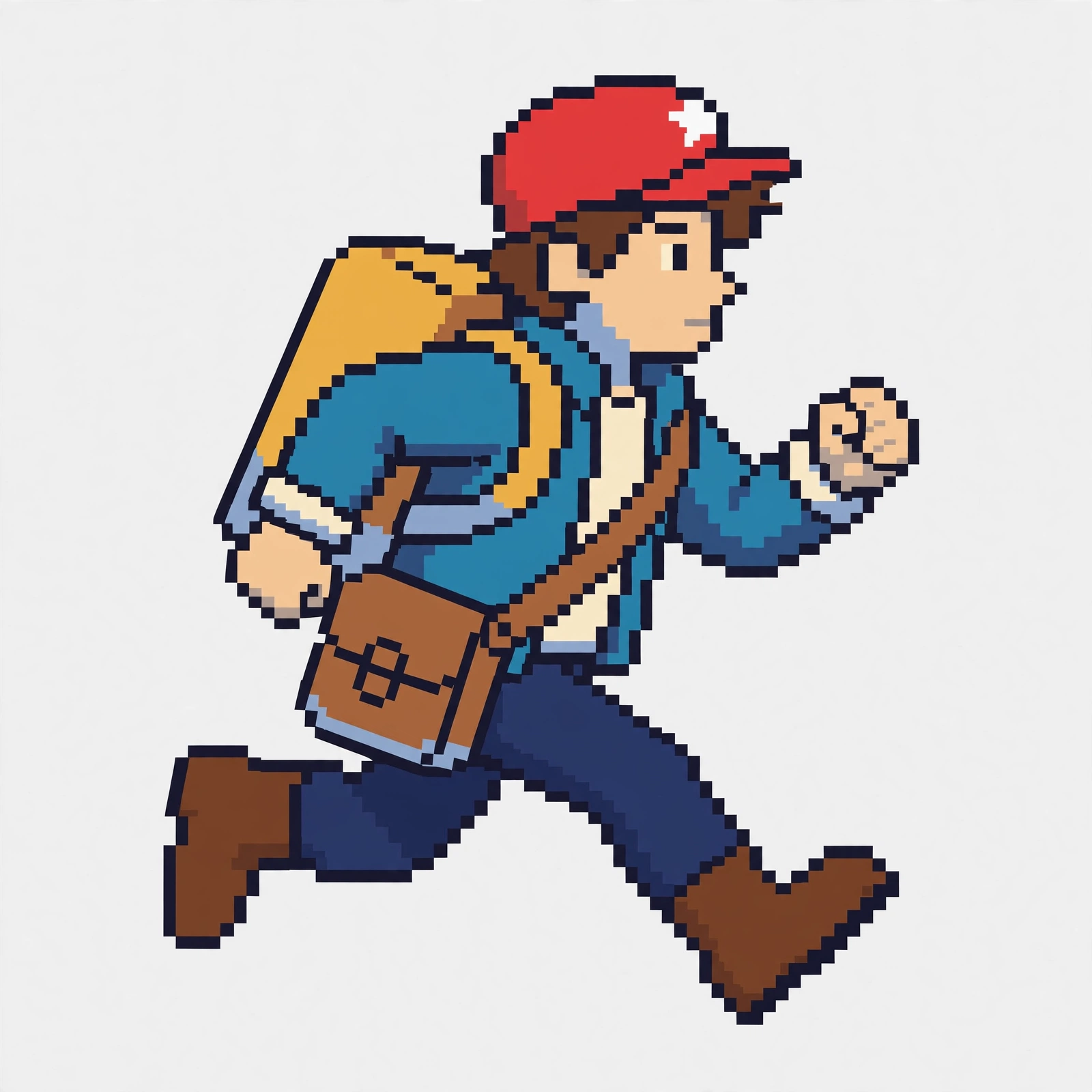
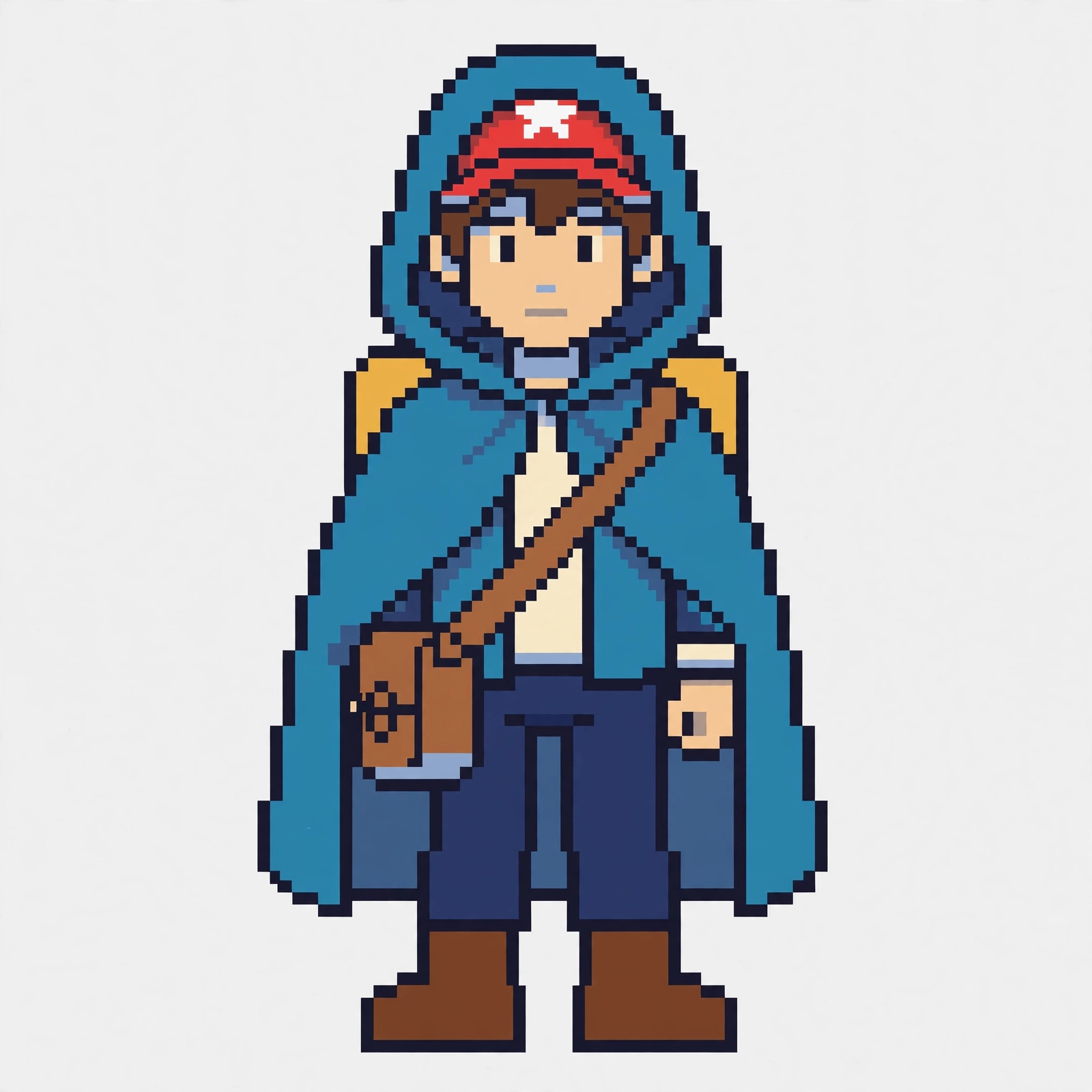
Pip the courier: running pose and rain-cloak outfit
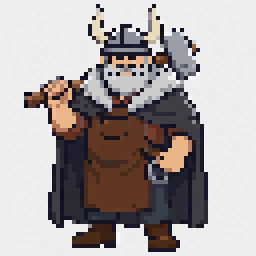
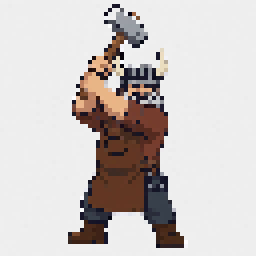
Bramble the blacksmith: winter cloak and hammer swing

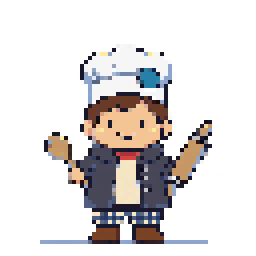
Tilly the baker: dough toss and market coat
Generates with: any agent plus an image tool that accepts reference images.
The download is the skill itself, ready to hand to your agent:
Sprites ship at your chosen canvas size, 16 to 128 pixels, with integer-multiple enlargements.
Fill in one character guide: a silhouette sentence, a palette of at most 16 colors plus outline, at most three signature items, proportions, and the outline, shading, and background rules. Pip the courier, for example, is a small teen courier with a big square backpack, a red cap, and a leather satchel across the chest.
One sheet with front, side, and back views, a portrait, palette swatches, and one close look at each signature item. Judge it trait by trait. Never proceed on a sheet that fails.
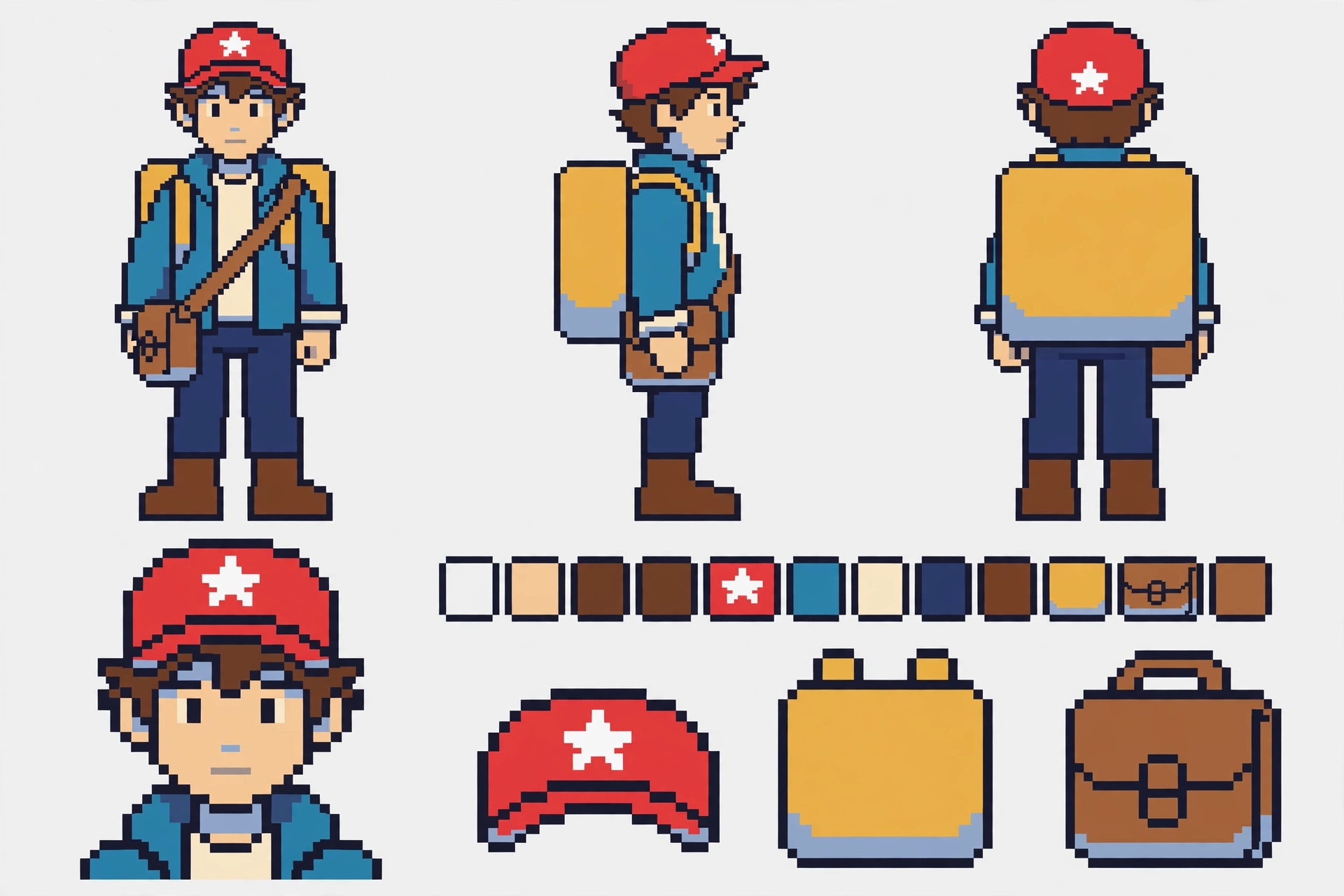
Pass the sheet as reference on every call, paste the locked block verbatim, and change exactly one thing: one pose, one expression, one outfit, or one action.
Score silhouette, palette, proportions, signature items, and pixel discipline separately. A variant passes only when every trait passes. Export at the guide canvas size with nearest neighbor, sheet at display size.
You want the same pixel character in many poses and outfits, you use an agent with an image tool, and you want a repeatable method instead of one-off prompts.
Scenes, multi-character shots, tilesets, and animation frames are out of scope. Tall lean builds at ratios of 1 to 4 or more extreme are unreliable, as documented in the FAQ below. And if you need guaranteed transparency, this is not it: transparency depends on the tool.
Any agent plus an image tool that accepts reference images. No tool lock-in: the skill is written tool-agnostic, and the text-only fallback (locked block plus seed) is audited twice as strictly. You need no account and no payment to download it.
Ask your agent in plain words, for example: "Make me a pixel courier named Pip with a red cap with a white star, a big mustard backpack, and a leather satchel. Then show him running, and then in a rain cloak." The skill turns that into a guide, a sheet, and audited variants.
License terms to be published.
No. One character per run, single renders only. Animation frames are out of scope for version 1.
No. Scenes, multi-character shots, and tilesets are out of scope. The skill does one character at a time.
It depends on your image tool. The skill never promises transparency before generating. It records which outcome the tool produced in the guide, and the fallback is one solid color.
The retry ladder runs: a sheet retries at most three times (restate, rephrase, simplify), then stops and reports which trait will not hold. A variant retries at most three times. A failing sprite is never presented as passing.
Ratios of 1 to 3 to 1 to 3.5 are the reliable range. Ratios of 1 to 4 or more extreme on tall lean builds are unreliable and may fail the sheet within the retry ladder.
No reviews yet.
A paid price could be introduced later once install clicks show interest. If that happens, the new price will be published on this page first, so early downloaders are not surprised.