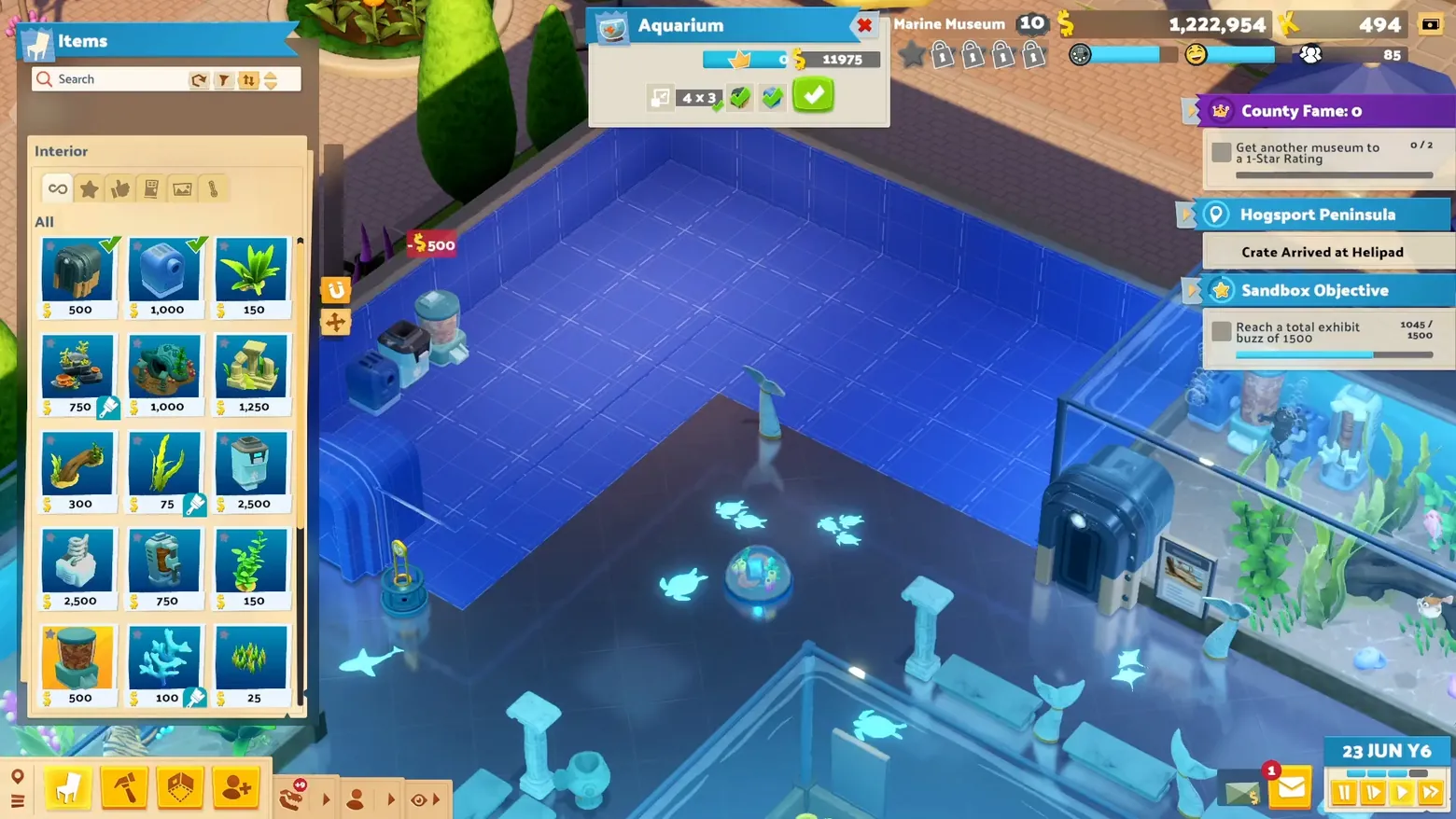
Build mode: placing the aquarium from the Items catalog
Two Point Museum · City & Base Management
Art style Stylized 3D
About this game
Developer: Two Point Studios · Publisher: SEGA · Platform: Steam · Art style: Stylized 3D · Screen type: City & Base Management
More Two Point Museum screens in the Gallery
What to study
Two Point's build grammar: a priced item grid on the left, a ghosted blueprint room in the middle, and the museum's goals (including the exhibit Buzz target) stacked on the right, all while the marine hall sits half-built behind it. Frame at about 0:56 in the Two Point Museum... MUSEUMS! trailer (Steam).
Patterns
How the screen is arranged.
item-catalog placement-grid objective-stack resource-readout
Components
Parts on screen.
Grid Card Toolbar Resource bar Quest tracker Clock
Screen inventory
- Aquarium room card: 4 x 3 footprint, placement blueprint grid
- Items catalog: Interior, priced grid ($25-$2,500)
- Right objectives stack: County Fame, Crate Arrival at Helipad, Sandbox Objective with exhibit Buzz 1045/1500
- Top resource bar and bottom build toolbar
Top 3 colors
#2a59a1 25%#2d3d76 21%#e9d6ad 18%
Top three palette colors by share. The remaining colors make up the rest.
Source and credit
© Two Point Studios / SEGA, Two Point Museum screenshot: Steam trailers (publisher, via Two Point Studios / SEGA), shown for design study and commentary. PlayCraft is an unofficial fan project, not affiliated with or endorsed by SEGA.
Source tier 2 (publisher-released) · screenshot: Steam store page · Steam page
Source details
Fetched 2026-11-04. verified 2026-11-04: Phase-1 keeper frame from the official Steam trailer, visually inspected at full resolution (1920x1080); settled genuine game UI, legible, no trailer caption over the panels.
no published policy found (checked 2026-11-04); fair-use study use, takedown honored within 48h
Rights holders: see Copyright & takedown.
Similar screens
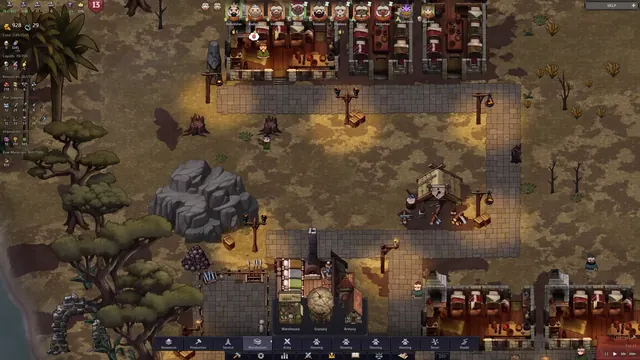 Norland - Build menu: warehouses category, placement preview
Same type: City & Base Management; Shared patterns: resource-readout
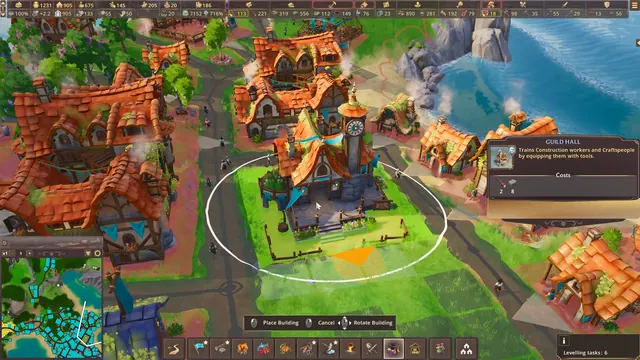 Pioneers of Pagonia - Guild Hall building placement
Same type: City & Base Management; Shared patterns: resource-readout
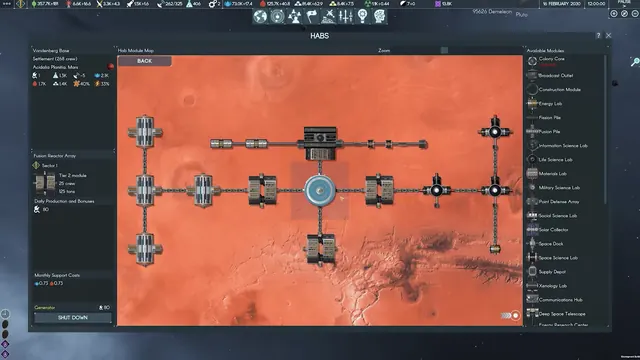 Terra Invicta - HABS module map: Vandenberg Base, Mars
Same type: City & Base Management; Shared patterns: resource-readout
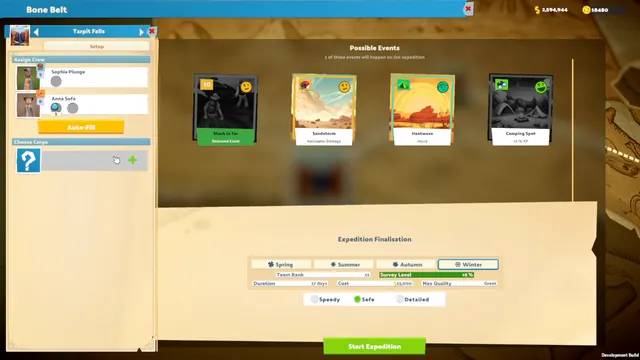
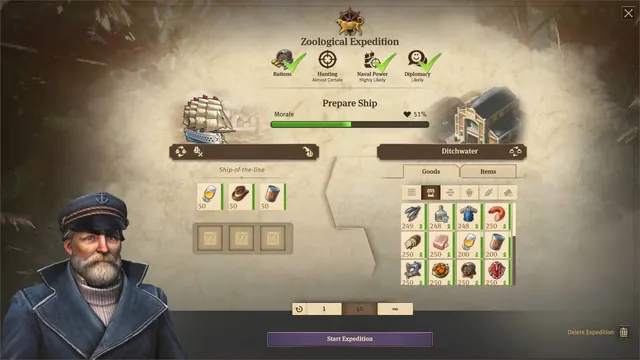 Anno 1800 - Expedition outfitting: prepare ship
Same type: City & Base Management
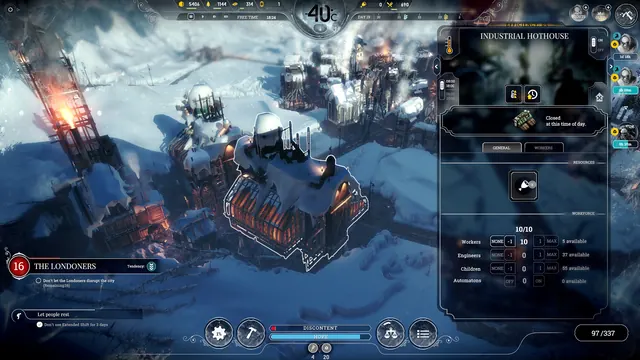 Frostpunk - Building panel: Industrial Hothouse
Same type: City & Base Management
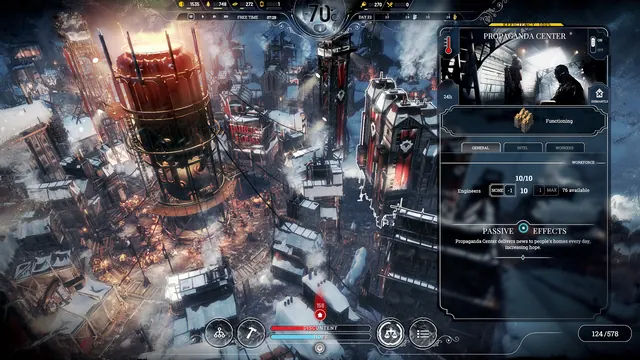 Frostpunk - Building panel: Propaganda Center
Same type: City & Base Management