PlayCraft / Gallery / Patterns / Top bar
Top bar
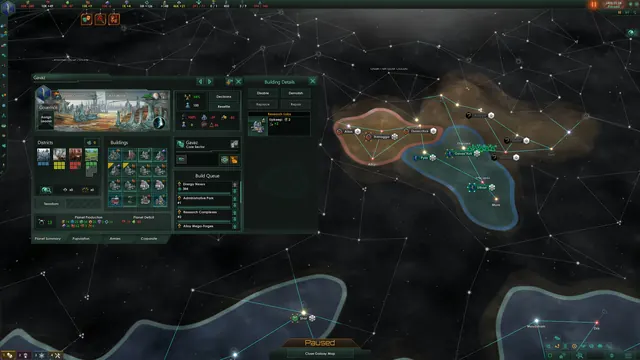
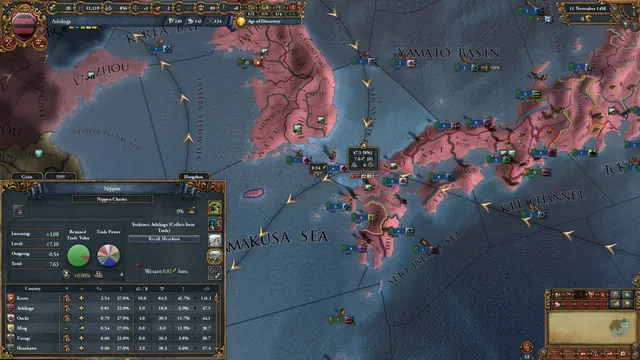
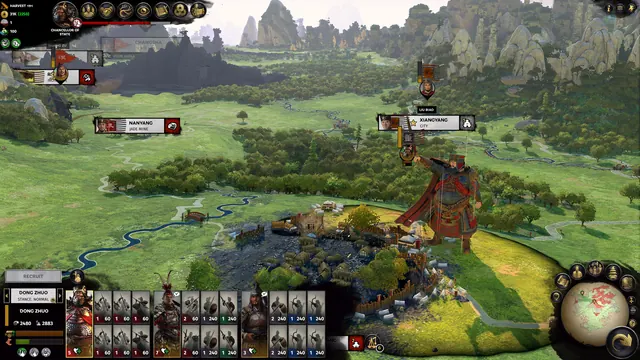
A top bar is the persistent strip across the top of the screen that carries the game's global state: resources, yields, population, date, and turn. It is the one UI element that is almost always visible, so it holds what you check between every decision.
351 screens across 143 games in the Gallery.
What good looks like
- Same order on every screen, so checking becomes muscle memory.
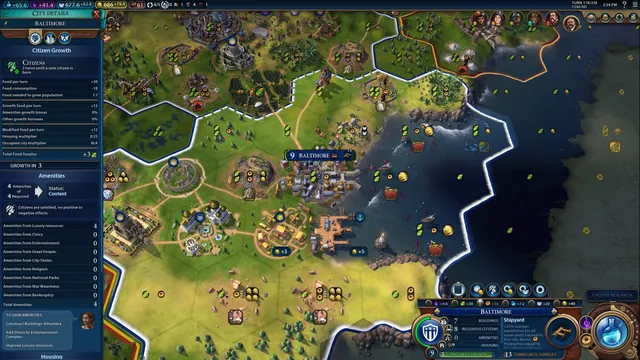
- Numbers, not adjectives: Civilization VI pins global yields to the top bar.
- The bar stays slim so the map keeps the frame.
- Emergencies surface in the bar first, before anywhere else.
Examples from the Gallery
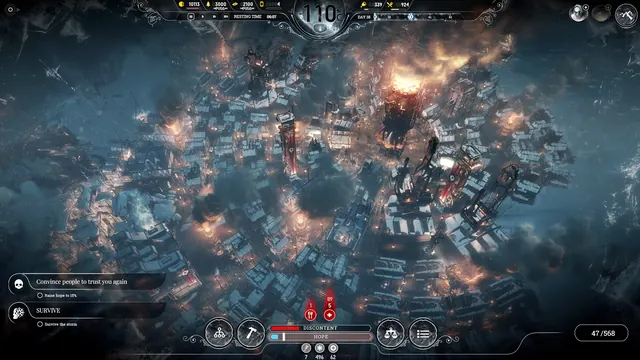
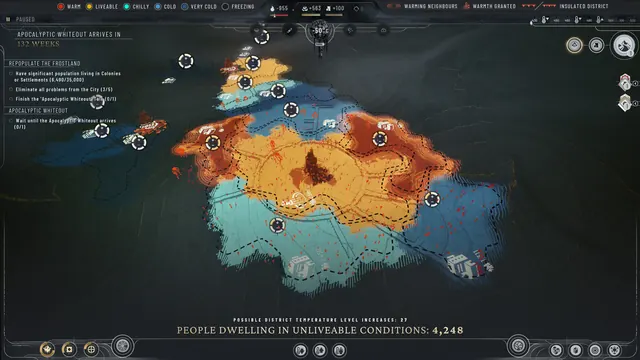
Frequently asked questions
What is a top bar in game UI?
A top bar is the persistent strip across the top of the screen that carries a game's global state: resources, yields, population, date, and turn. Because it is almost always visible, it holds the numbers you check between every decision, and it is the first place the game puts an emergency.
Which games show top bars well?
Broken Arrow, Frostpunk 2, Deep Rock Galactic, Age of Wonders: Planetfall, and Hardspace: Shipbreaker have the most top-bar screens in the Gallery. Civilization VI is the classic example: global yields pinned to the top while a city panel and a floating card share the rest of the frame.