PlayCraft / Gallery / Patterns / Side panel
Side panel
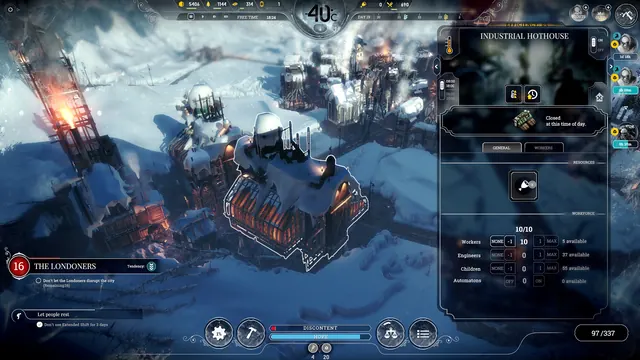
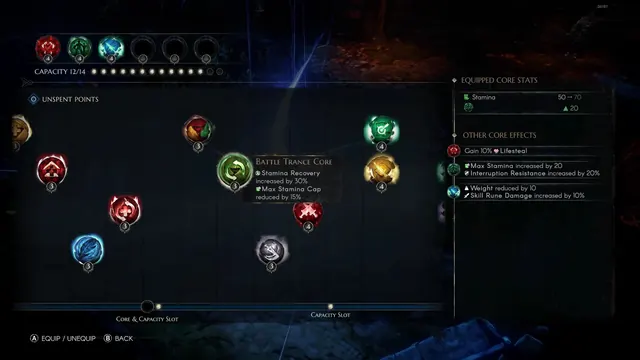
A side panel is a narrow vertical panel docked to the left or right edge that carries facts and actions while the main view stays open. It is the compromise between a full-screen menu and a floating tooltip: deep enough for real information, narrow enough that the map or scene keeps most of the frame.
254 screens across 105 games in the Gallery.
What good looks like
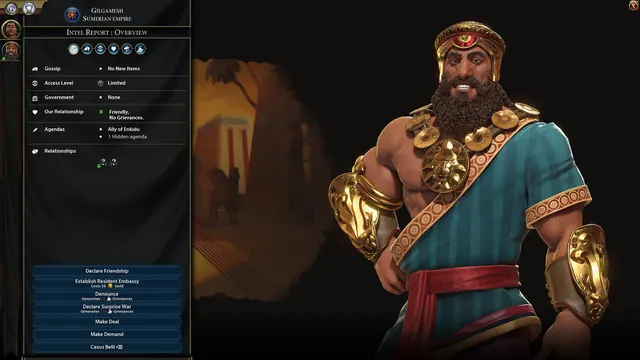
- One panel, one job: Civilization VI's diplomacy intel panel carries every fact and action for one leader.
- The main view stays live behind the panel.
- Width fits the content; a short list never becomes a full takeover.
- Dismissing the panel returns you to exactly where you were.
Examples from the Gallery
Frequently asked questions
What is a side panel in game UI?
A side panel is a narrow vertical panel docked to the left or right edge of the screen that carries facts and actions while the main view stays open. It is the middle ground between a full-screen menu and a tooltip: deep enough for real information, narrow enough that the map or scene keeps most of the frame.
Which games show side panels well?
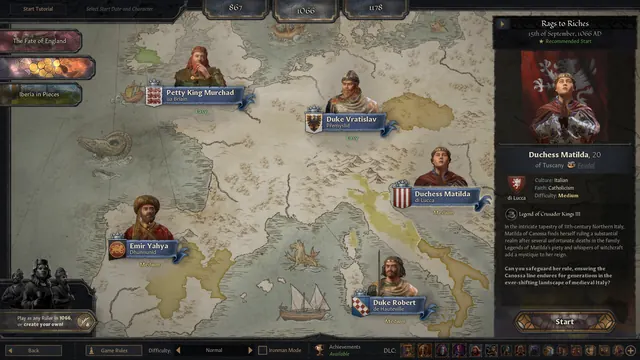
Crusader Kings III, Galactic Civilizations IV, Opus Magnum, Transport Fever 2, and Cobalt Core have the most side-panel screens in the Gallery. Civilization VI diplomacy is the classic example: a narrow intel panel on the left, the leader portrait owning the rest of the frame.