Backpack and chest: sorting dungeon loot, cursed and unknown
Moonlighter · HUD & Gameplay UI
Art style Pixel art
About this game
Developer: Digital Sun · Publisher: 11 bit studios · Platform: PC (Steam) · Art style: Pixel art · Screen type: HUD & Gameplay UI
More Moonlighter screens in the Gallery
What to study
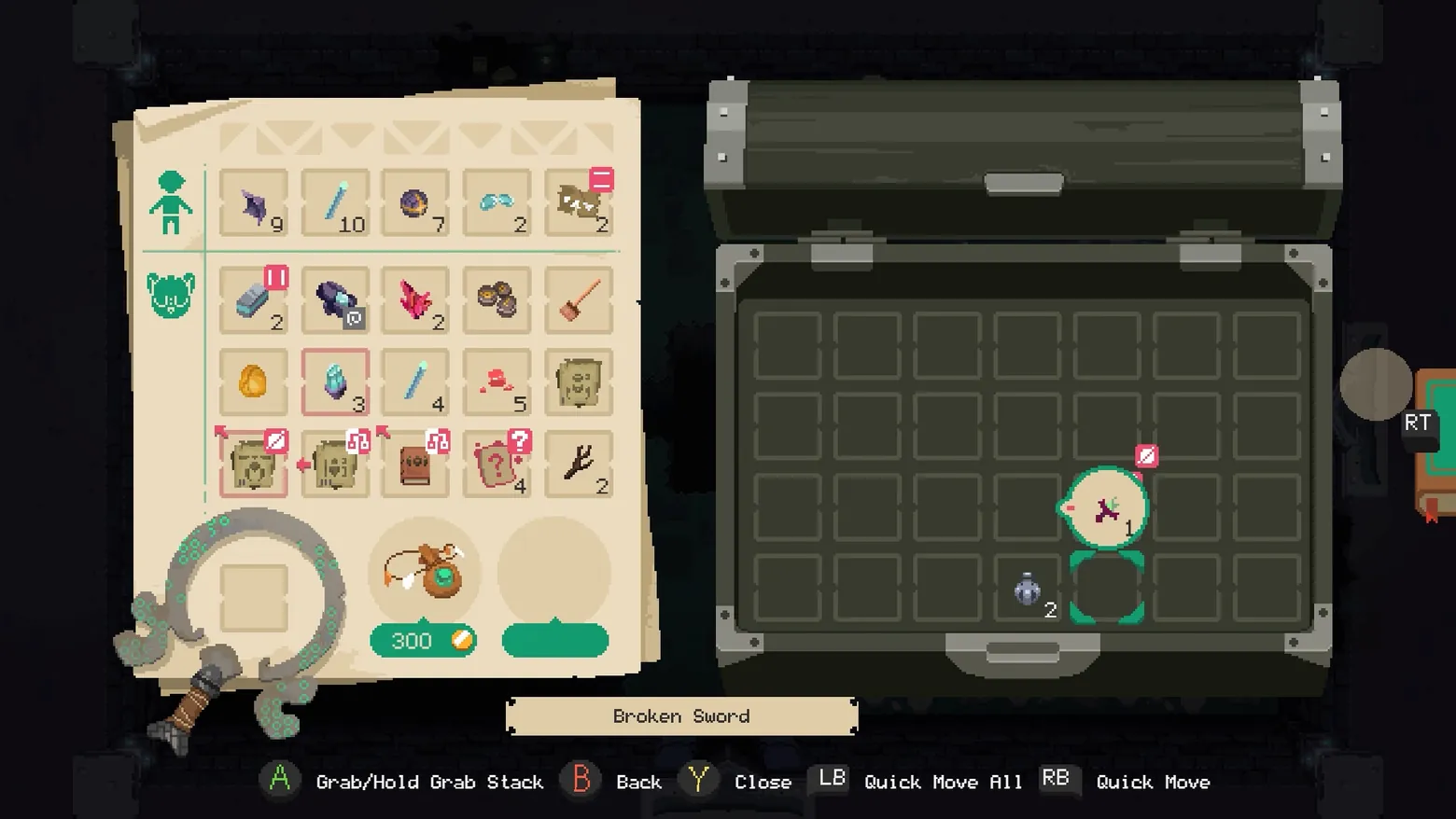
The dungeon half of Moonlighter's loop ends here: loot comes home in a backpack that is itself a design object. Twenty slots carry stack counts, red curse marks, and unidentified items flagged with question marks, so the player reads risk at a glance before deciding what to keep, sell, or identify. The equipment circles anchor the bottom-left (weapon, potion, one empty slot) with the gold total beside them, and the open chest on the right is the transfer target: a mostly empty 6x4 grid where the selected item gets a green ring and its name, Broken Sword, appears in the bar below. The bottom button bar teaches the whole interaction in one line — grab, grab stack, quick move — with no tutorial text anywhere else on screen. The lesson is density without clutter: a full inventory system (identity, curse, value, transfer) carried by icons, counts, and colour alone. Frame at 0:42 in the Final Trailer (Steam; scene-change extraction). A sliver of the neighbouring panel with its RT prompt is visible at the right edge.
Patterns
How the screen is arranged.
inventory-grid item-grid currency-counter prompt-row
Components
Parts on screen.
Screen inventory
- left page is the backpack: a 5x4 grid of looted items with stack counts, curse marks on some slots, and a row of unidentified items marked with red question marks
- bottom-left equipment circles hold the equipped weapon and a potion, with one empty slot, above a green gold counter reading 300
- right side is the open chest: a 6x4 empty slot grid with a single item selected, ringed green, and a small potion stack below it
- a name bar reads Broken Sword for the selected item; the bottom button bar lists A Grab/Hold Grab Stack, B Back, Y Close, LB Quick Move All, RB Quick Move
Top 3 colors
#4b4a3e 28%#0e0c11 27%#e8d5b7 19%
Top three palette colors by share. The remaining colors make up the rest.
Source and credit
© Digital Sun / 11 bit studios, Moonlighter screenshot: Steam trailer (Final Trailer) — Digital Sun / 11 bit studios, shown for design study and commentary. PlayCraft is an unofficial fan project, not affiliated with or endorsed by 11 bit studios.
Source tier 2 (publisher-released) · screenshot: Steam store page · Steam page
Source details
Fetched 2026-11-10. verified 2026-11-10: candidates/v0_0013.png @ 41.57s in the Final Trailer, MD5 0281ca9a54718b8529b6ff0f5d8dfda8, 447473 B, from the verified-clean curl-shim download (51,287,636 B, MD5 79dcf2563887fb5c9fd1494a3f285075; full decode to null exit 0, zero error lines — decode-steam-606150-Final-Trailer.mp4.err), inspected visually at full resolution (1920x1080 native); the item grid, stack counts, curse marks, gold counter and button bar all legible; no trailer text or marketing overlay in frame
no published 11 bit studios fan-content policy found (checked 2026-11-10); 11 bit studios listed as permitting Let's Play content with no conditions (WhoLetsPlay curated list, third-party, not an official publisher policy); fair-use study use, takedown honored within 48h
Rights holders: see Copyright & takedown.
Similar screens
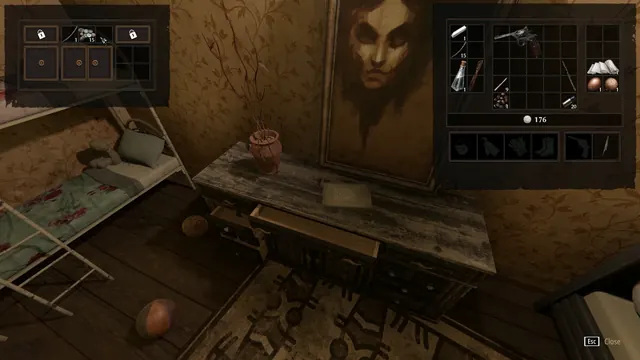 Pathologic 2 - Looting the dresser: locked drawers and your pack
Same type: HUD & Gameplay UI; Shared patterns: inventory-grid, item-grid
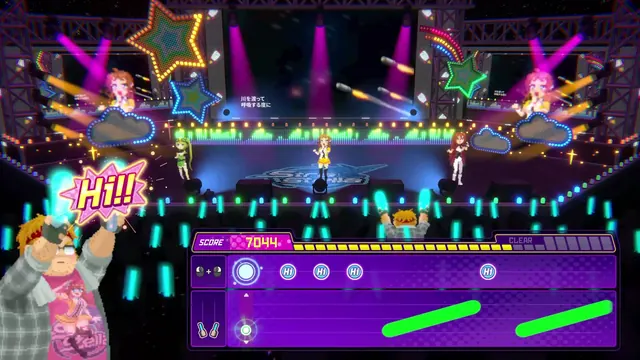 DAVE THE DIVER - Rhythm concert: SCORE rail, CLEAR meter, Hi notes on the highway
Same type: HUD & Gameplay UI; Shared patterns: prompt-row
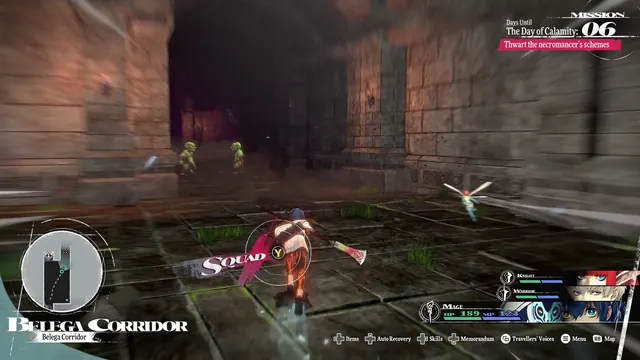 Metaphor: ReFantazio - Dungeon exploration HUD: Belega Corridor, day countdown
Same type: HUD & Gameplay UI; Shared patterns: prompt-row
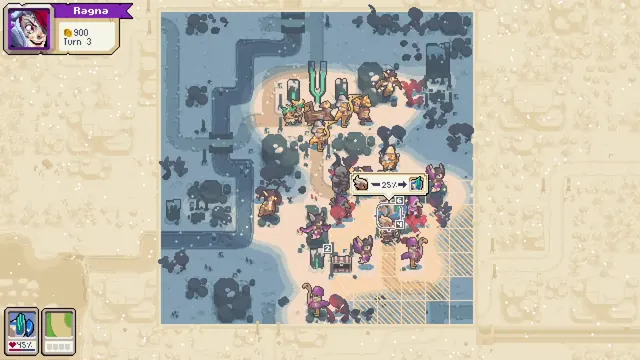 Wargroove 2 - Battle HUD: Ragna, 900 gold, Turn 3, combat forecast
Same type: HUD & Gameplay UI; Shared patterns: currency-counter
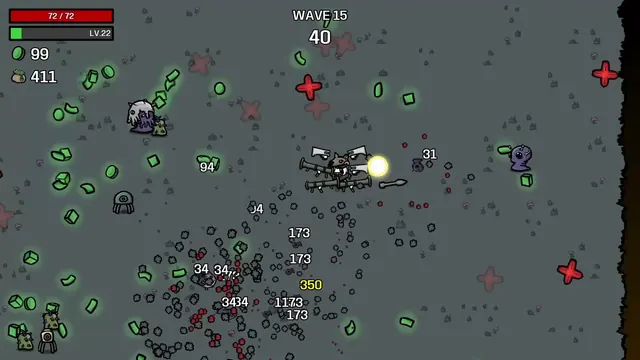 Brotato - In-combat HUD: health, level, currencies, wave counter
Same type: HUD & Gameplay UI; Shared patterns: currency-counter
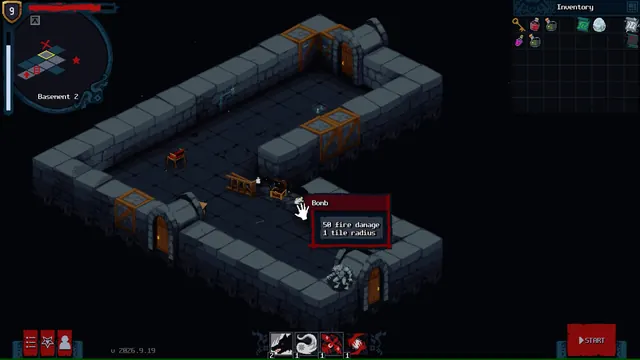 Bad House - Bomb tooltip: '50 fire damage, 1 tile radius' over a quiet room
Same type: HUD & Gameplay UI; Shared patterns: inventory-grid