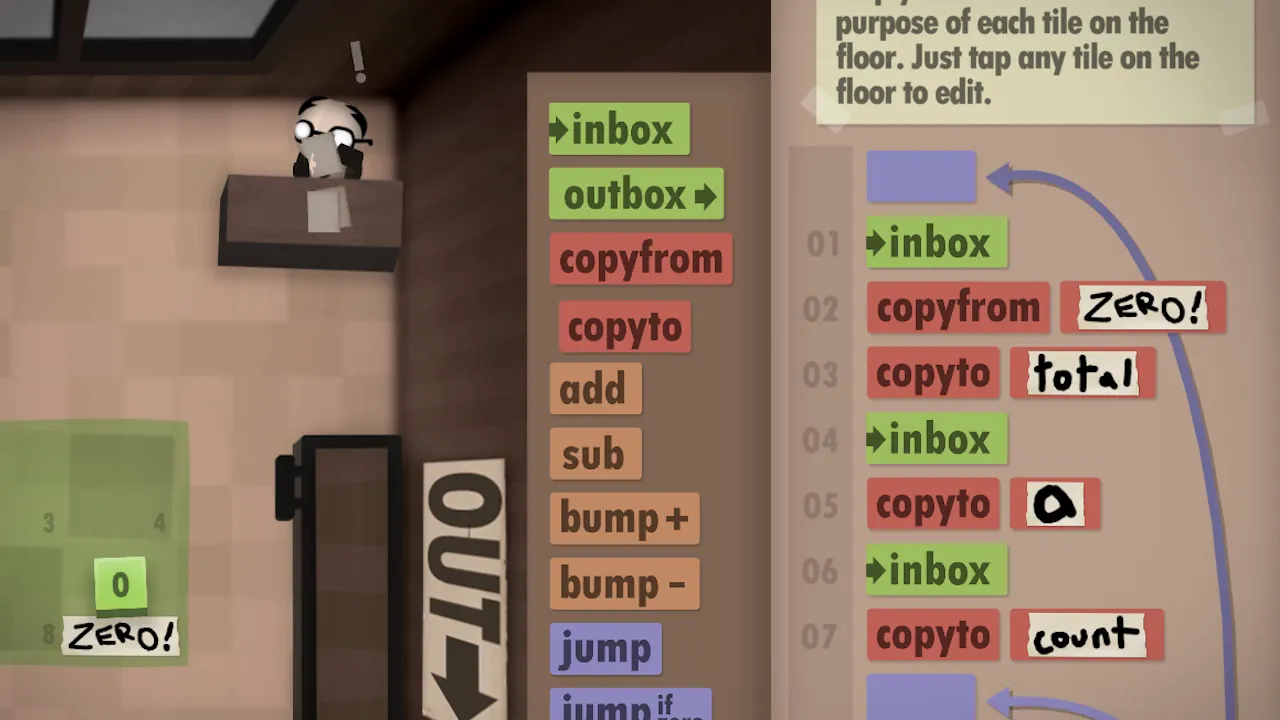
Palette, program, and the floor-tile help note
Human Resource Machine · HUD & Gameplay UI
Art style Minimalist & vector
About this game
Developer: Tomorrow Corporation · Publisher: Tomorrow Corporation · Platform: PC (Steam) · Art style: Minimalist & vector · Screen type: HUD & Gameplay UI
More Human Resource Machine screens in the Gallery
What to study
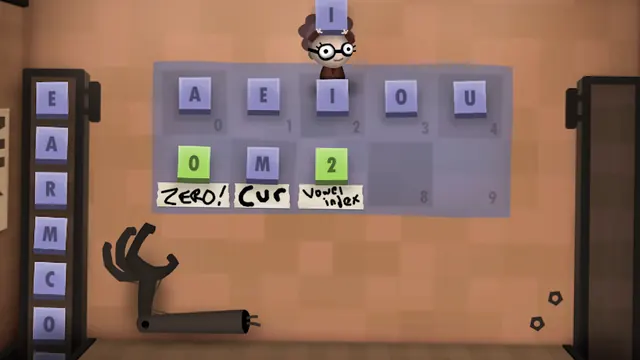
The help is taped to the board in plain language - floor tiles are memory you edit by tapping - and the program beside it shows the idea in use, with named tiles (ZERO!, total, a, count) doing the work of variables. Frame at about 22.2s in Trailer #1 (Steam).
Patterns
How the screen is arranged.
side-panel action-list step-list objective-panel color-coded-text
Components
Parts on screen.
Screen inventory
- instruction palette: inbox, outbox, copyfrom, copyto, add, sub, bump+, bump-, jump
- program lines 01-07: copyfrom ZERO!, copyto total, copyto a, copyto count
- help note: purpose of each tile on the floor. Just tap any tile on the floor to edit.
- floor tiles with ZERO! label
- boss with exclamation mark
Top 3 colors
#b39883 24%#432f27 20%#776957 19%
Top three palette colors by share. The remaining colors make up the rest.
Source and credit
© Tomorrow Corporation, Human Resource Machine screenshot: Trailer #1 (Steam), shown for design study and commentary. PlayCraft is an unofficial fan project, not affiliated with or endorsed by Tomorrow Corporation.
Source tier 2 (publisher-released) · screenshot: Steam store page · Steam page
Source details
Fetched 2026-11-13. verified 2026-11-13: frame inspected visually at full resolution (1280x720 native); palette, program lines 01-07 and the help note all legible; stock fetch showed 4 NAL lines but all 16 candidate PNGs byte-identical to the curl-shim (curlgrab2.py) re-fetch, shim decode-to-null clean; frame from the official Trailer #1 on Steam
Rights holders: see Copyright & takedown.
Similar screens
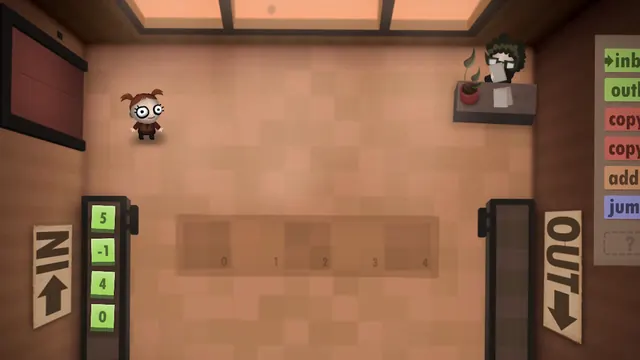
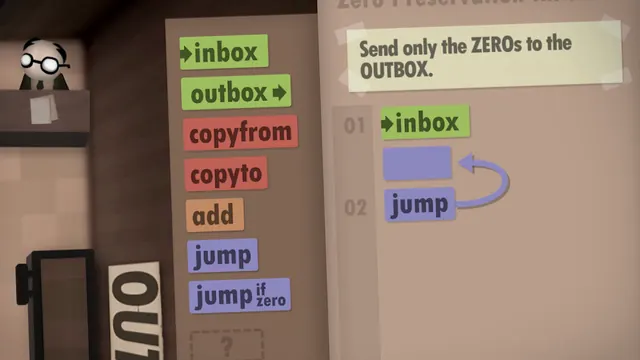 Human Resource Machine - Instruction palette and a two-line starter program
Same type: HUD & Gameplay UI; Shared patterns: side-panel, action-list, objective-panel, color-coded-text, step-list
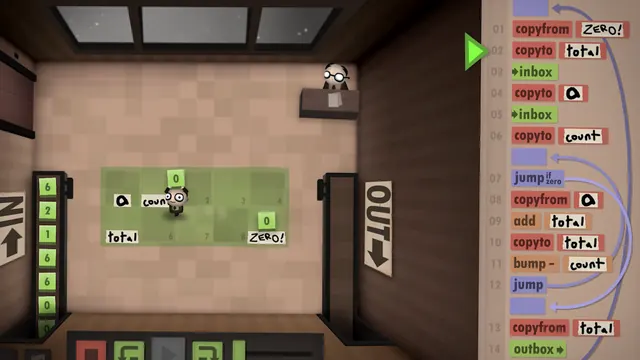
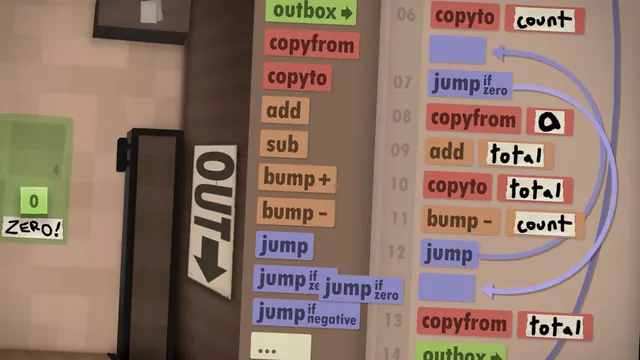 Human Resource Machine - A full program: fourteen lines, jump loops, and handwritten variables
Same type: HUD & Gameplay UI; Shared patterns: side-panel, action-list, step-list, color-coded-text
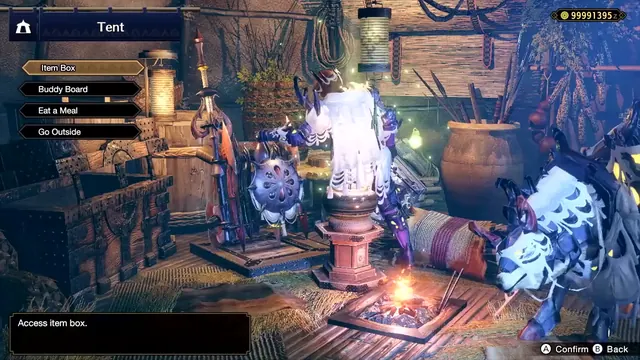 Monster Hunter Rise - Tent menu: Item Box, Buddy Board, Eat a Meal, Go Outside
Same type: HUD & Gameplay UI; Shared patterns: action-list, side-panel
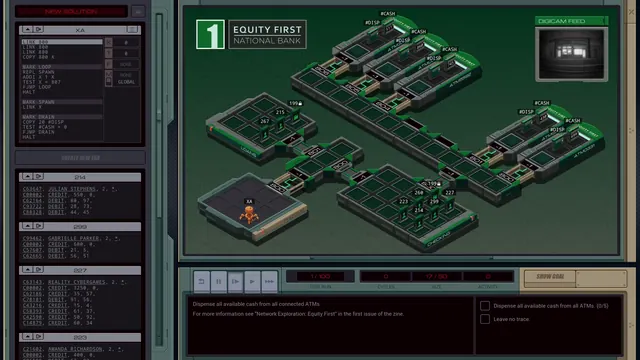 EXAPUNKS - Equity First National Bank: draining ATMs from the EXODUS workspace
Same type: HUD & Gameplay UI; Shared patterns: side-panel, objective-panel
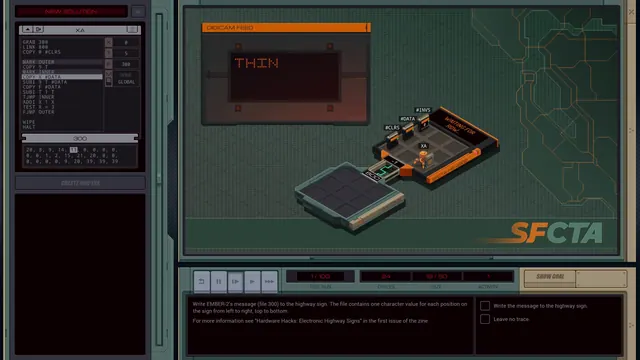 EXAPUNKS - SFCTA highway sign: writing EMBER-2's message to the LED board
Same type: HUD & Gameplay UI; Shared patterns: side-panel, objective-panel
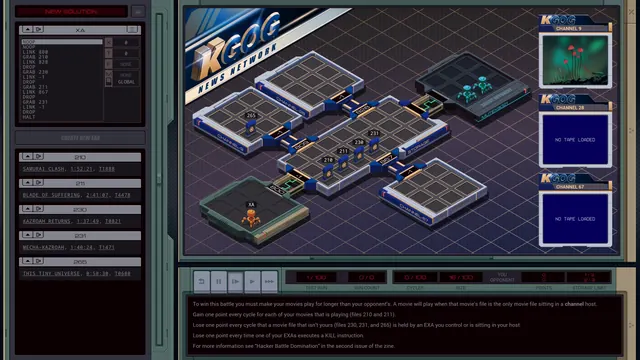 EXAPUNKS - K-GOG News Network: hacker battle over movie files
Same type: HUD & Gameplay UI; Shared patterns: side-panel, objective-panel