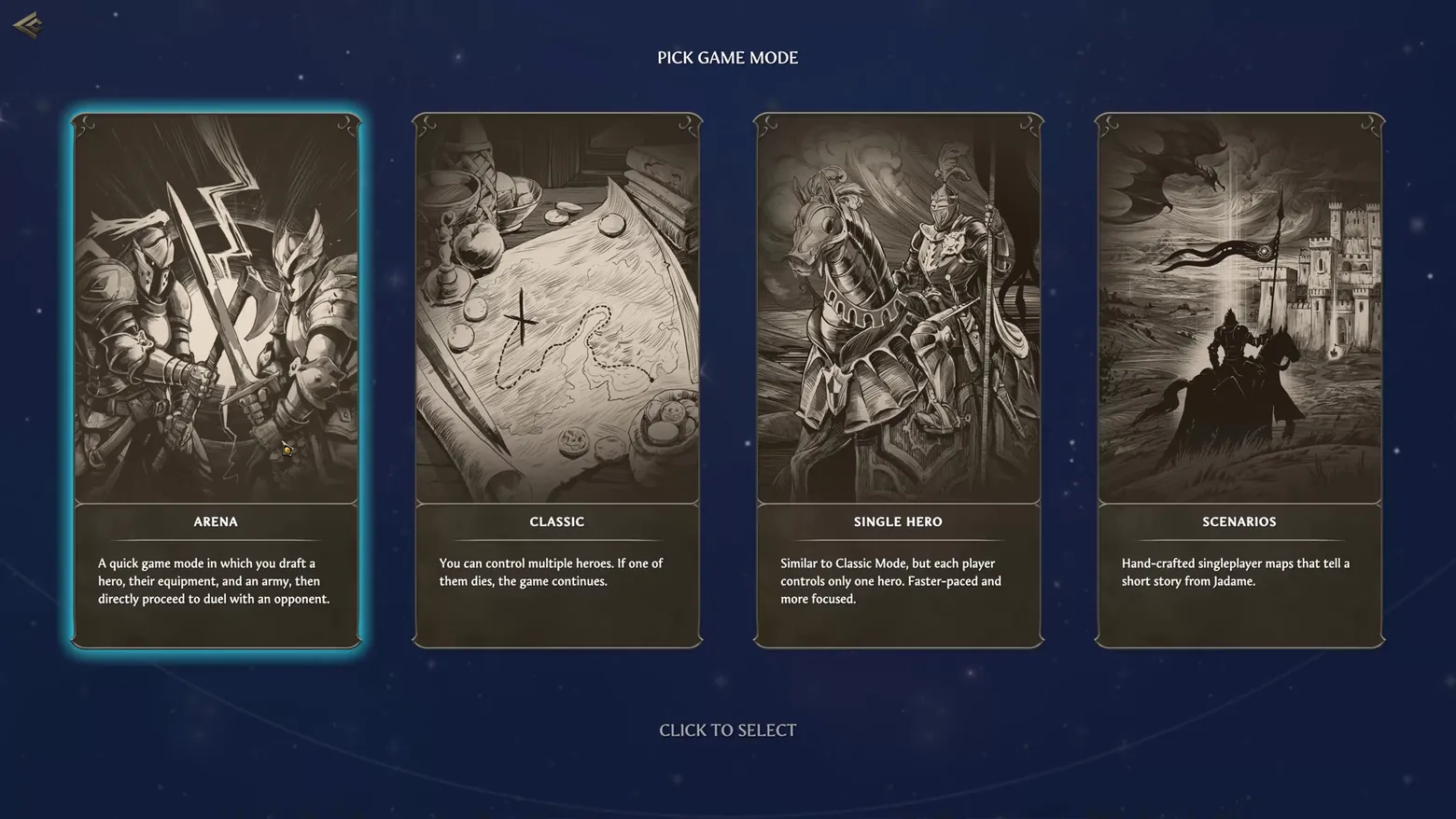
Pick Game Mode: four illustrated mode cards
Heroes of Might and Magic: Olden Era · Main Menu / Title
Art style Painterly illustration
About this game
Developer: Unfrozen · Publisher: Hooded Horse · Platform: PC (Steam) · Art style: Painterly illustration · Screen type: Main Menu / Title
More Heroes of Might and Magic: Olden Era screens in the Gallery
What to study
Frame at 1:06 in the Launch Trailer (https://store.steampowered.com/app/3105440/). Mode select is four sepia storybook cards, each with its own illustration and a single sentence (Arena: draft a hero, equipment, and an army, then duel). The selected card is the only one with a cyan glow, and there is no other chrome on the screen: the choice is the whole interface.
Patterns
How the screen is arranged.
card-grid card-choice menu-list
Components
Parts on screen.
Screen inventory
- four sepia mode cards: Arena, Classic, Single Hero, Scenarios
- one-sentence description per mode
- Arena selected with a cyan glow
- CLICK TO SELECT prompt
Top 3 colors
#131c39 28%#1d243c 19%#322e2a 16%
Top three palette colors by share. The remaining colors make up the rest.
Source and credit
© Unfrozen / Hooded Horse, Heroes of Might and Magic: Olden Era screenshot: Launch Trailer and Release Date Trailer videos (Steam), shown for design study and commentary. PlayCraft is an unofficial fan project, not affiliated with or endorsed by Hooded Horse.
Source tier 2 (publisher-released) · screenshot: Steam store page · Steam page
Source details
Fetched 2026-11-16. verified 2026-11-16: frame inspected visually at full resolution (1920x1080 native); genuine in-game main-menu screen confirmed settled and legible in the Launch Trailer (Steam) at 66.1s
no published policy found (checked 2026-11-16); fair-use study use, takedown honored within 48h
Rights holders: see Copyright & takedown.
More from Heroes of Might and Magic: Olden Era
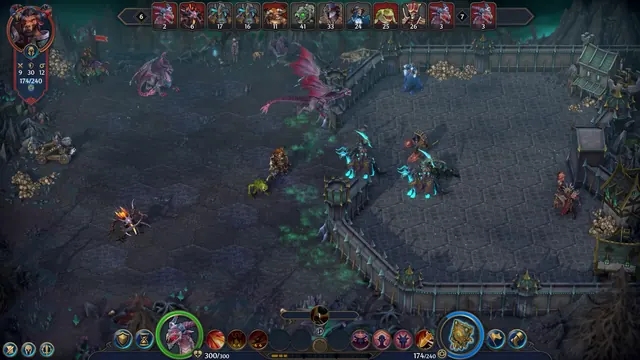
Similar screens
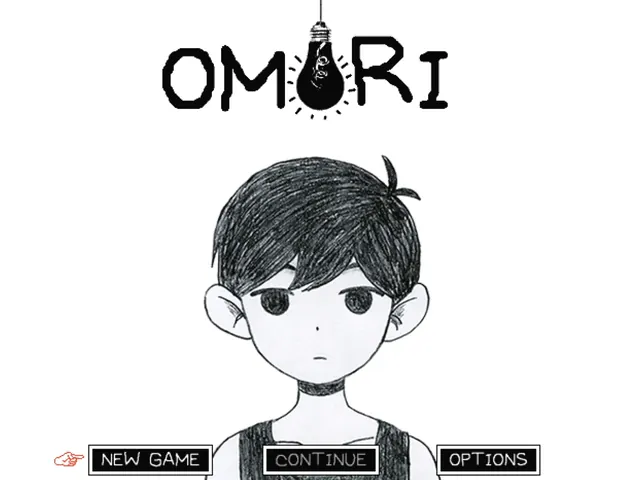 OMORI - Title screen: OMORI logo and Sunny portrait
Same type: Main Menu / Title; Shared patterns: menu-list
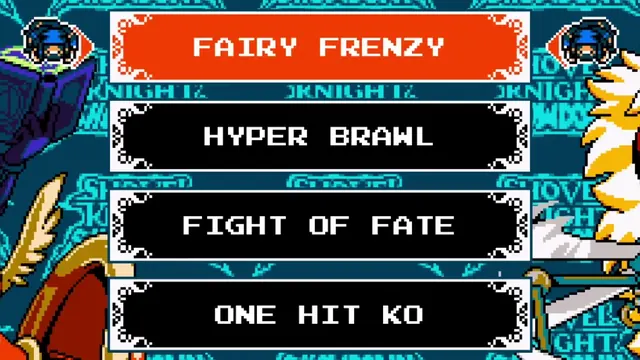 Shovel Knight: Treasure Trove - Showdown mode select: Fairy Frenzy, Hyper Brawl and more
Same type: Main Menu / Title; Shared patterns: menu-list
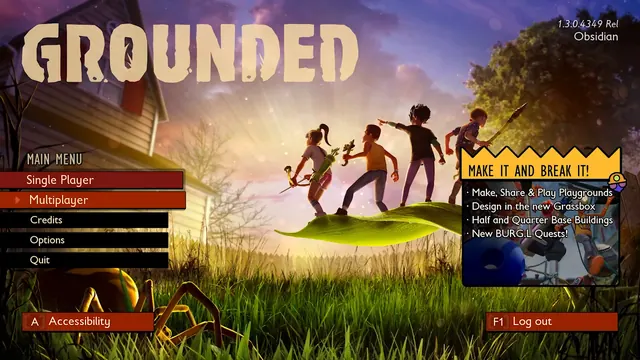 Grounded - Main menu: GROUNDED title, menu list and update news card
Same type: Main Menu / Title; Shared patterns: menu-list
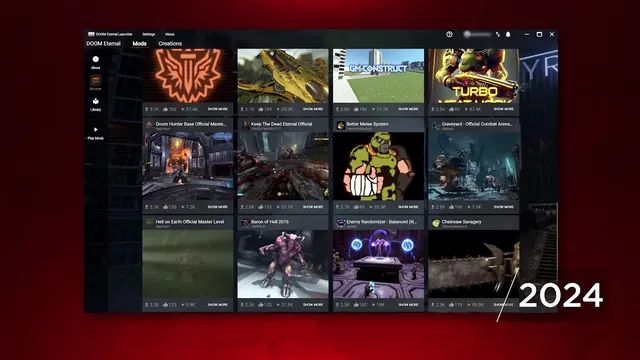 DOOM Eternal - Mods browser: community mod grid with download, like and play counts
Same type: Main Menu / Title; Shared patterns: card-grid
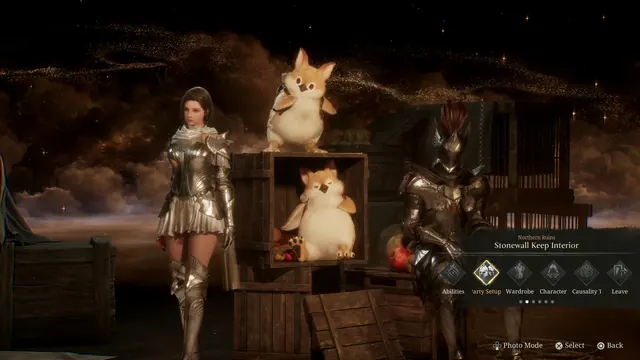 Vindictus: Defying Fate - Stonewall Keep Interior: camp menu, Abilities to Leave
Same type: Main Menu / Title; Shared patterns: menu-list
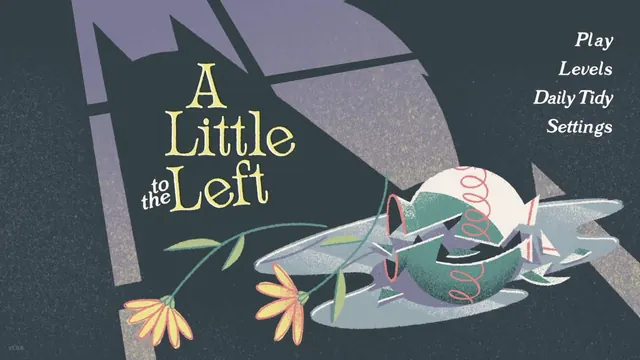 A Little to the Left - Main menu: Play, Levels, Daily Tidy and Settings
Same type: Main Menu / Title; Shared patterns: menu-list