DOOM Eternal Launcher: installed mods and the Active mods list
DOOM Eternal · Main Menu / Title
Art style Realistic 3D
About this game
Developer: id Software · Publisher: Bethesda Softworks · Platform: PC (Steam) · Art style: Realistic 3D · Screen type: Main Menu / Title
More DOOM Eternal screens in the Gallery
What to study
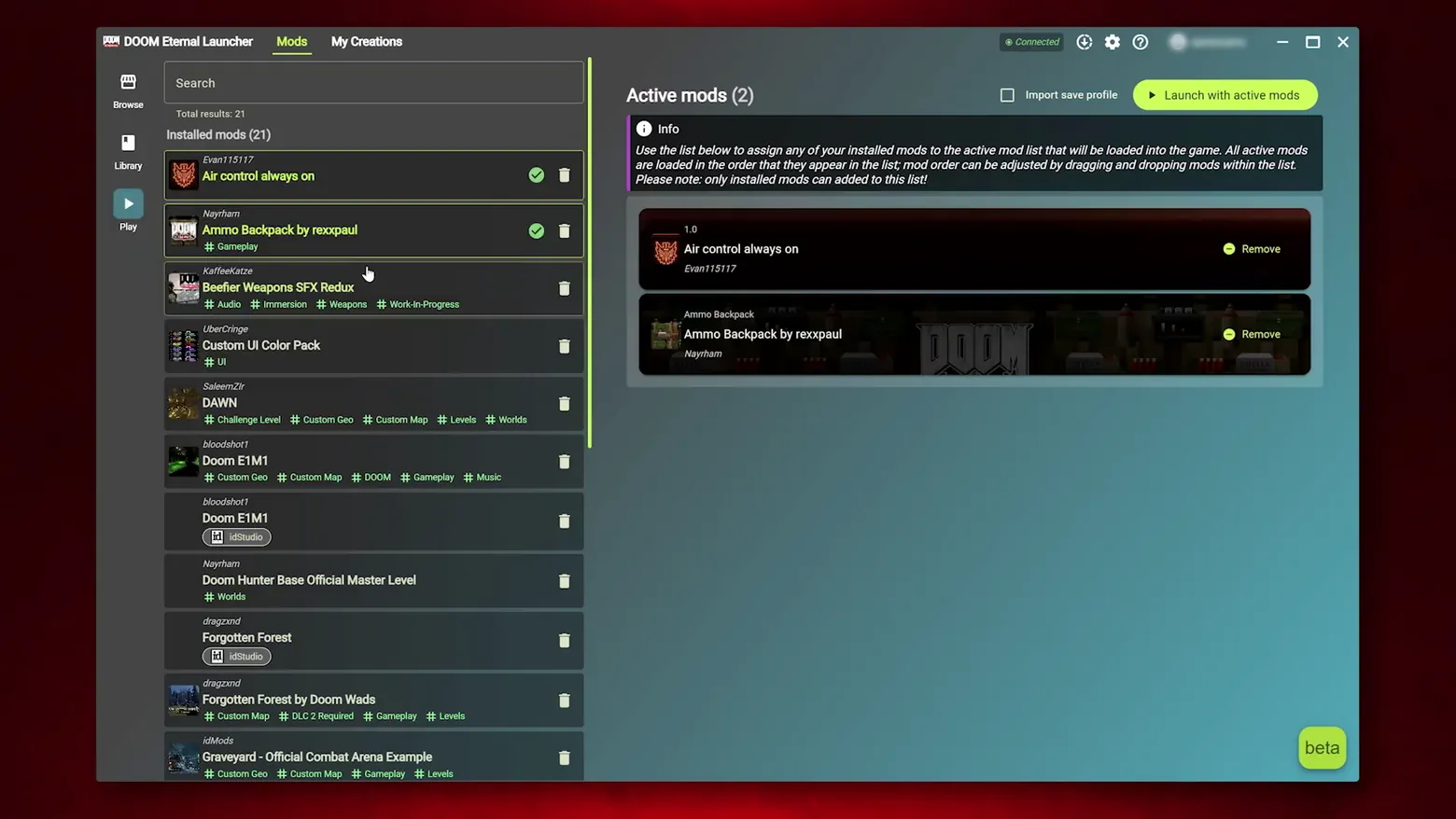
Two lists, one decision: on the left every installed mod with its author, tags and a delete bin; on the right the two active ones in load order, with an Info box that says the order is set by dragging and dropping. The green checks tie the two lists together at a glance, and the lime 'Launch with active mods' button makes the whole screen a single action. Mods shown include 'Air control always on' by Evan115117 and 'Ammo Backpack by rexxpaul' by Nayrham. Frame at about 1:00 in the Mods Trailer (Steam).
Patterns
How the screen is arranged.
master-detail checkbox-list category-rail
Components
Parts on screen.
Screen inventory
- Browse / Library / Play rail on the left with Mods tab active
- Search field and 'Total results: 21' over the Installed mods (21) list
- mod rows with author, title, tag chips and a trash icon each
- green check circles marking the two active mods
- Active mods (2) pane with an Info box explaining drag-to-reorder load order
- 'Launch with active mods' lime button and 'Import save profile' at the top right
- beta badge at the bottom right
Top 3 colors
#323737 22%#1c0d0e 20%#495454 19%
Top three palette colors by share. The remaining colors make up the rest.
Source and credit
© id Software / Bethesda Softworks, DOOM Eternal screenshot: Mods Trailer + Update 6.66 Trailer (Steam), shown for design study and commentary. PlayCraft is an unofficial fan project, not affiliated with or endorsed by Bethesda Softworks.
Source tier 2 (publisher-released) · screenshot: Steam store page · Steam page
Source details
Fetched 2026-11-14. verified 2026-11-14: frame inspected visually at full resolution; settled launcher confirmed (both lists, checkmarks, Info box and launch button all legible, no transition effects)
Bethesda Softworks Community Standards (bethesda.net/en-US/news/bethesda-softworks-community-standards, checked 2026-11-14): fan content including screenshots and mods encouraged with credit; video policy linked; no crowdfunding or monetization of mod projects
Rights holders: see Copyright & takedown.
Similar screens
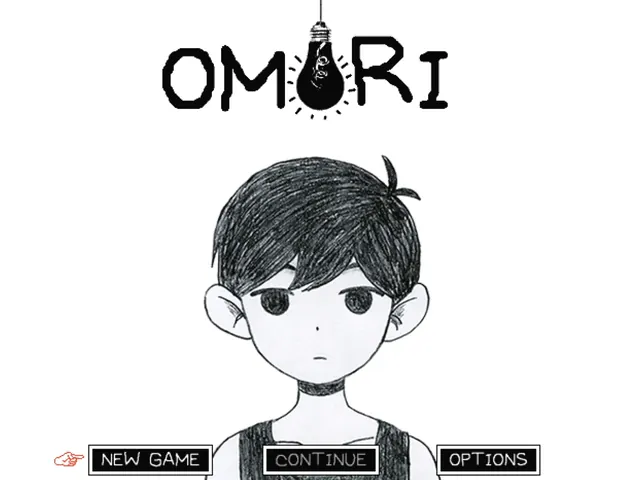 OMORI - Title screen: OMORI logo and Sunny portrait
Same type: Main Menu / Title
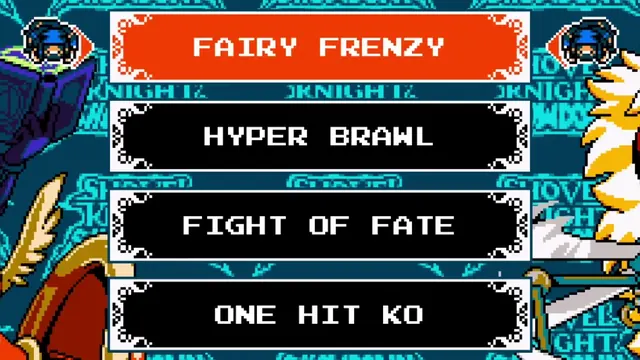 Shovel Knight: Treasure Trove - Showdown mode select: Fairy Frenzy, Hyper Brawl and more
Same type: Main Menu / Title
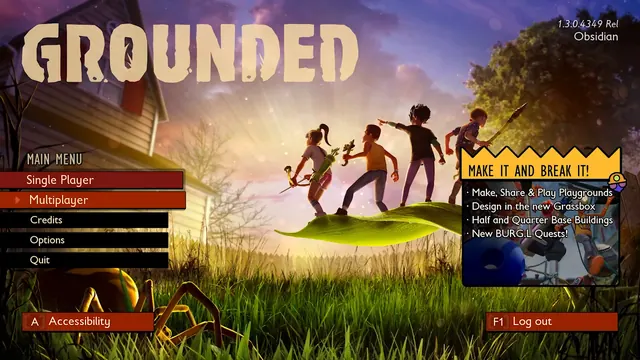 Grounded - Main menu: GROUNDED title, menu list and update news card
Same type: Main Menu / Title
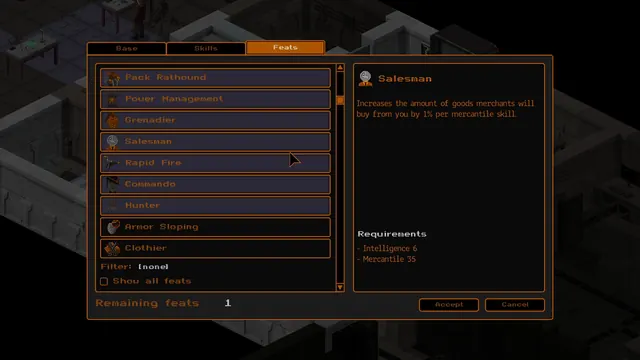 Underrail - Character sheet, Feats tab: the Salesman feat and its requirements
Shared patterns: master-detail, checkbox-list
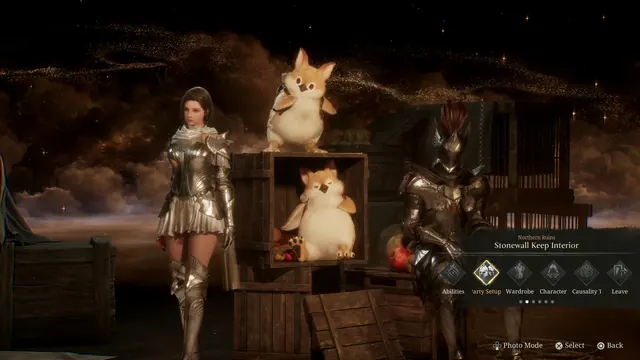 Vindictus: Defying Fate - Stonewall Keep Interior: camp menu, Abilities to Leave
Same type: Main Menu / Title
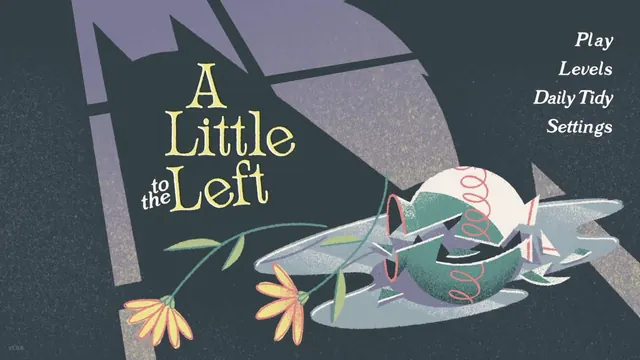 A Little to the Left - Main menu: Play, Levels, Daily Tidy and Settings
Same type: Main Menu / Title