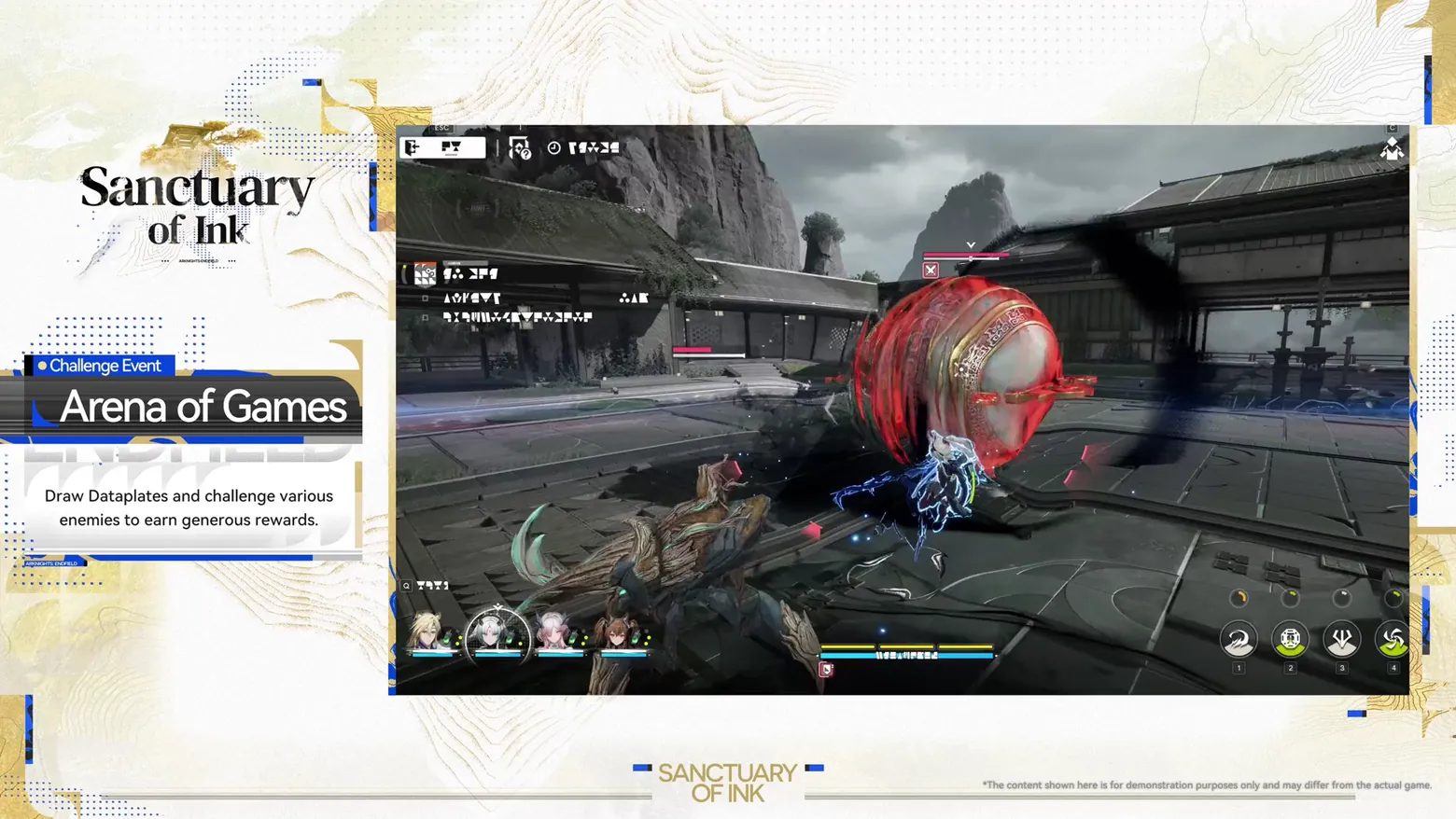
Arena of Games combat: party portraits, skill buttons, objectives
Arknights: Endfield · HUD & Gameplay UI
Art style Cel-shaded & anime
About this game
Developer: Mountain Contour · Publisher: GRYPHLINE / Mountain Contour · Platform: PC (Steam) · Art style: Cel-shaded & anime · Screen type: HUD & Gameplay UI
More Arknights: Endfield screens in the Gallery
What to study
The combat HUD in the new Old Dam area, and the frame that shows what the Arena's Dataplate draw is for: four operators in the party bar, HP and SP bars across the bottom, four numbered skill buttons at the right, objectives stacked at the top-left and the boss health bar across the top. The HUD is compact and cornered — the middle of the screen belongs to the fight, here a red lantern boss in a rain-slicked courtyard — and the skill buttons are the only part of the screen that asks for a decision. Presented inside the trailer's Version Intel frame (left title column, bottom SANCTUARY OF INK bar). Frame at 4:57 in the [Sanctuary of Ink] Version Trailer (Steam; manual extraction from the dense filmstrip).
Patterns
How the screen is arranged.
ability-bar enemy-health-bar hud-overlay objective-tracker party-bar
Components
Parts on screen.
Action bar Minimap Portrait Quest tracker Vitals bar
Screen inventory
- bottom-left party bar: four operator portraits with HP bars, the active one ringed
- bottom-centre HP/SP bars with a skill gauge; bottom-right four numbered skill buttons (1-4) and three small utility icons
- top-left objective list in the trailer's pseudo-script; top-centre enemy health bar with a red debuff icon; top-right minimap toggle
- the fight itself: the operator mid-attack against a red lantern boss in the Old Dam courtyard, a wooden beast companion at left
Top 3 colors
#f7f6f3 20%#2a292a 20%#494f52 19%
Top three palette colors by share. The remaining colors make up the rest.
Source and credit
© Mountain Contour / GRYPHLINE / Mountain Contour, Arknights: Endfield screenshot: [Sanctuary of Ink] Version Trailer (Steam), shown for design study and commentary. PlayCraft is an unofficial fan project, not affiliated with or endorsed by GRYPHLINE / Mountain Contour.
Source tier 2 (publisher-released) · screenshot: Steam store page · Steam page
Source details
Fetched 2026-11-21. verified 2026-11-21: candidates-manual/t297.png @ 297.0s in the [Sanctuary of Ink] Version Trailer, MD5 494d7f8f3fa89aaa0bcc2b504cf59d7b, 2054224 B, inspected visually at full resolution (1920x1080 native); all named elements legible; in-game combat HUD inside the trailer's Version Intel composite frame; byte-identical to a frame from the clean curl-shim re-fetch (shim-verify2)
Official GRYPHLINE Fan Content and Streaming Guidelines, https://endfield.gryphline.com/en-us/news/4497 (found 2026-11-21): individuals may freely create, display and share fan works non-commercially; uploading gameplay videos and livestreaming is permitted without prior contact provided the primary purpose is to introduce the Work and share gameplay experiences and no prohibited content is included. Prohibited: content that 'directly copies or uses excerpts of the Company's official materials and lacks clear originality'. This catalog's use is screenshots from the official trailer presented with original study-note analysis in a non-commercial study catalog; the study notes are the originality. Caveat for the parent: the Gallery is ad-supported, and the guideline's non-commercial framing for fan works sits against its separate allowance of monetized gameplay videos — the takedown-honor line below applies; treat as fair-use study use with 48h takedown honor, as in past specs.
Rights holders: see Copyright & takedown.
Similar screens
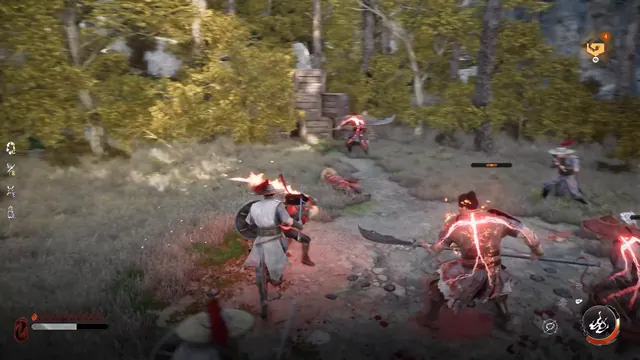 Burning Sword: Death Sun - Forest skirmish: standard combat HUD, no boss bar
Same type: HUD & Gameplay UI; Shared patterns: enemy-health-bar, hud-overlay, objective-tracker
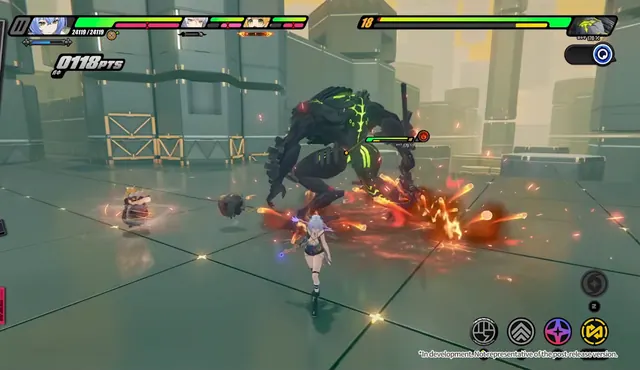 Zenless Zone Zero - Battle HUD: Robin vs Ethereal boss, three-agent party bar and score
Same type: HUD & Gameplay UI; Shared patterns: enemy-health-bar, hud-overlay, party-bar
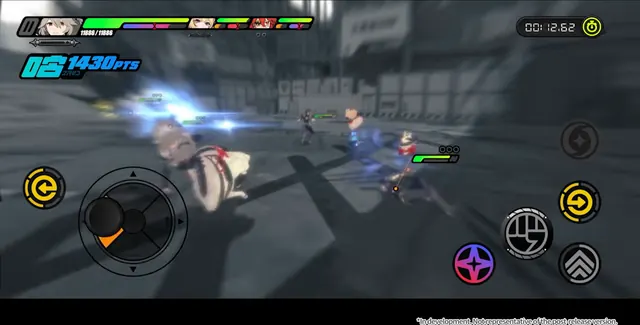 Zenless Zone Zero - Mobile battle HUD: virtual joystick and previous-character button
Same type: HUD & Gameplay UI; Shared patterns: enemy-health-bar, hud-overlay, party-bar
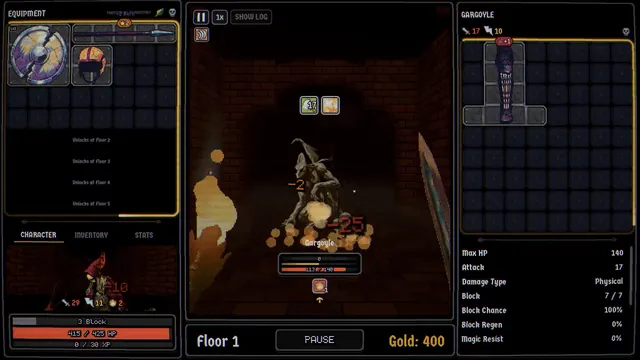 Dungeonbound - Combat: Gargoyle with its own inventory grid and stat panel
Same type: HUD & Gameplay UI; Shared patterns: hud-overlay, enemy-health-bar
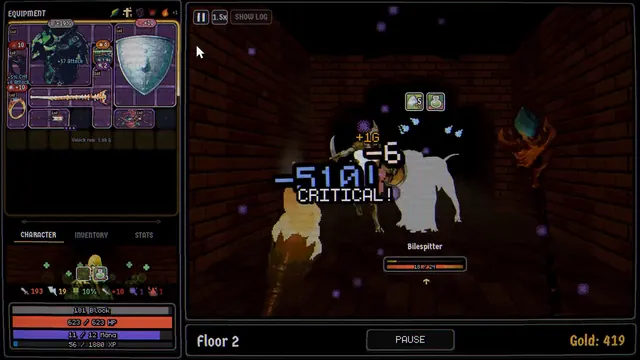 Dungeonbound - Combat: Bilespitter, -510 CRITICAL, mana bar and potions
Same type: HUD & Gameplay UI; Shared patterns: hud-overlay, enemy-health-bar
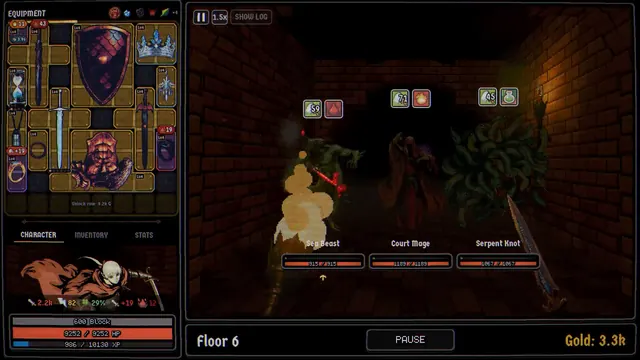 Dungeonbound - Combat: three-enemy encounter, Sea Beast, Court Mage, Serpent Knot
Same type: HUD & Gameplay UI; Shared patterns: hud-overlay, enemy-health-bar